ODYS PDV 67003 DVB-T
36
EN
8 Playback operation
8.1 Getting started
1
Connect the device to a mains socket using the power supply unit
that is delivered with the device.
2
Push the POWER ON/OFF switch on the left side of the device to
the ON position. The device's power supply indicator lamp lights up
green, and a welcome screen is displayed.
3
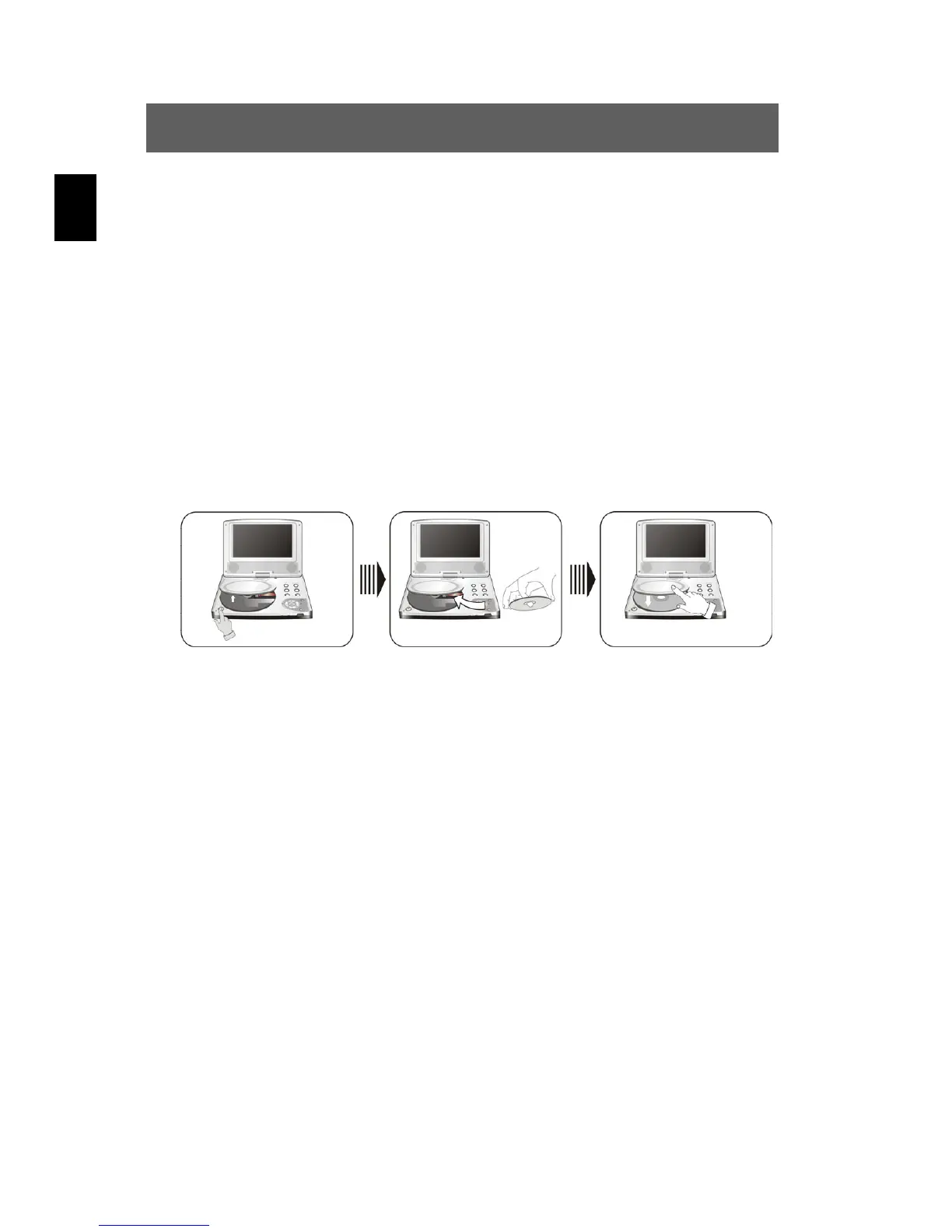
Press the OPEN button, insert a disc with the printed side facing up,
and close the disc cover (see illustration).
4
The DVD player automatically starts with the playback.
5
Adjust the volume to the desired level using the VOLUME controller
on the right side.
6
Press the PWR button on the remote control. The DVD player
switches to standby mode and the power supply indicator lamp
lights up red.



 To Next Page