ODYS PDV 67003 DVB-T
51
EN
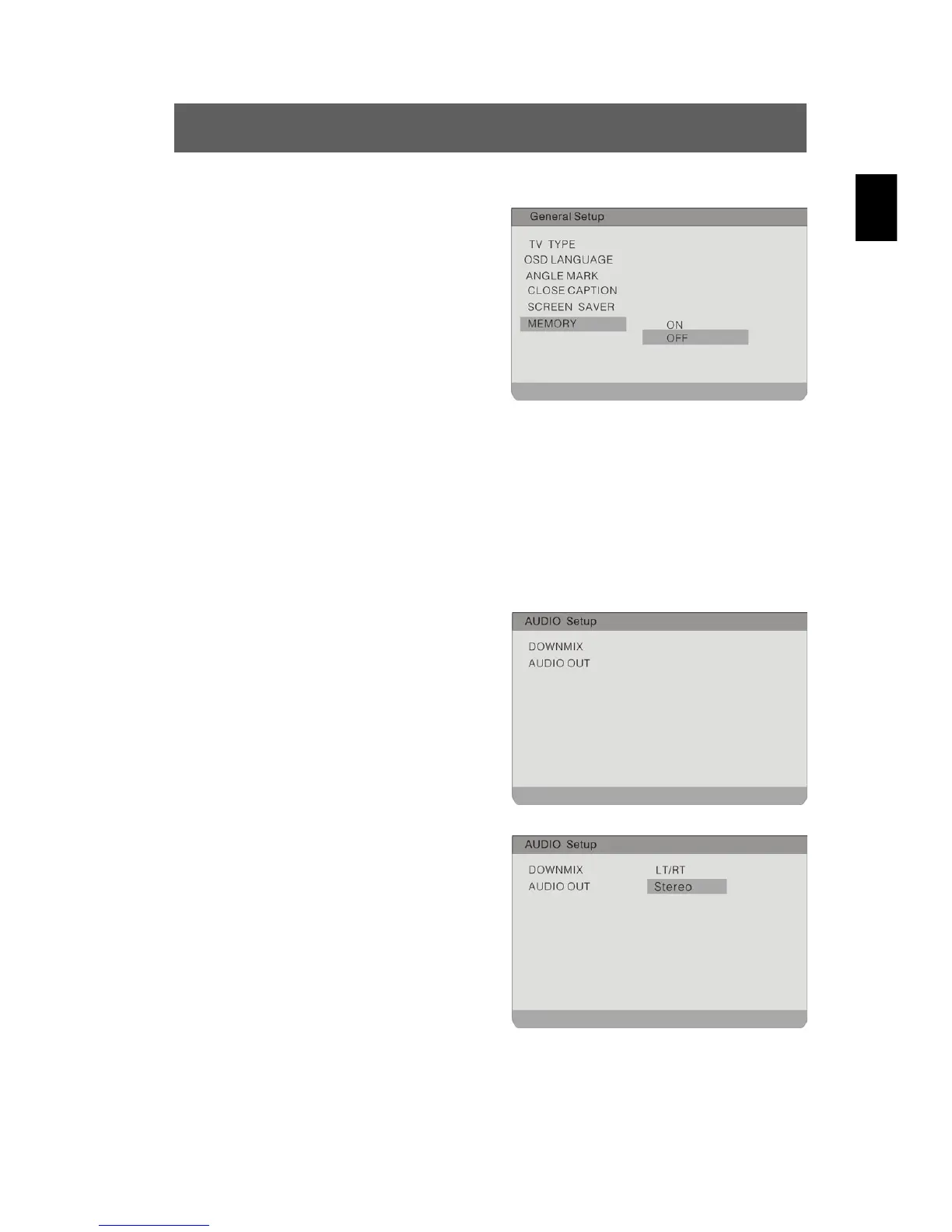
Memory
To activate/deactivate whether the
last playback position is saved. If
this option is activated, playback is
automatically resumed at the last
playback position.
Highlight the option using the and
buttons. Switch to the option's
setting by pressing ENTER or .
Possible settings are ON and OFF
(default).
Use the
buttons to highlight the desired setting and confirm
with ENTER. Press
to exit the option's setting.
9.2 Audio Setup
The illustration shows the options
available in this submenu.
Downmix
To activate the downmix mode
Highlight the option using the and
buttons. Switch to the option's setting
by pressing ENTER or . Possible
settings are LT/RT and Stereo
(default).
Use the
buttons to highlight the desired setting and confirm
with ENTER. Press
to exit the option's setting.



 To Next Page