ODYS PDV 67003 DVB-T
52
EN
Note
When LT/RT is selected, the audio signals are output in Dolby
format, when Stereo is selected, they are output in stereo format.
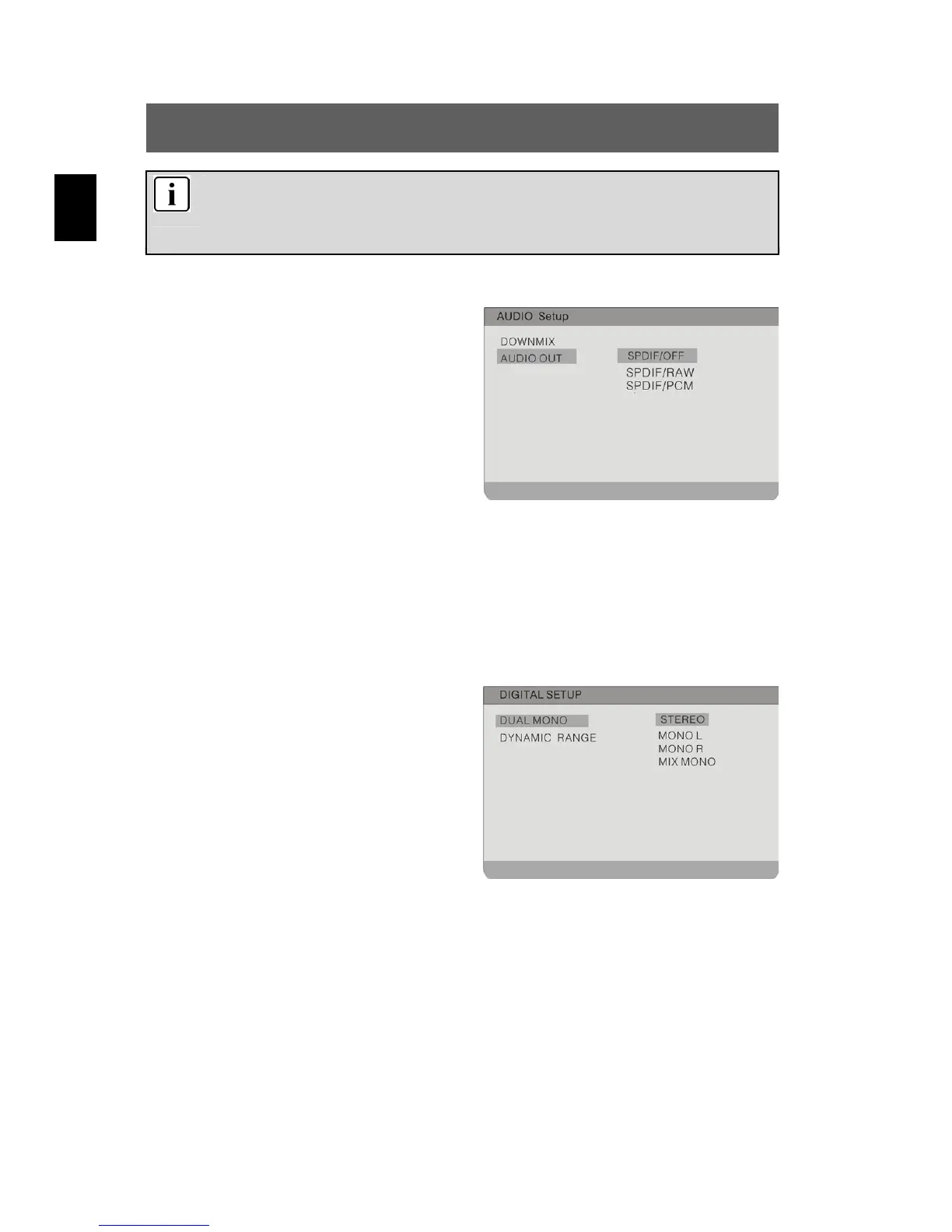
Audio Out
In this menu, you set an analogue
(SPDIF/OFF) or one of two optical digital
audio standards (SPDIF/RAW and
SPDIF/PCM).
Highlight the option using the and
buttons. Switch to the option's setting by
pressing ENTER or .
Use the
buttons to highlight the desired setting and confirm
with ENTER. Press
to exit the option's setting.
9.3 Digital Setup
Dual Mono
To set the channel output mode.
Highlight the option using the and
buttons. Switch to the option's setting by
pressing ENTER or . Possible
settings are Stereo (default), L-Mono,
R-Mono und Mix-Mono.
Use the
buttons to highlight the desired setting and confirm
with ENTER. Press
to exit the option's setting.



 To Next Page