ODYS PDV 67003 DVB-T
49
EN
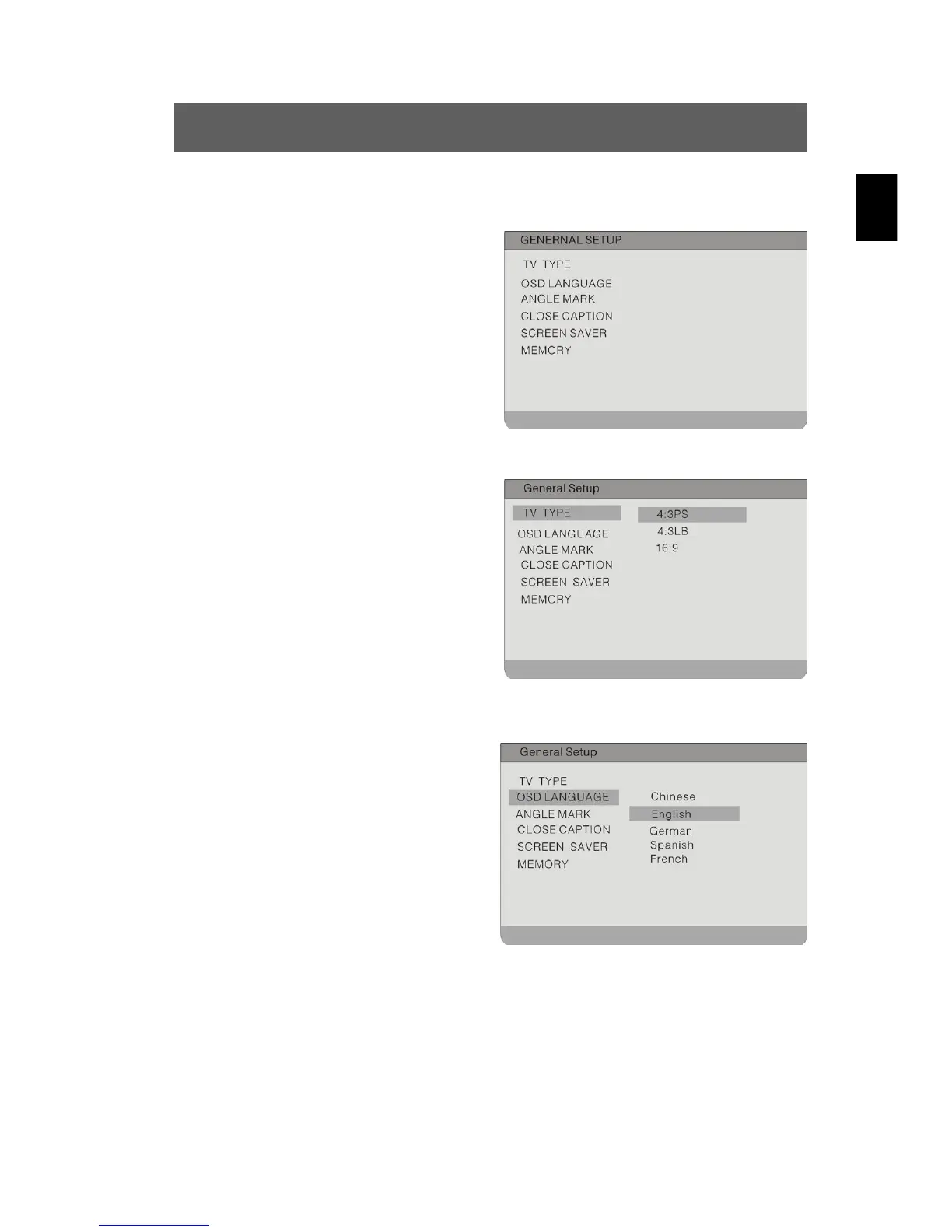
9.1 General Setup
The illustration shows the options
available in this submenu.
TV Type
To set the TV display mode.
Highlight the option using the
buttons. Switch to the option's
setting by pressing ENTER or
.
Possible settings are: 4:3 PS, 4:3 LB
and 16:9 (default). Use the
buttons to highlight the desired setting
and confirm with ENTER. Press
to
exit the option's setting.
OSD Language
To set the language for the on-
screen menu.
Highlight the option using the
buttons. Switch to the option's
setting by pressing ENTER or
.
Possible settings are: English
(default), German, Spanish, French
etc..
Use the
buttons to highlight the desired setting and confirm
with ENTER. Press
to exit the option's setting.



 To Next Page