ODYS PDV 67003 DVB-T
33
EN
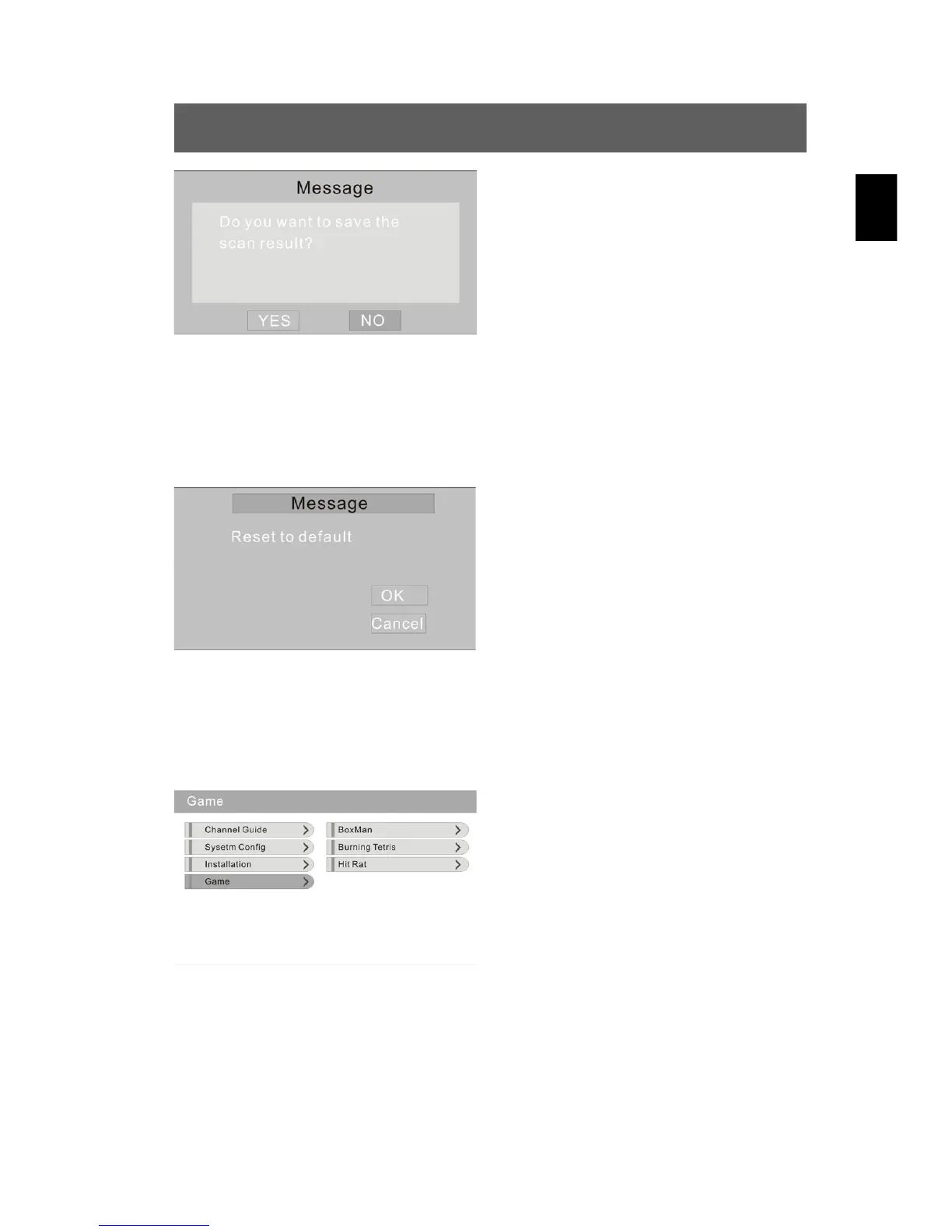
Store the found channels by using
/ to select YES in the next menu
and confirm using ENT (see also
“Storing search results” in chap. 6.1)
or cancel them using NO.
Standard setting (Default setup)
Using this option, you reset the values to the factory settings. Press
to select the “Default setup” option and confirm using ENT. The following
menu is displayed:
Press to select the OK and
confirm using ENT. To cancel the
dialog and to return to the previous
menu, select “Cancel”.
4. Game
Press to select the “Game” option and confirm using ENT. The
following menu is displayed:
In this menu, press to select the
desired game (BoxMan, Burning
Tetris, Hit Rat) and confirm using
ENT. You can play the games shown
on the display. Using the SETUP
button, you return to the previous
menu.



 To Next Page