ODYS PDV 67003 DVB-T
54
EN
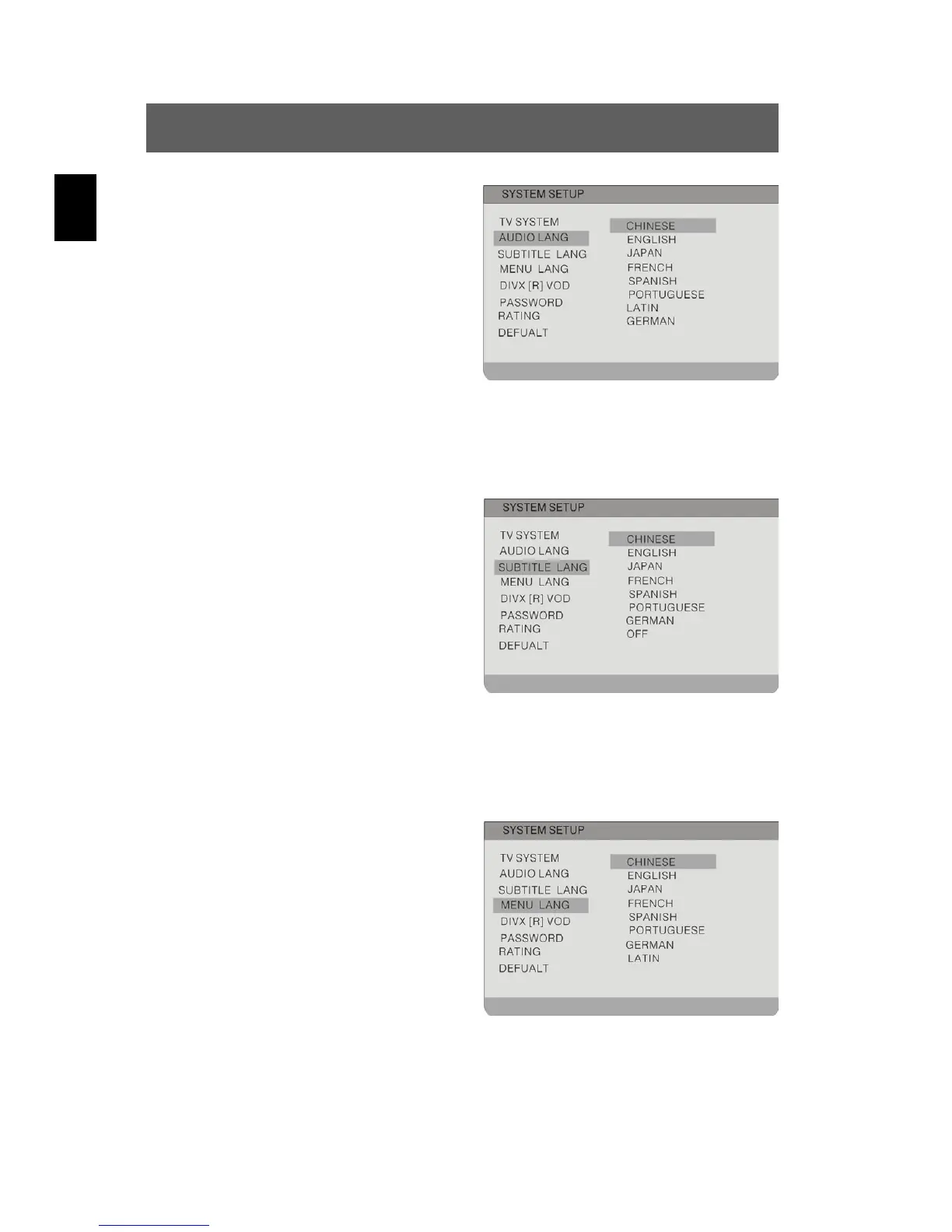
Audio Lang
To set the playback language
Highlight the option using the and
buttons. Switch to the option's setting by
pressing ENTER or . Possible
settings are English (default), French,
Spanish, German etc..
Use the
buttons to highlight the desired setting and confirm
with ENTER. Press
to exit the option's setting.
Subtitle Lang
To set the subtitle language
Highlight the option using the and
buttons. Switch to the option's setting by
pressing ENTER or . Possible
settings are English, French, Spanish,
German etc. and OFF (default).
Use the
buttons to highlight the desired setting and confirm
with ENTER. Press
to exit the option's setting.
Menu Lang
To set the language for the disc
menu.
Highlight the option using the and
buttons. Switch to the option's setting by
pressing ENTER or . Possible
settings are English (default), French,
Spanish, German etc..
Use the
buttons to highlight the desired setting and confirm
with ENTER. Press
to exit the option's setting.



 To Next Page