ODYS PDV 67003 DVB-T
56
EN
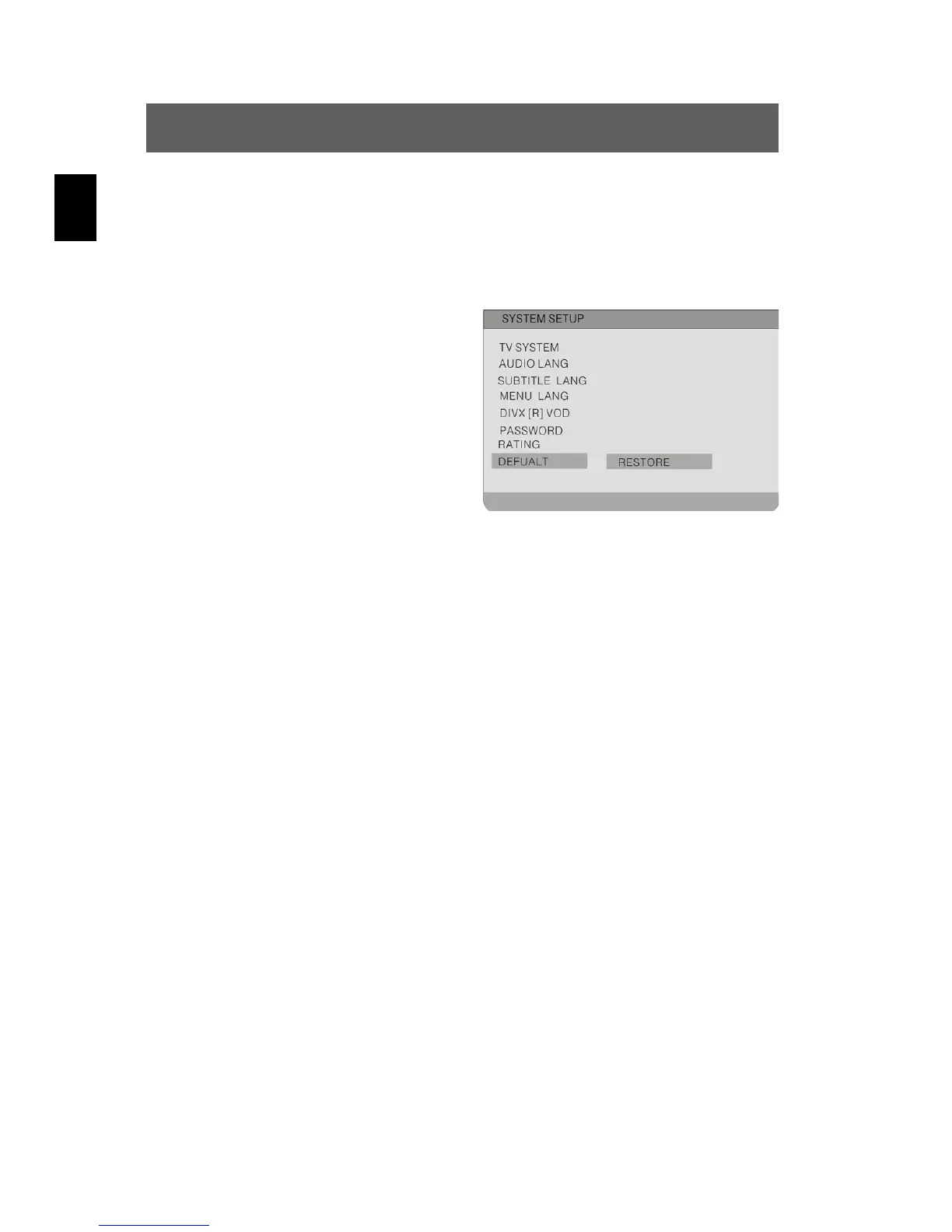
Highlight the option using the and buttons. Switch to the option's
setting by pressing ENTER or . Use the
to exit
the option's setting.
Default
Use this option to reset the device
settings to their defaults.
Highlight the option using the and
buttons. Switch to the option's setting
Restore by pressing ENTER or .
Press ENTER again to reset the device
to its default settings.



 To Next Page