MENU SYSTEM
ODYSSEY MENU
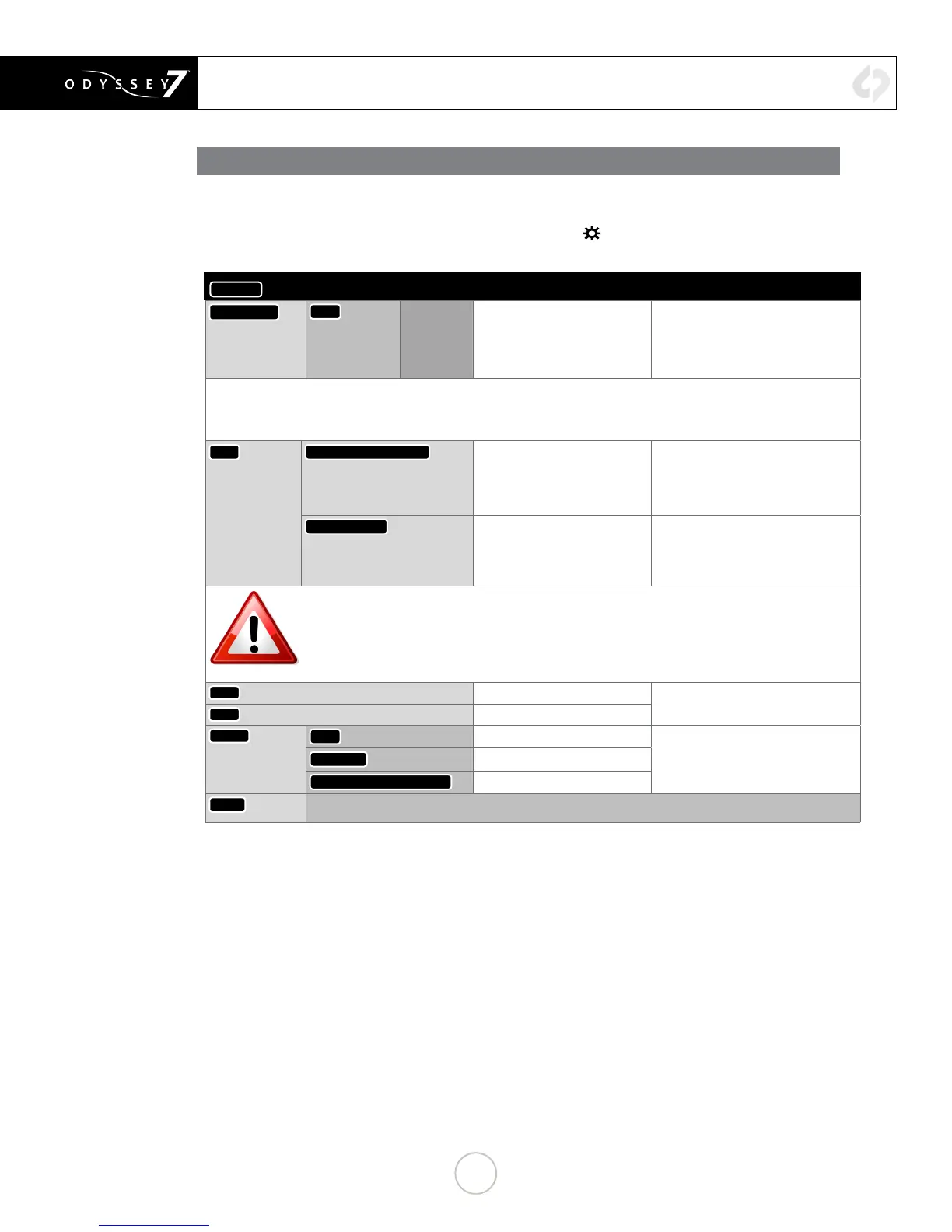
The ODYSSEY Menu allows you to access basic device settings. This is where you can view device info,
set date, time & metadata, format & recover SSDs and view information about the device such as the
rmware version and serial number. It is accessed by tapping
☼
then tapping ODYSSEY.
ODYSSEY
→
Option Description Notes
ACTIVATION
UNIT
Enter Key or
‘OK’
For acvang Odyssey7
(required)
Tap to reveal a key code prompt.
To acvate the Odyssey7 aer inial
purchase, go to Convergent-Design.
com, create an account and add the
device.
DEMO MODE: ALL AVAILABLE RECORD OPTIONS ARE FUNCTIONAL IN A DEMO MODE, BUT IF THE OPTION HAS NOT BEEN
ACTIVATED THE IMAGE FOR THAT OPTION WILL APPEAR WITH A LARGE BLUE BAR “WATERMARK” ON SCREEN WHEN
RECORDING. THIS BAR IS RECORDED IN THE IMAGE FILE.
SSDS ERASE & FORMAT SSD1
Permanently erases everything
on SSD1.
FORMATTING IS A DESTRUCTIVE
PROCESS AND WILL ERASE ANY FILES
CURRENTLY ON THE SSD. BE SURE
TO DOWNLOAD ALL FILES BEFORE
FORMATTING.
REBUILD SSD1
Non-destrucvely recovers /
rebuilds le system of SSD1
Use only in extreme cases (such as
if a computer corrupts the SSDs le
system).
PLEASE NOTE: Formang should be performed at the start of use of any new SSDs and the start of any new
project. Recovery is for when the SSD was not properly dismounted from the Odyssey7. This includes
physically removing the SSD without running the eject sequence, sudden loss of power to the Odyssey7 or
improper powering down of the Odyssey7. The Recover process accesses any incomplete les on the SSD
and, when possible, properly closes them. NOTE: FORMATTING OF SSDs SHOULD ALWAYS BE PERFORMED
ON THE ODYSSEY7.
TIME
Set the appropriate me.
IMPORTANT FOR RECORDING OPTION
RENTALS
DATE
Set the appropriate date.
RESET
MENU
Restore all default sengs.
Does not eect rmware version or
record opons.
METADATA
Resets metadata elds
ALL (FACTORY DEFAULTS)
Resets all sengs
ABOUT
Displays the rmware version, serial number, warranty status, and which Opons are acvated.
Check our website regularly to ensure you are running the current rmware.
14


 To Next Page