MENU SYSTEM
AUDIO (ALL MODES)
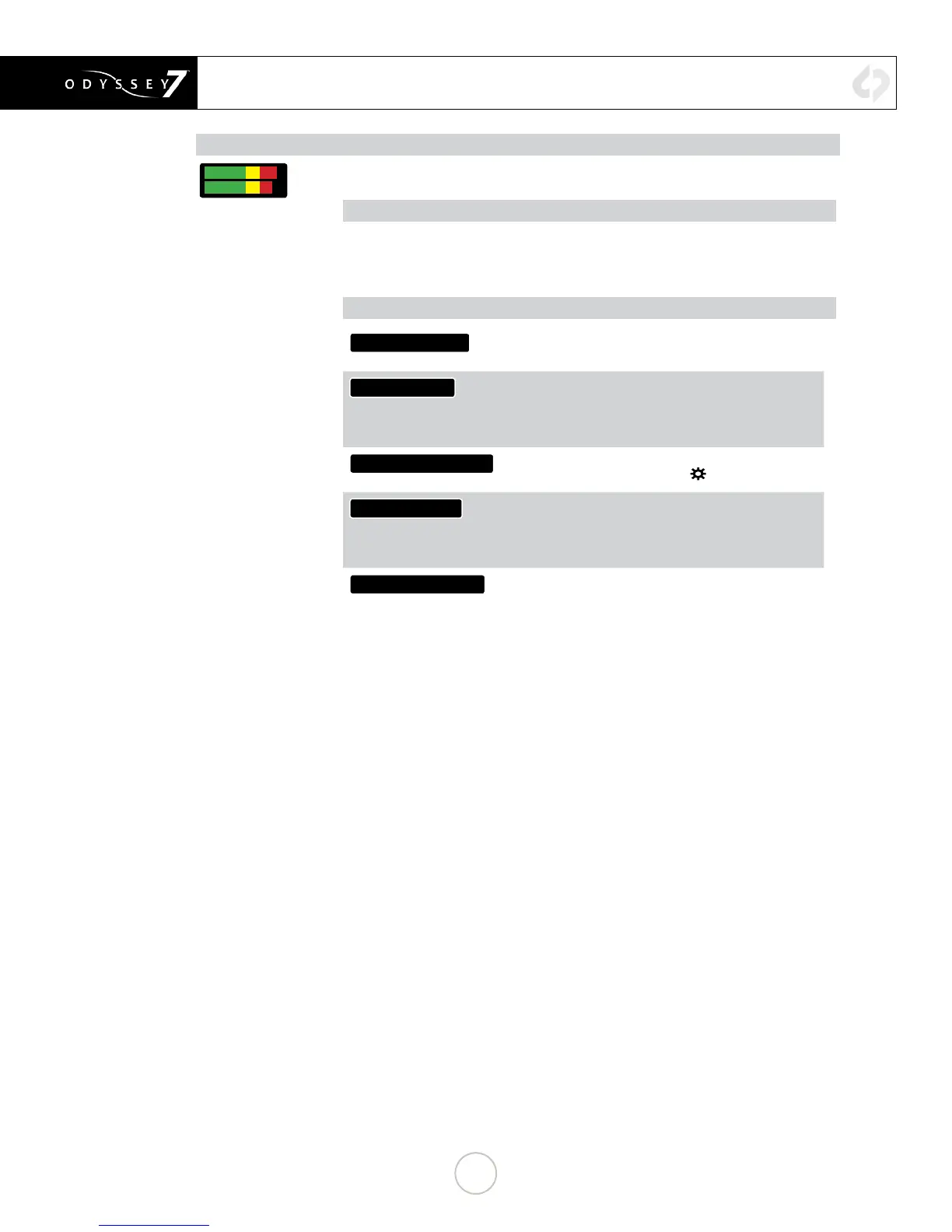
Displays audio levels. Tap button for Audio Display/Control settings.
AUDIO METERS SETTINGS
SHOW (display audio levels as BARS or numerical VALUES)
BAR COLORS (set yellow level to -20 or -18 dB)
METERS (turn ON or OFF audio levels display)
AUDIO OPTIONS
AUDIO CHANNELS:
Currently locked to two channels. Future rmware
updates will allow up to eight audio channels.
AUDIO SOURCE:
Allows selection of audio input source.
SDI/HDMI (embedded in incoming signal)
ANALOG (analog 2-channel input via AUD IN port)
Currently available only for HD Apple ProRes recording.
HEADPHONE OUT(dB):
Volume adjustment of AUD OUT port. Control replicated
as HEADPHONE in OUTPUTS in
☼
MENU.
ANALOG MIX IN:
For analog audio input via AUD IN port, select between
STEREO UNBALANCED (two discreet channels) or
MONO BALANCED (one source to record over both
channels).
ANLG GAIN IN(dB):
Adjust analog audio input levels for AUD IN port.
24


 To Next Page