MENU SYSTEM
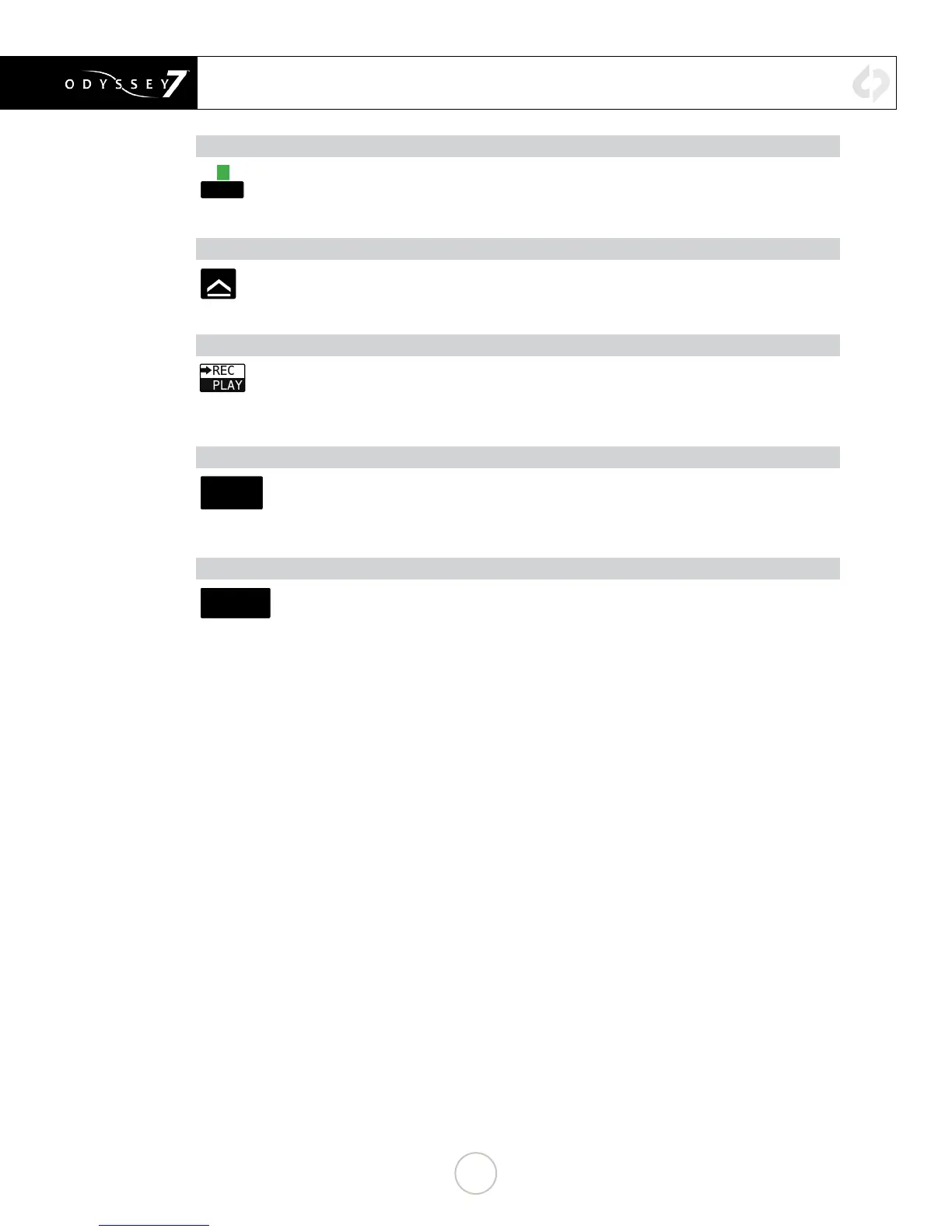
SSD1 STATUS (ALL MODES)
02:12
Displays record time available given current settings (HH:MM). Tapping button brings up
detailed information on SSD1 status.
SAFE EJECT (ALL MODES)
Prompts a conrmation to Safely Eject one or both of the SSDs. This is the proper method
for dismounting and ejecting SSDs so that the les and directories can be closed properly.
REC/PLAY (ALL MODES)
Displays current status as to whether Odyssey is in RECORD or PLAY mode. Tapping
button toggles between modes. NOTE: Playback Mode changes the upper and lower tool
bars. See Play Mode, below.
CLIP METADATA (ALL MODES)
CLIP0000
005_000
.MOV A
Displays current recording format. Tapping button brings up detailed information on
recording type and frame rates. If a rented Record Opon is in use, the remaining me
is noted here.
LAST TAKE BUTTON (RECORD MODE ONLY)
LAST TAKE
00:00:05
650 FRAMES
Displays timecode start and elapsed time of last recorded take. Tapping button brings up
detailed information of the last take recorded.
23


 To Next Page