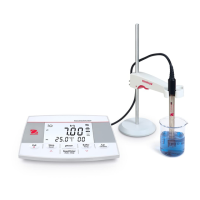
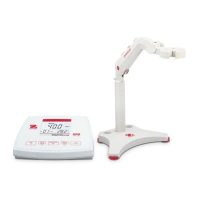
EN-8 AB23PH Bench pH Meter
3. SETUP
3.1 Set temperature unit and MTC value
Please note:
If a temperature electrode is used, Automatic Temperature Compensation (ATC) and
the sample temperature are displayed on the screen. You may then choose to skip MTC
setup (below).
If the meter does not detect a temperature electrode or one is not used, the meter
automatically switches to Manual Temperature Compensation (MTC) mode and MTC
appears on the screen.
MTC temperature can be set as follows:
1. Press the Exit button to turn the meter on.
2. Long press the Temp. button to enter setting.
3. The symbol °C is flashing.
4. Press the or button to switch between °C and °F.
5. Press the Read/Enter button to confirm your selection.
6. Continue to set the MTC temperature by using or to adjust temperature
compensation accordingly
7. Press the Read/Enter button to confirm the setting.
8. Press the Exit button to return to the measurement screen.
Note:
1. The default MTC temperature value is 25°C (77°F).
2. °C = 5/9 (°F - 32).
3.2 Select a predefined buffer group
After confirming the MTC compensation temperature value, select the buffer group.
To do this:
1. Press the Buffer button to enter the selection.
2. Press the or
3. button to switch between 2 buffer groups.
4. Press the Read/Enter button to confirm the setting or press the Exit button to
return to the measurement screen.
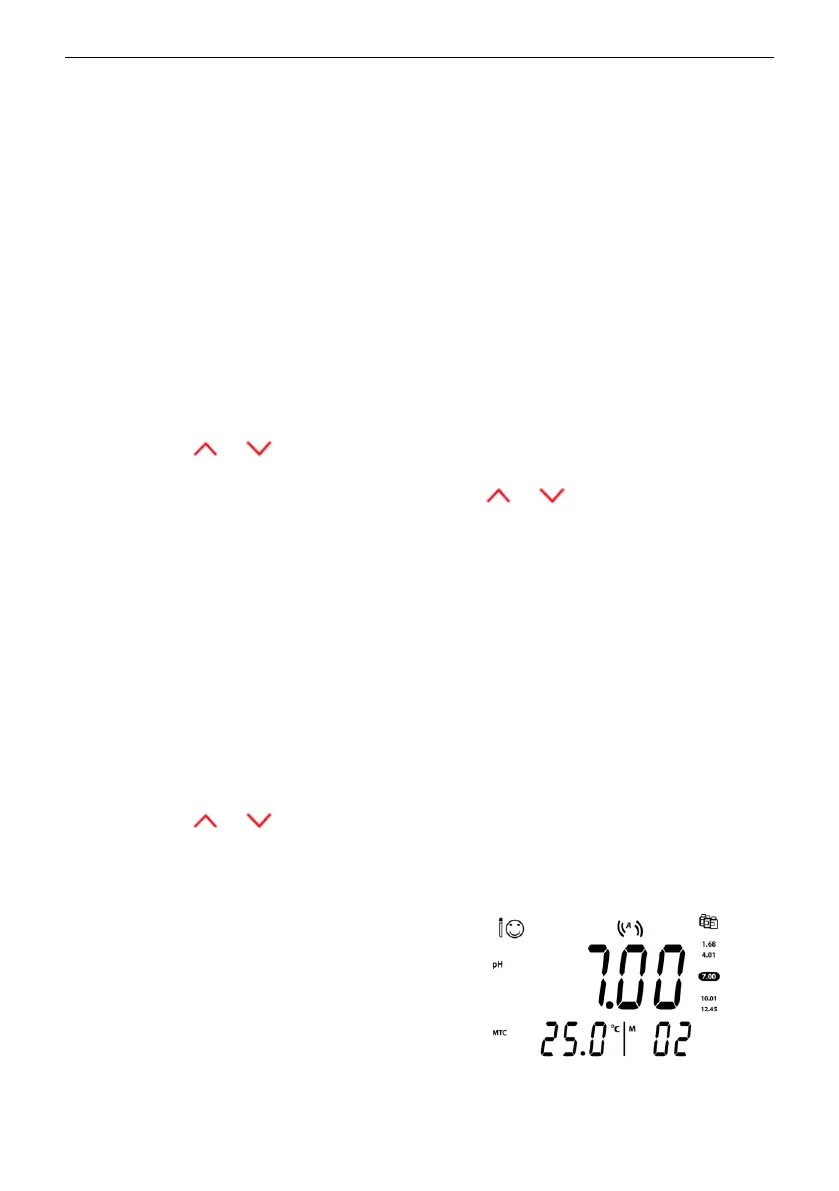
The meter will then display the selected buffer
group on the right of the screen.
Check figure 3-1 as an example.


 To Next Page