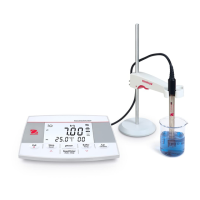
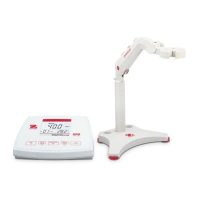
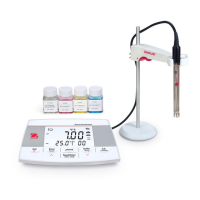
AB23PH Bench pH Meter EN-5
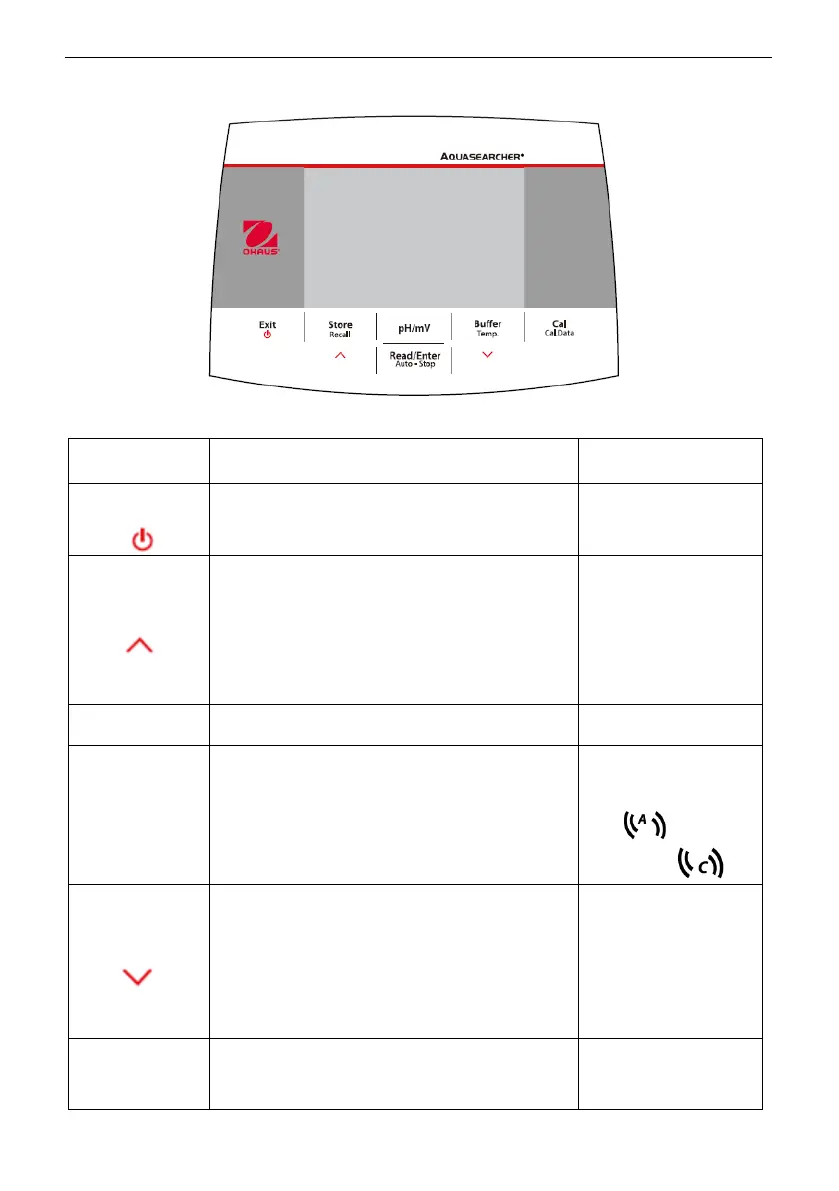
Controls
Figure 1-2 Control Panel
Press & hold
for 3 seconds
Turns on the meter
Cancels the current measurement
Exits calibration
Stores the current measurement result
When checking the stored
measurement results, moves to the
previous record.
When setting parameters, increases
the setting value or displays the
previous option.
Recalls stored
measurement results
Switches between pH and mV mode.
Starts or ends measurement
Ends the current measurement in the
auto endpoint mode and shows the
result
Confirms settings and stores setting
parameters
Switches between
auto and continuous
endpoint mode
Auto
Continuous
Selects buffer group
When checking the stored
measurement results, moves to the
next record.
When setting parameters, decreases
the setting value or displays the next
option.
Enters temperature
setting, selects
temperature unit and
sets MTC
temperature (The
default is 25.0 C°
degrees)
Recalls the latest
calibration data:
slope and offset


 To Next Page