APPENDIX B THE SERVICE MENU
Ohaus Corporation www.ohaus.com 40 Navigator Series Service Manual
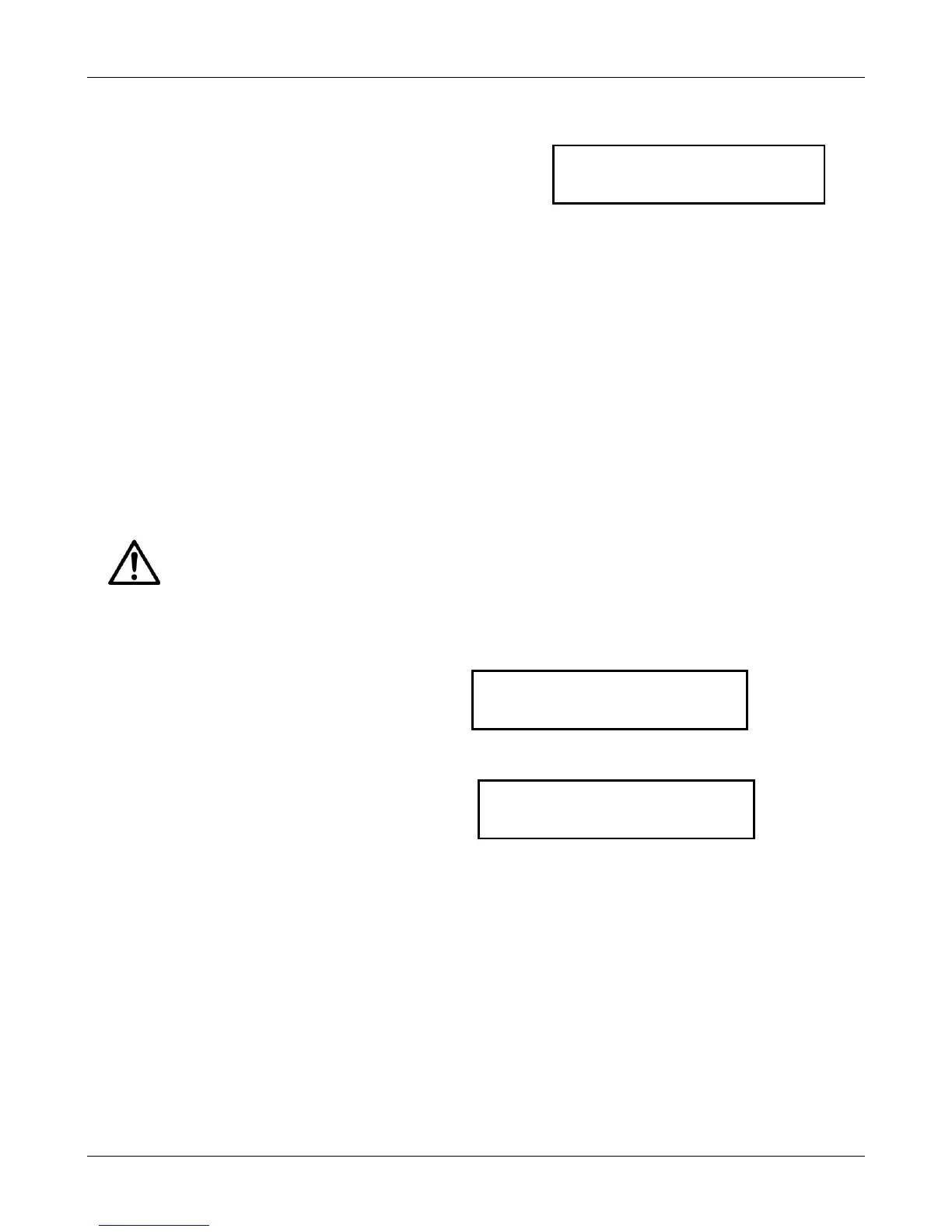
After the span value is acquired, the display shows
done for 2 seconds and advances to GEO. (To exit the
Service Menu, press No until End appears. Then press
Yes.)
NOTE: If calibration fails, ensure that the test area is free from drafts and the surface the scale
rests on is level and free of vibrations. Then try to calibrate again. If it continues to fail, there may
be an internal problem. To resolve internal problems, follow procedures in Chapters 2 and 3.
B.5 GEOGRAPHICAL ADJUSTMENT FACTOR (GEO)
The Geo Factor adjustment allows entry of values from 0 to 31 and is used to compensate for slight
variations in gravity at different geographical locations around the world.
This feature allows authorized personnel to accurately calibrate the scale at a location other than the
location where the scale is to be used. Prior to calibration, the Geo Factor is set to correspond to the
geographical location where the calibration is being performed. Following calibration, the Geo Factor
is changed to match the location where the scale is to be used. If required, the scale may also be
sealed according to the required approval regulations.
NOTE:
Only an authorized manufacturer’s representative or certified verification personnel should
make these changes. Changing the Geo Factor alters the calibration values.
In the Service Menu, press No until GEO appears.
Press Yes to edit the GEO setting. The
current setting is the first to be shown.
NOTE: Factory setting for GEO is 13 in
general and 19 for Europe
See Appendix D to determine the correct Geo
value. Values from 1 to 31 are available. No
will increase the GEO value while Back will
decrease it. Press Yes to accept the value
shown on the display. The menu returns to
the next item, Filter



 To Next Page