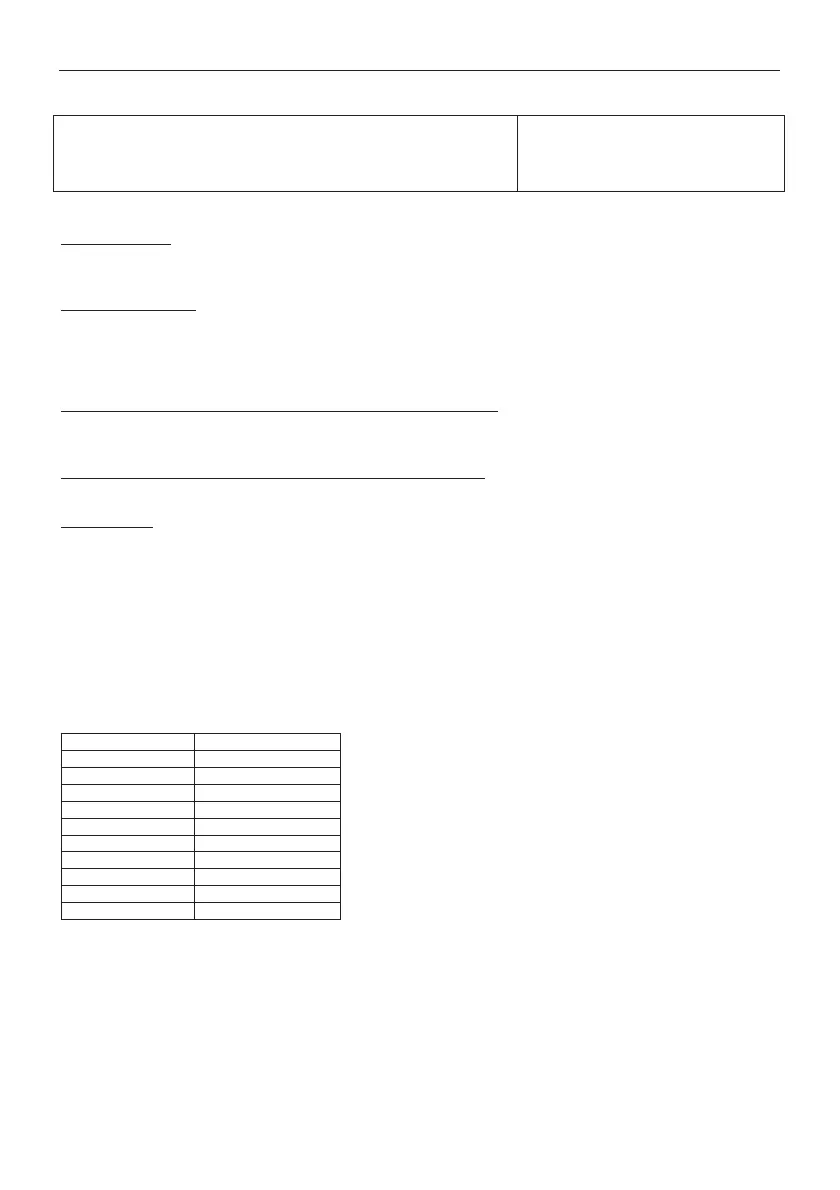
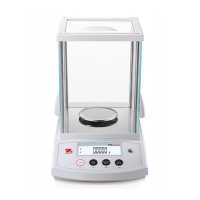
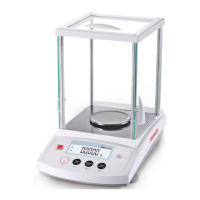
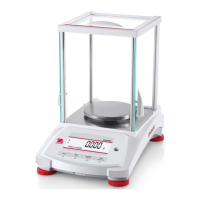
EN-20 PR Series Balance
5.3.11 Approved Mode
Use this menu to set the Legal for Trade status.
OFF
= standard operation.
= operation complies with Legal Metrology regulations.
Note: When Approved Mode is set to On, the menu settings are affected as follows:
Calibration Menu:
x For InCal models, only Internal Calibration is available. All other functions are hidden.
x For ExCal models, the entire Calibration menu is hidden.
Balance Setup Menu:
x Filter Level is locked at the current setting.
x Auto Zero Tracking is limited to 0.5 Division and Off. The selected setting is locked.
x Auto Tare is locked at current setting.
x Graduations are forced to 1 Division and the menu item is hidden.
Communication Menu (Communication->Print Settings->Print Output):
x Stable Weight Only is locked On.
x Numeric Value Only is locked Off.
Communication Menu (Communication->Print Settings->Auto Print):
x Auto print mode selections are limited to Off, On Stability, and Interval. Continuous is not available.
Lockout Menu:
x Menu is hidden
5.4 Weighing Units
Enter this sub-menu to activate the desired units of measure.
PR balances provide a choice of 10 units, which are all set On by default.
Note:
Due to national laws, the balance may not include some of the units of measure listed below.



 To Next Page