PR Series Balance EN-13
5. MENU SETTINGS
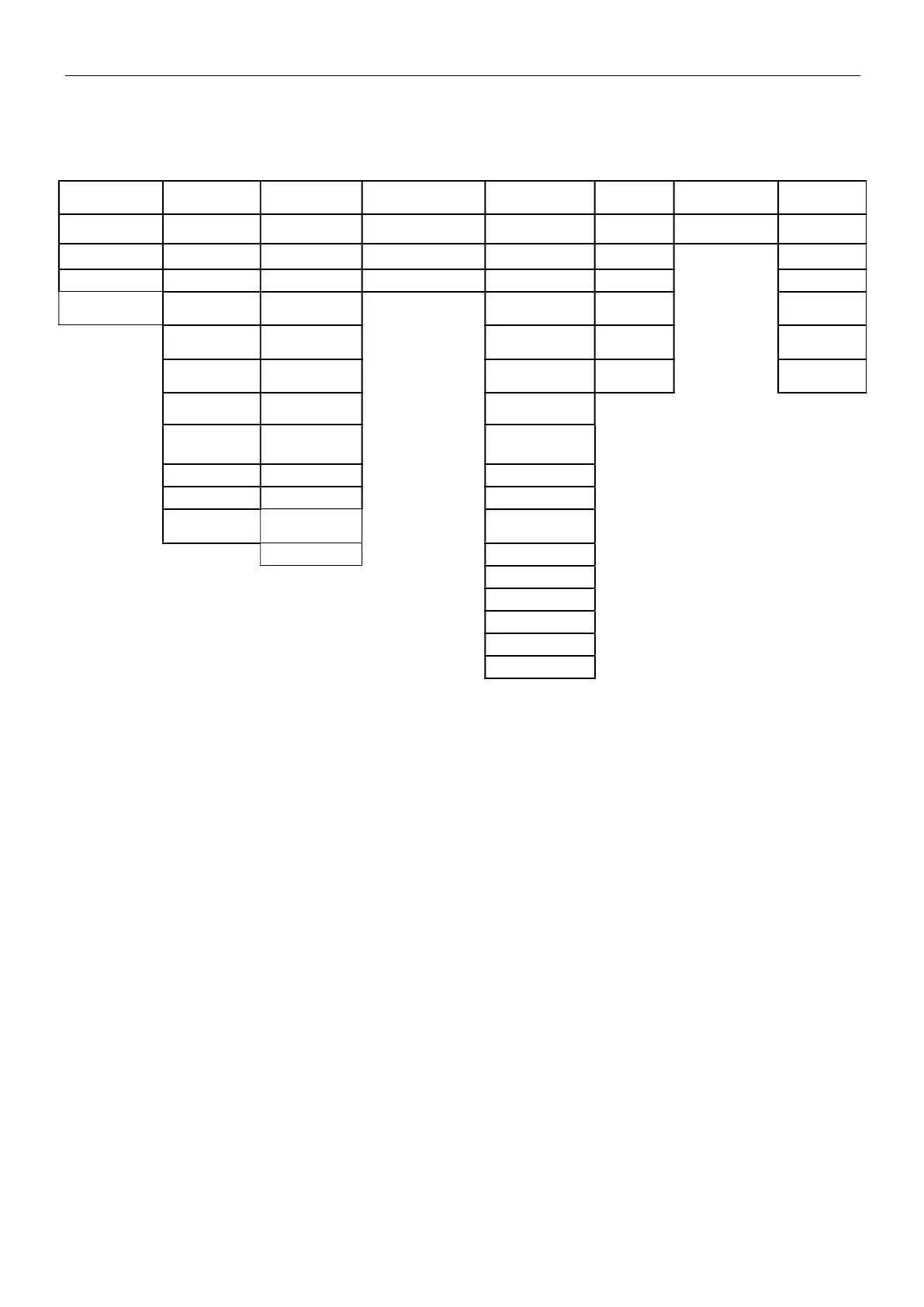
5.1 Menu Navigation
Calibration Setup Unit RS232 Print GLP Reset Lock
InCal Filter Level Gram Baud Rate Stable Only Header 1 Reset All Calibration
Cal Adjust AZT Kilogram Parity Numeric Only Header 2 Setup
Span Cal Auto Tare Milligram Handshake Single Header Header 3 RS232
Linearity Cal Graduations Carat Auto Print
Balance
Name
Print
Date Format Pound Header
User
Name
GLP
Date Setting Ounce Date and Time
Project
Name
Reset
Time Format Ounce Troy Balance ID
Time Setting
Penny
Weight
*
Balance Name
Brightness Newton User Name
Auto Dim Grain Project Name
LFT TW Tael
Application
Name
Custom 1
Result
Gross Weight
Net Weight
Tare Weight
Signature Line
Line Feed
5.1.1
Changing Settings
To change a menu setting, navigate to that setting using the following steps:
Enter the Menu
Long press the Menu button to enter the Menu.
Select the Sub-Menu
Press No to step between the sub-menus, and press Yes to enter the sub-menu.
Select the Menu Item
Press No to step through the Menu Items, and press Yes to enter the displayed Menu Item.



 To Next Page