EN-26 PR Series Balance
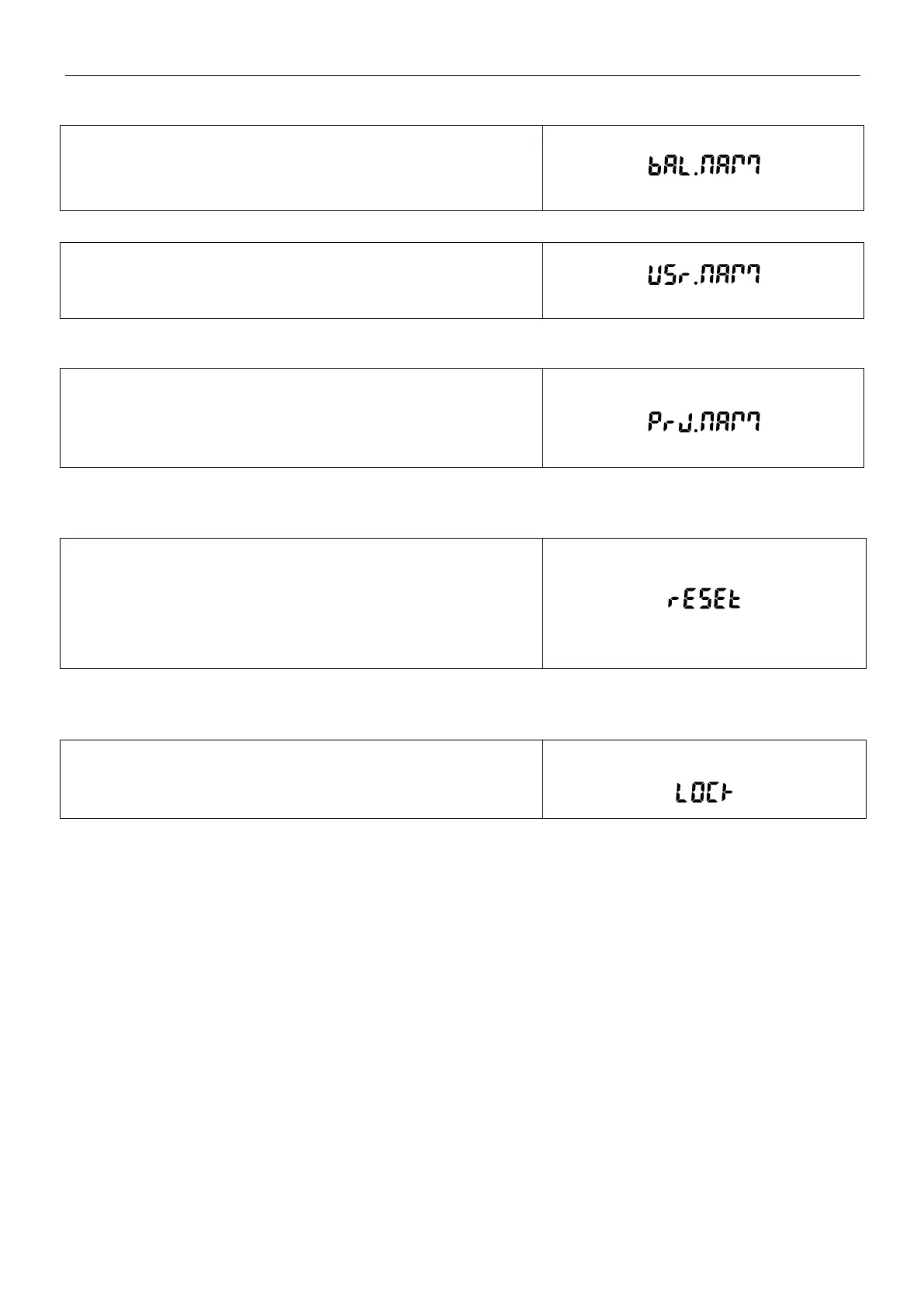
5.7.2 Balance Name
Set the balance name.
Alphanumeric settings up to 16 characters are available for each
Header setting.
5.7.3 User Name
Set the user name.
Alphanumeric settings up to 16 characters are available for each
Header setting.
5.7.4 Project Name
Set the user name.
Alphanumeric settings up to 16 characters are available for each
Header setting.
The default is blank.
5.8 Factory Reset
Use this sub-menu to reset the all menu settings to their Factory
default settings.
Reset All = resets all menus to their factory default settings.
Exit = return to application main screen without resetting any
menus.
5.9 Lockout
Use this sub-menu to lock / unlock certain menus.
Off = the menu is unlocked.
On = the menu is locked.



 To Next Page