PR Series Balance EN-23
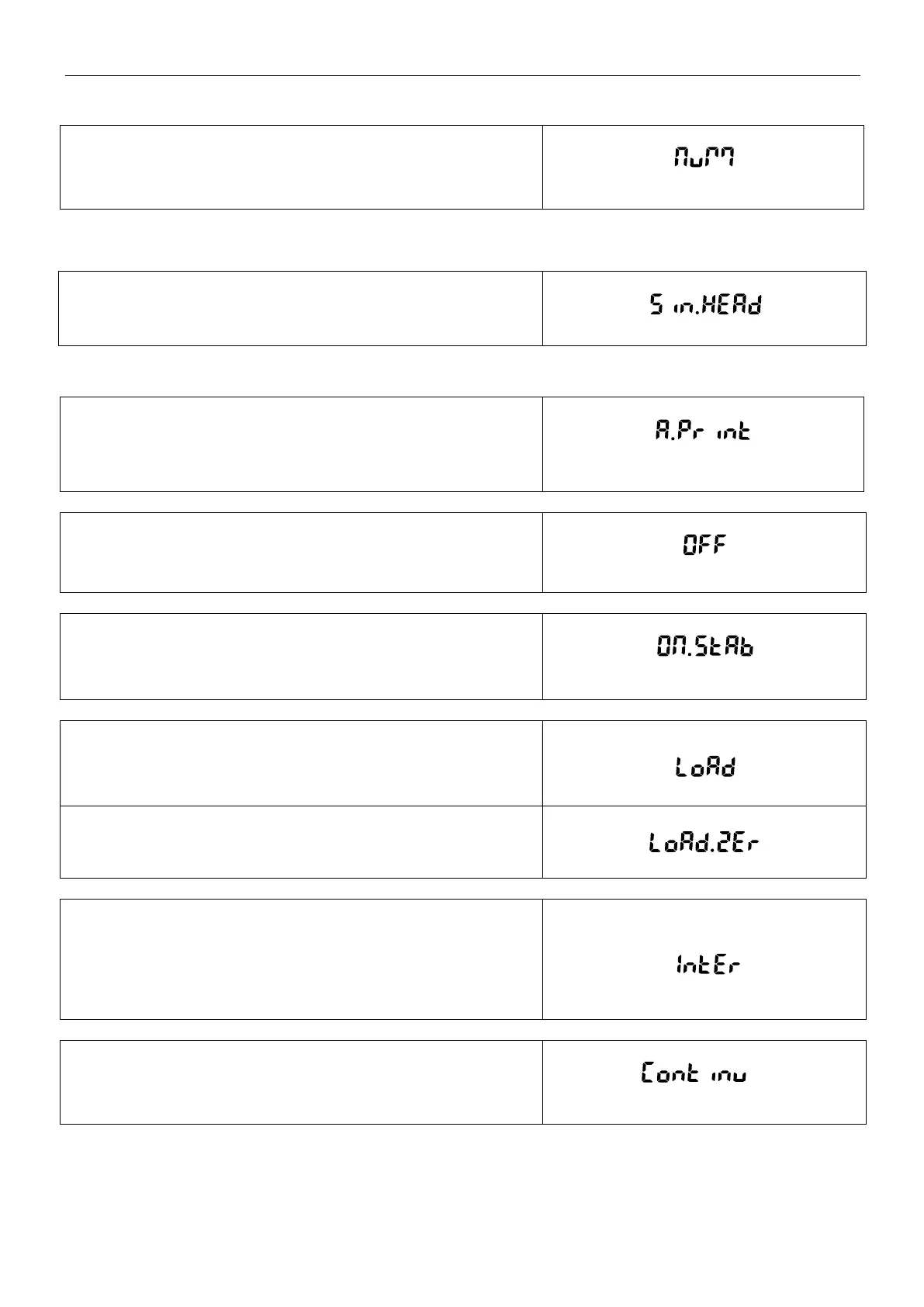
5.6.2 Numeric Only
Off = All results selected are printed.
On = Only numeric data values are printed.
5.6.3 Single Header
Off = Headers will be printed for every print requirement.
On = Headers will be printed once a day.
5.6.4 Auto Print
Enable or disable the functionality of auto print, and set the specific
auto print mode.
1. Off = disabled
2. On Stability
= printing occurs when the stability criteria are met.
When On Stability is selected, set the conditions for printing.
Load = Prints when the displayed load is stable.
Load and Zero = Prints when the displayed load and zero reading
is stable.
3. Print Interval
= printing occurs at the defined time interval.
When Print Interval is selected, set the time interval using the
numeric keypad.
Note:
Settings of 1 to 3600 seconds are available. Default is 0.
4. Continuous
= printing occurs continuously.



 To Next Page