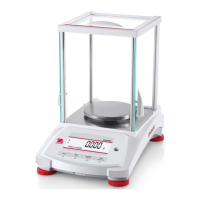
EN-16 PR Series Balance
With no load on the balance, press Linearity Calibration to begin the process.
The balance captures the zero point, and then prompts for the next weight.
Continue to follow the instructions on the display until the calibration is completed.
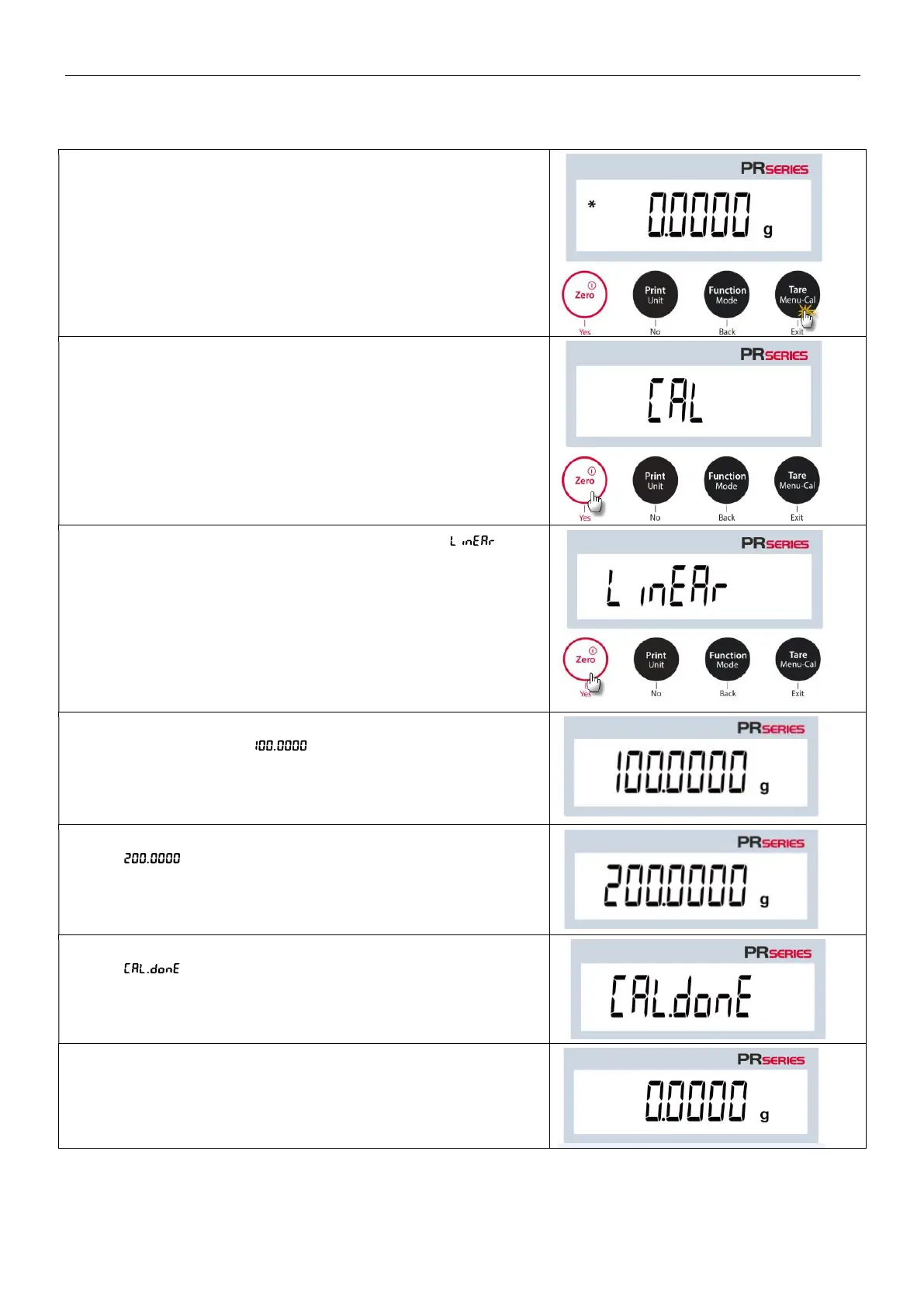
Steps for linearity calibration
1. Press and hold the Tare / Menu-Cal button, and the
Calibration Menu will display.
2. Press Yes to enter the Calibration Menu.
3. To change the calibration mode, press No until
(linearity calibration) is displayed.
4. The calibration mass value will be shown in the display. After
the display shows g, please place weight(s) of 100
g on the pan for calibration.
5. Remove the weight of 100 g from the pan. After a while,
g will be displayed on the screen. Please place
weight(s) of 200 g on the pan.
6. Once the linearity calibration is completed successfully,
will display.
Press any button to return to the previous screen.
7. Remove the weight, and the reading will be set to zero.



 To Next Page