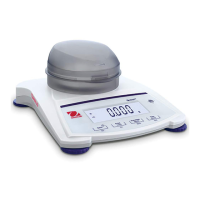
SD SERIES BENCH SCALE EN-5
Product Features & Operation
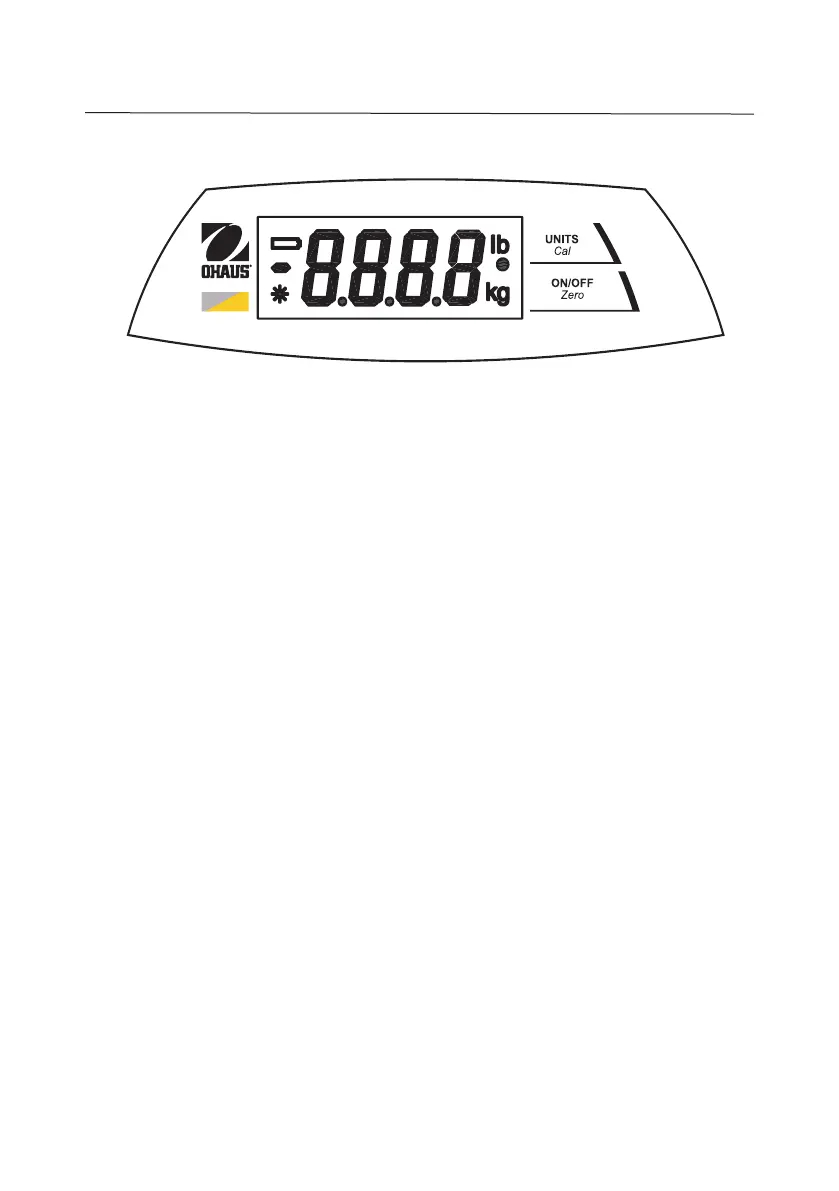
Figure 5. Indicator Panel Controls.
Two Button Keypad
• ON/ZERO
Off
: A short press turns on the scale when it is off. When the scale
is on, a short press zeroes the scale, and a long press turns the scale off.
• UNITS
Cal
: A short press changes the weighing unit and weighing mode.
A short press initiates countdown during Dynamic Weighing Mode.
A long press initiates the calibration process.
Display Window
• Large 7-Segment Numeric Characters: Weight (mass) values are
shown using 4 digits including negative sign and decimal places. Prompts
for calibration and possible error conditions are also shown using these
digits.
• Stable Reading Indication: A * will appear in the lower left corner of
the display to indicate when the reading is stable.
• Weighing Unit Indication: The weighing unit selected appears on the
right side of the display.
• Dynamic Weighing Mode Indication: A • will flash next to the
selected unit during this mode.
SD


 To Next Page