EasyManua.ls Logo

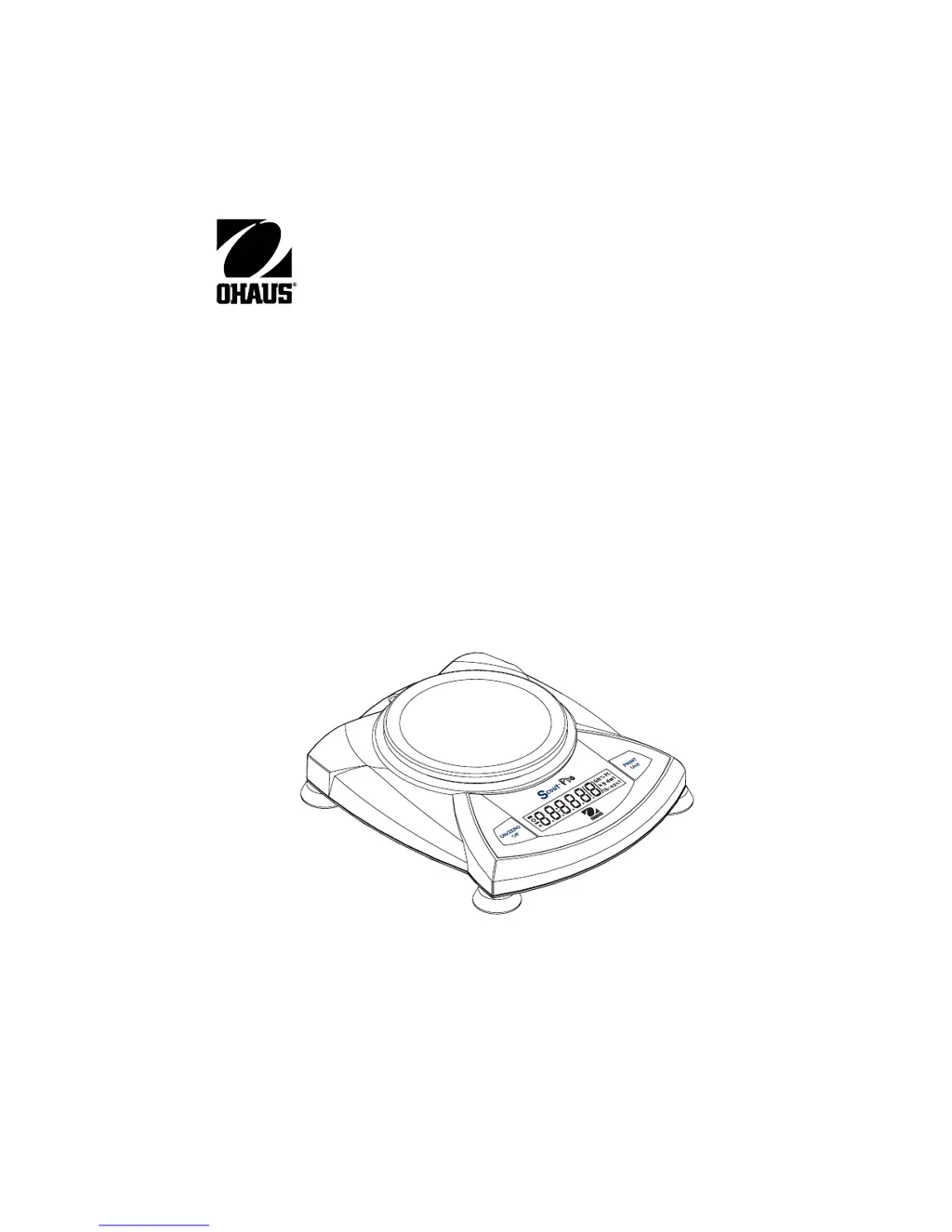
OHAUS Scout pro - User Manual

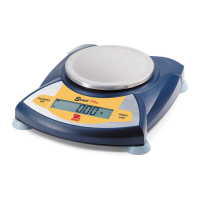
OHAUS Scout pro
98 pages
Print Icon
To Next Page IconTo Next Page
Loading...
Scout
®
Pro
Balance
Instruction Manual
Balanza Scout
®
Pro
Manual de instrucciones
Balance Scout
®
Pro
Manuel d’instruction

Table of Contents

Other manuals for OHAUS Scout pro

Questions and Answers

  • J
    Jasmine BoyleAug 18, 2025
    What to do if calibration procedures do not work on OHAUS Scout pro Scales?
    • L
      Lindsey SanchezAug 18, 2025
      If the calibration procedures are not working on your OHAUS Scales, one potential cause is using incorrect calibration masses. Make sure you are using the correct masses.
  • A
    Andrew ElliottAug 20, 2025
    How to fix OHAUS Scales with no display?
    • R
      reneemartinezAug 20, 2025
      If your OHAUS Scales show no display, first ensure the AC adapter is properly connected. If it is, the batteries may be exhausted, and you should replace them.
  • V
    Veronica TorresAug 23, 2025
    Why do my OHAUS Scales show an incorrect weight reading?
    • T
      Tyler VanceAug 23, 2025
      If your OHAUS Scales are showing an incorrect weight reading, there are a couple of potential reasons. First, the balance might be out of calibration, so you should calibrate it. Second, the balance may not have been rezeroed before weighing. To fix this, press the ON/ZERO Off button with nothing on the platform, and then weigh your item.
  • M
    Michael MerrittAug 25, 2025
    Why are my OHAUS Scout pro giving an incorrect weight reading?
    • F
      Frank CoffeyAug 26, 2025
      If your OHAUS Scales are showing an incorrect weight reading, it could be due to a calibration issue. Try calibrating the scale. Also, make sure to press the ON/ZERO Off button with no weight on the platform before weighing your item.
  • D
    David RogersAug 28, 2025
    Why calibration procedures do not work on OHAUS Scout pro Scales?
    • K
      Karen WeaverAug 28, 2025
      If the calibration procedures for your OHAUS Scales do not work, ensure that you are using the correct calibration masses. Also, refer to error code note ERR4.
  • D
    David MendezAug 30, 2025
    Why are OHAUS Scales balance readings unstable?
    • R
      Rachel MasonAug 30, 2025
      If you notice that the balance readings on your OHAUS Scales are unstable, it could be due to drafts from air conditioning vents or vibration from nearby appliances. Try moving or shielding the balance from these external factors.
  • D
    Destiny VangSep 1, 2025
    What to do if my OHAUS Scout pro Scales have no display?
    • R
      Robert BurtonSep 1, 2025
      If there is no display on your OHAUS Scales, it could be due to a couple of reasons. First, check if the power adapter is properly connected and connect it if it isn't. Second, the batteries might be exhausted, in which case you should replace them.
  • K
    kcarterSep 4, 2025
    Why is the battery indicator flashing on my OHAUS Scout pro?
    • C
      Clayton HarrisonSep 4, 2025
      If the battery indicator on your OHAUS Scales is flashing, it means the batteries are weak and need to be replaced.
  • F
    Frank HardingSep 7, 2025
    What to do if my OHAUS Scout pro Scales display an error code?
    • B
      brenda90Sep 7, 2025
      If an error code is displayed on your OHAUS Scales, it indicates various internal and external problems. You should review the error code table and take appropriate action based on the specific code shown.
  • M
    Maria SteeleSep 9, 2025
    Why are the readings on my OHAUS Scales unstable?
    • S
      Sean ScottSep 9, 2025
      Unstable readings on your OHAUS Scales can be caused by drafts from air conditioning vents or vibration from other appliances. Try moving or shielding the balance from these external air currents or vibrations.

Summary

Introduction

Safety Precautions

Follow safety precautions for balance operation.

Installation

Power Connection

Instructions for installing batteries and connecting the AC adapter.

Operation

Key Button Functions

Details the primary, secondary, and menu functions of the balance buttons.

Parts Counting Function

Detailed steps for performing standard and enhanced parts counting.

Percent Weighing Function

Using the balance to display loads as a percentage of a reference weight.

Specific Gravity Measurement

Instructions for calculating specific gravity of samples (on certain models).

Maintenance

Troubleshooting Guide

Common issues, probable causes, and remedies for balance problems.

Error Codes

Technical Data

OHAUS Scout pro Specifications

General IconGeneral
Operating Temperature10°C to 40°C
Overload ProtectionYes
DisplayLCD
PowerAC adapter or 4 AA batteries
CommunicationRS-232
Units of Measurementg, kg, oz
Stabilization Time3 seconds

Related product manuals