EasyManua.ls Logo

OHAUS SCOUT II - User Manual

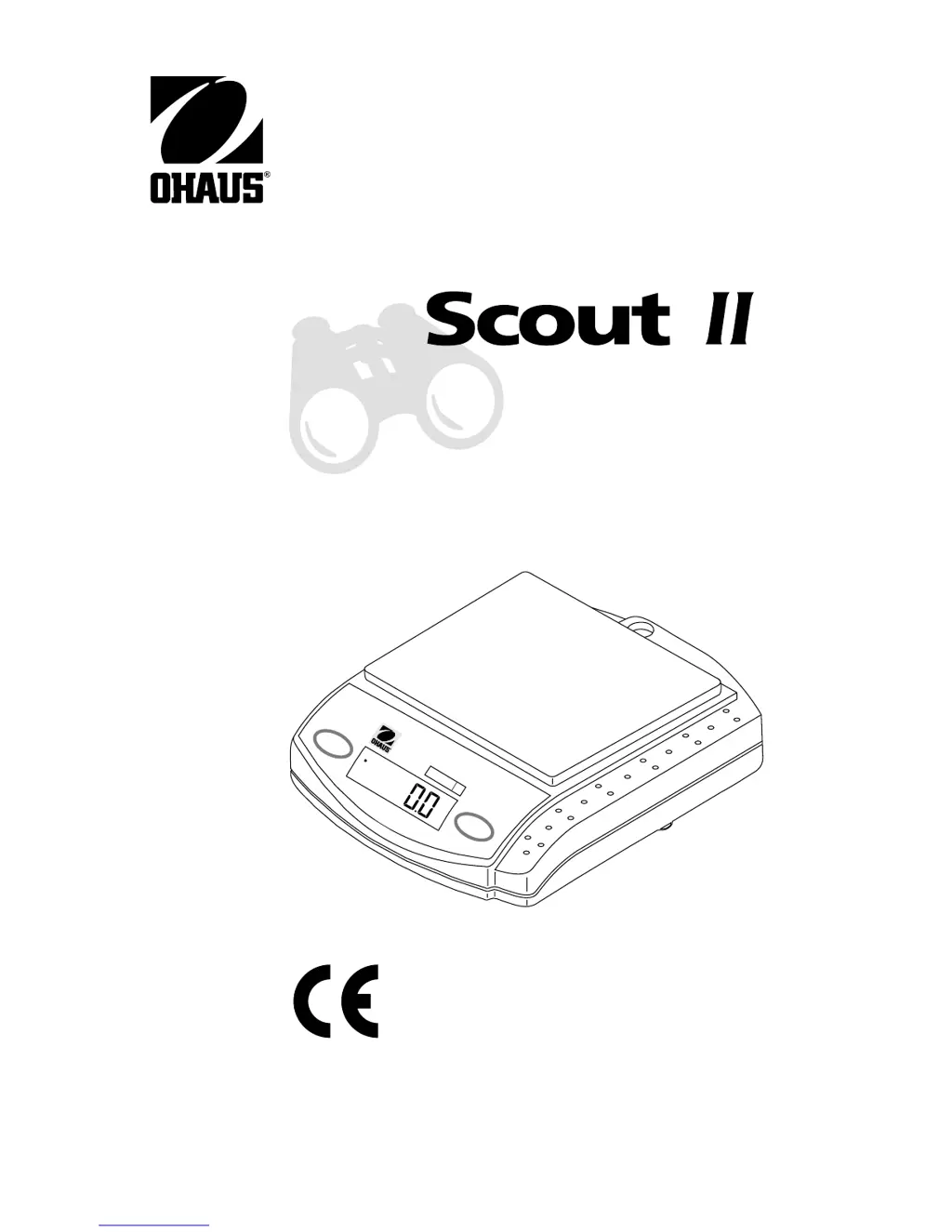
OHAUS SCOUT II
25 pages
Print Icon
To Next Page IconTo Next Page
Loading...
1
Ohaus Corporation
29 Hanover Road
Florham Park NJ
07932-0900
Electronic Balances
Mode
Off
Z
e
r
o
O
n
g
Scout II

Other manuals for OHAUS SCOUT II

Questions and Answers

  • T
    torresclintonAug 1, 2025
    How to fix no display on OHAUS Scales?
    • J
      Jacob MannAug 1, 2025
      If your OHAUS Scales are showing no display, there could be a couple of reasons. First, check if the power adapter is properly connected and connect it if it isn't. Alternatively, the battery might be dead, so try replacing it.
  • K
    Kylie WagnerAug 6, 2025
    Why calibration procedures do not work for OHAUS SCOUT II Scales?
    • H
      Heather BatesAug 6, 2025
      If the calibration procedures aren't working on your OHAUS Scales, it's possible that you're using the wrong calibration masses. Make sure you are using the correct masses. Also, check the Units menu to ensure the desired units are turned ON.
  • R
    Renee Lewis DDSAug 11, 2025
    Why do my OHAUS Scales show an incorrect weight reading?
    • L
      Lauren BrooksAug 11, 2025
      If your OHAUS Scales display shows an incorrect weight reading, it could be due to a calibration issue. Try calibrating the balance. Another reason might be that the balance wasn't re-zeroed before weighing. To fix this, press the Zero On button with nothing on the pan, and then weigh your item.
  • T
    Tonya MartinezAug 16, 2025
    What to do if the BAT indicator is on OHAUS SCOUT II Scales?
    • M
      Monica JohnstonAug 16, 2025
      If you see the BAT indicator on your OHAUS Scales, it means the battery is weak. You should replace the battery.
  • J
    Jeffery HudsonAug 21, 2025
    Why are the OHAUS Scales readings unstable?
    • J
      Jennifer StricklandAug 22, 2025
      If your OHAUS Scales readings are unstable, it might be because the location of the balance is affected by wind from air conditioning or vibration from nearby appliances. Try moving the balance or shielding it from these external factors.
  • D
    Daniel AguilarAug 26, 2025
    Why won't my OHAUS SCOUT II Scales store selections made in menu?
    • C
      Christian AndersonAug 27, 2025
      If your OHAUS Scales won't store the selections you've made in the menu, it's likely because you didn't use the END selection to exit the menu. You must use END to exit the menu in order to save your selections.

Summary

DESCRIPTION

UNPACKING

INSTALLATION

Power

Connect the AC Adapter at the rear of the balance or install a 9V battery for portable operation.

Pan Installation

Place the pan over the pan support as shown in the illustration.

Weigh Below Hook

Install weigh below hook for below balance weighing applications like density determination.

Security Bracket

A security bracket secures the balance using an optional cable and lock accessory.

Power

Connect the AC Adapter at the rear of the balance or install a 9V battery for portable operation.

Pan Installation

Place the pan over the pan support as shown in the illustration.

Weigh Below Hook

Install weigh below hook for below balance weighing applications like density determination.

Security Bracket

A security bracket secures the balance using an optional cable and lock accessory.

IMPORTANT INFORMATION

TURNING THE BALANCE ON

TURNING THE BALANCE OFF

WEIGHING

TARING

MENU DESCRIPTION

AUTO SHUT-OFF ACTIVATION

SPAN CALIBRATION

LINEARITY CALIBRATION

ACTIVATING UNITS

PARTS COUNTING

PRINT MENU

SETTING PRINT MENU FUNCTIONS

ENTERING THE PRINT MENU

Procedure to enter and set RS232 communication parameters on balances.

POWER ON;OFF

Setting for enabling RS232 operation, not recommended for battery power.

BAUD RATE

Specifies the baud rate for RS232 communication, e.g., 300, 1200, 2400.

DATA BITS

Specifies the number of data bits (7 or 8) for RS232 communication.

PARITY BIT

Specifies the parity type (Odd, Even, None) for RS232 communication.

STOP BITS

Specifies the number of stop bits (1 or 2) for RS232 communication.

AUTO PRINT

Enables continuous, on stability, or off printing for RS232.

STABLE DATA OUTPUT ONLY

Enables or disables the feature to print stable data only.

PRINTING

RS232 INTERFACE

Hardware

Describes the 9-pin subminiature D connector for RS232 interfacing.

RS232 Commands

Lists ASCII commands acknowledged by the balance for communication.

Output Formats

Describes data output formats initiated by Auto Print or commands from a computer.

Error Codes

Lists and explains various RS232 error codes and their meanings.

CARE AND MAINTENANCE

TROUBLESHOOTING

PARTS INFORMATION

REPLACEMENT PARTS

ACCESSORIES

SPECIFICATIONS

CONVERSION FACTORS FOR UNITS OF MASS

LIMITED WARRANTY

OPERATION

Turning the Balance ON

Procedure to turn the balance on, showing display segments and warm-up time.

Turning the Balance OFF

Procedure to turn the balance off by pressing and holding the Mode Off button.

Weighing

Basic steps for weighing items, including unit selection and stability indicator.

Taring

How to subtract the weight of a container from the total displayed weight.

MENU

Auto Shut-off

Configures the automatic shut-off feature to conserve power after inactivity.

ACTIVATING UNITS AND PARTS COUNTING

OHAUS SCOUT II Specifications

General IconGeneral
BrandOHAUS
ModelSCOUT II
CategoryScales
LanguageEnglish

Related product manuals