18
USING MENUS TO CONFIGURE THE BALANCEUSING MENUS TO CONFIGURE THE BALANCE
USING MENUS TO CONFIGURE THE BALANCEUSING MENUS TO CONFIGURE THE BALANCE
USING MENUS TO CONFIGURE THE BALANCE
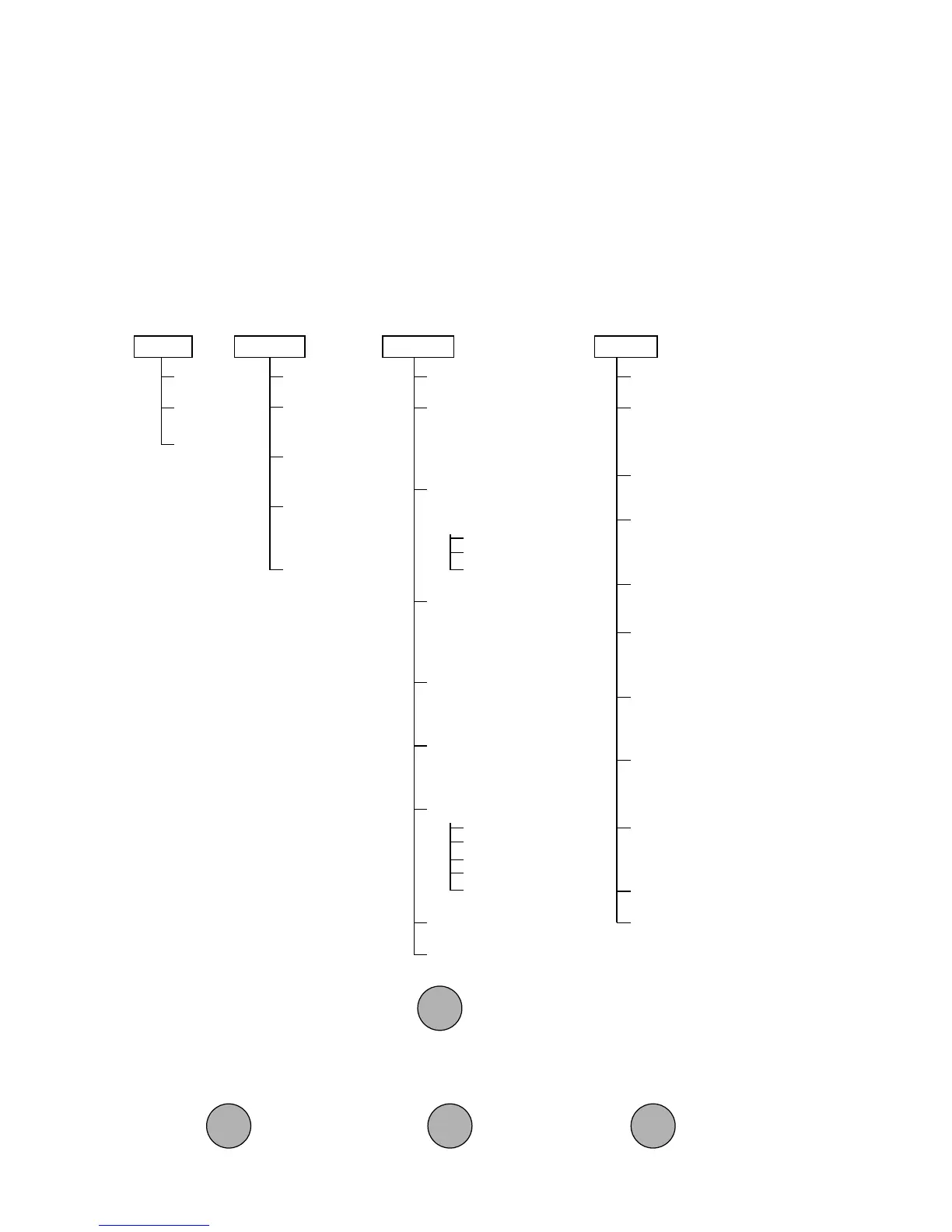
Precision Plus balances contain four display menus which enable you to calibrate and
configure the balance for your specific operating requirements.
Calibration Menu:Calibration Menu:
Calibration Menu:Calibration Menu:
Calibration Menu: Used to calibrate the balance for span or linearity.
User Menu:User Menu:
User Menu:User Menu:
User Menu: Used to adapt the balance to environmental conditions.
Setup Menu:Setup Menu:
Setup Menu:Setup Menu:
Setup Menu: Used to enable or disable different balance features.
Print Menu:Print Menu:
Print Menu:Print Menu:
Print Menu: Used to configure the RS232 interface.
USER
RESET
AL
0,
11
11
1, 2, 3
STABILITY
.5d,
1d1d
1d1d
1d, 2d, 5d
AUTO ZERO
OFF,
.5d.5d
.5d.5d
.5d, 1d,
3d
END
SETUP
RESET
UNIT SELECTION
gg
gg
g, dwt, ct, oz, oz t,
GN, t, :, lb, lb:oz, cu,
PC, %
CUSTOM UNIT
CONVERSION
FACTOR
Mantissa
Exponent
LSD
PARTS COUNTING
ERROR LEVEL
OFFOFF
OFFOFF
OFF, .1, .25, .5, 1,
2.5, 5
PARTS COUNTING
ALTERNATE DISPLAY
Total piecesTotal pieces
Total piecesTotal pieces
Total pieces, Net
PERCENT WEIGHING
ALTERNATE DISPLAY
Total %Total %
Total %Total %
Total %, Net
LOCK SWITCH
Cal
User
Setup
Print
End
LIST MENU SETTINGS
End
CAL
SPAN
LINEARITY
END
PRINT
RESET
BAUD
300, 1200,
24002400
24002400
2400,
4800, 9600
DATA BITS
77
77
7 or 8
PARITY BIT
Odd, Even,
NoneNone
NoneNone
None,
1, 0
STOP BITS
1 or
22
22
2
AUTO PRINT
continuous, interval
on stability,
OFFOFF
OFFOFF
OFF
INITIALIZE AUTO PRINT
Interval, Nonprint Lo,
Nonprint Hi
STABLE DATA
OUTPUT ONLY
ON or
OFFOFF
OFFOFF
OFF
NUMERIC DATA
OUTPUT ONLY
ON or
OFFOFF
OFFOFF
OFF
LIST MENU SETTINGS
End
To access a menu, press and hold until desired menu appears, then release it.
Original factory default settings are shown in boldface type. Use these buttons to
step through menus and select submenus:
select
displayed item
previous
selection
next
selection
PRINTPRINT
PRINTPRINT
PRINT
MODEMODE
MODEMODE
MODE
ONON
ONON
ON
TARETARE
TARETARE
TARE
ONON
ONON
ON
TARETARE
TARETARE
TARE








 To Next Page