25
Averaging LevelAveraging Level
Averaging LevelAveraging Level
Averaging Level
Averaging level compensates for vibra-
tion or excessive air currents. During op-
eration, the balance continually takes
weight readings from the weighing cell.
Successive readings are then digitally pro-
cessed to achieve a stabilized display.
Use this submenu to specify how much
processing you need to obtain stable re-
sults.
NOTE: Averaging level does not affect
balance accuracy.
Select one of four averaging levels using
the adjacent table as a guide.
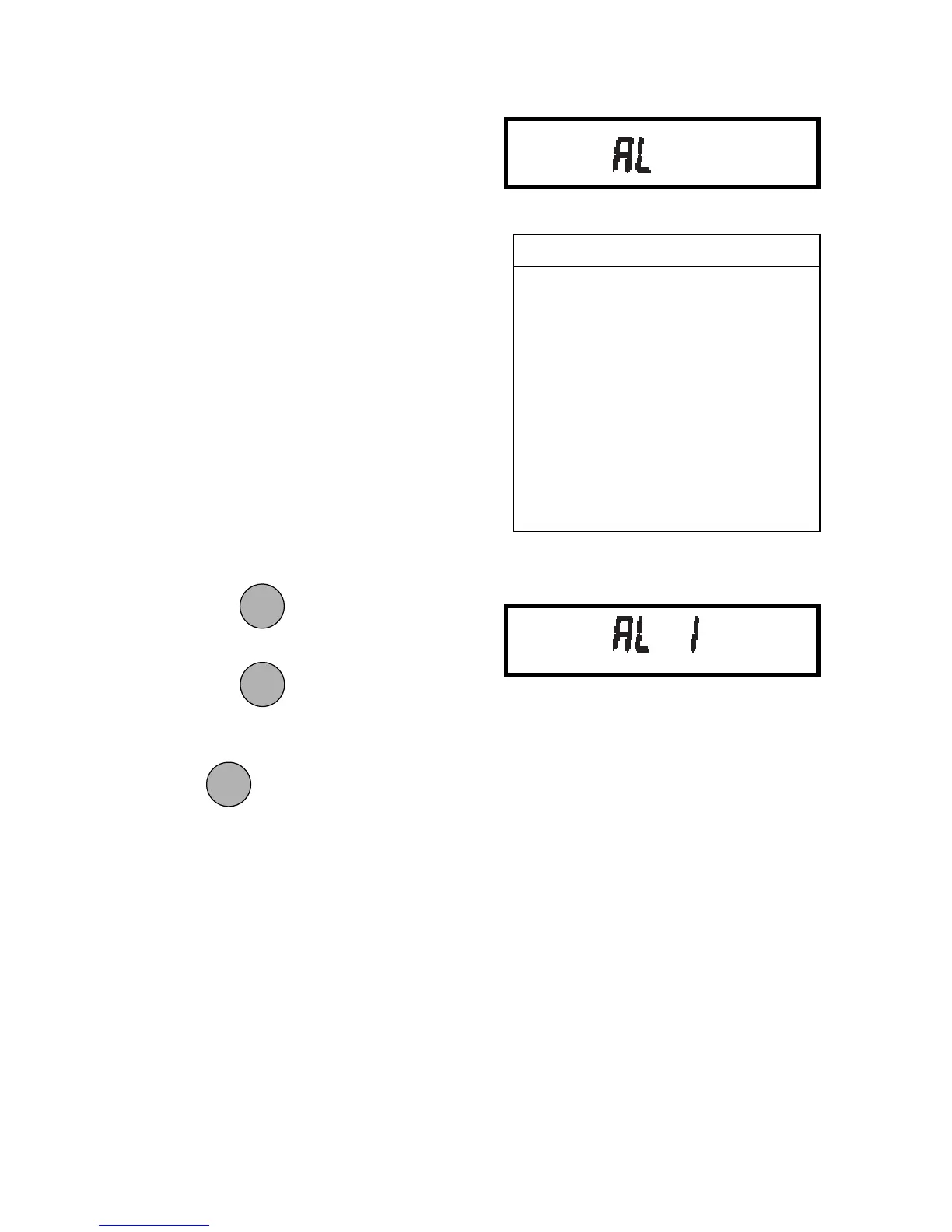
To view or change the averaging level:
1. Access the AL submenu to display
the current setting.
2. Press
to change the setting.
Press to accept the displayed
setting.
When
is released, AL will be dis-
played again and the Setup menu will be
returned.
AVERAGING LEVELAVERAGING LEVEL
AVERAGING LEVELAVERAGING LEVEL
AVERAGING LEVEL
AL 0 reduced stability, fastest
stabilization time
ALAL
ALAL
AL
1 normal stability, normal1 normal stability, normal
1 normal stability, normal1 normal stability, normal
1 normal stability, normal
stabilization timestabilization time
stabilization timestabilization time
stabilization time
AL 2 more stability, slow stabi-
lization time
AL 3 maximum stability, slow-
est stabilization time
MODEMODE
MODEMODE
MODE
ONON
ONON
ON
TARETARE
TARETARE
TARE
ONON
ONON
ON
TARETARE
TARETARE
TARE








 To Next Page