EasyManua.ls Logo

OHAUS TROOPER SCALE - User Manual

OHAUS TROOPER SCALE
40 pages
Print Icon
To Next Page IconTo Next Page
Loading...
Ohaus Corporation
19A Chapin Road
P.O. Box 2033
Pine Brook, NJ 07058-2033 USA
www.ohaus.com
INSTRUCTION MANUAL
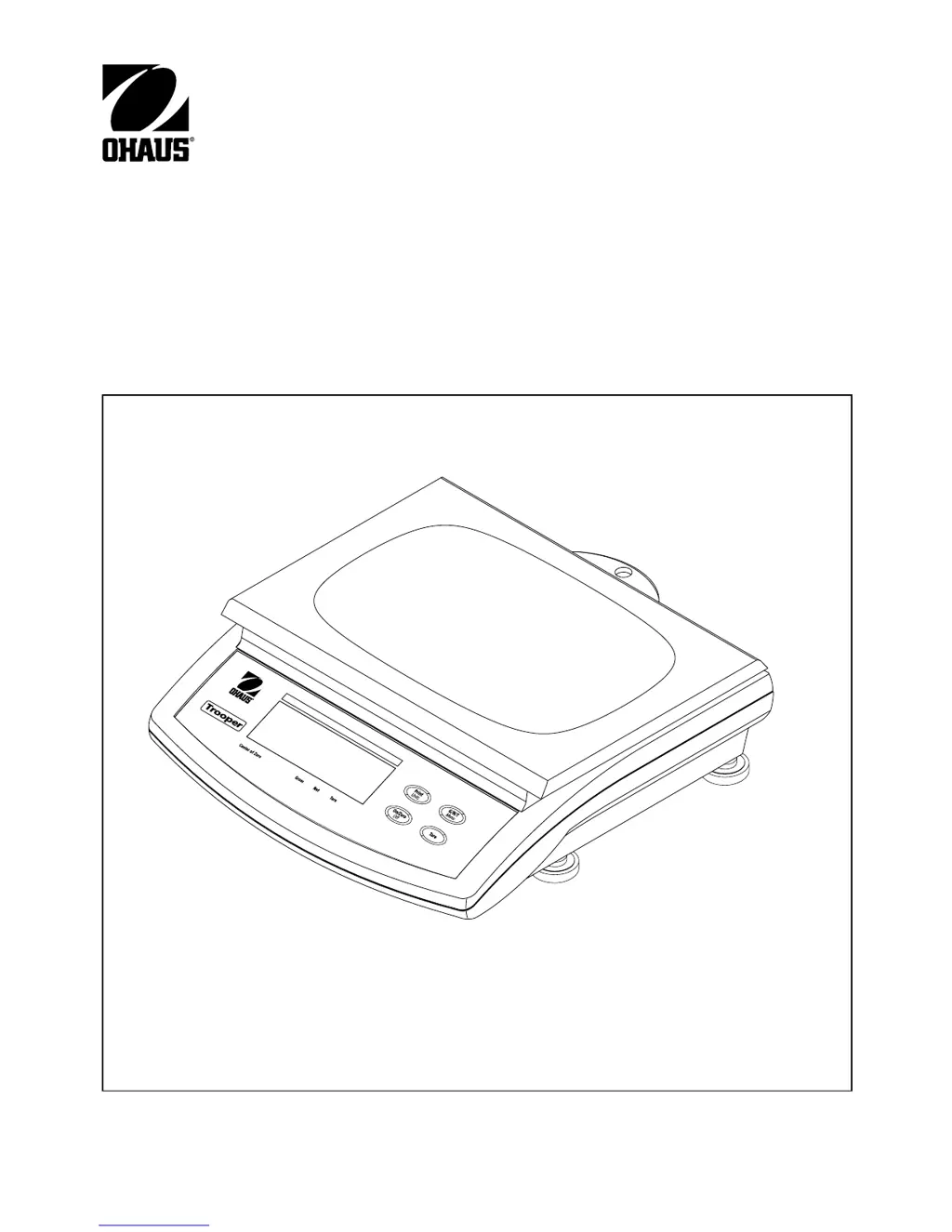
Trooper Scale

Other manuals for OHAUS TROOPER SCALE

Questions and Answers

  • D
    Daniel AndersonAug 18, 2025
    Why OHAUS TROOPER SCALE unit will not turn on?
    • B
      Beth CunninghamAug 18, 2025
      Your OHAUS scale might not be turning on because the adapter isn't properly plugged in. Ensure the power cord connections are secure and the adapter connector is fully inserted into the scale. Also, check the battery connections and their orientation, replacing them if necessary. If the issue persists, there may be a membrane switch failure, requiring a check of the switch's functionality.
  • B
    Brian HodgeAug 20, 2025
    What to do if OHAUS TROOPER SCALE Scales cannot zero, or will not zero when turned on?
    • B
      brandon68Aug 20, 2025
      If your OHAUS scale isn't zeroing, it could be due to a load exceeding the allowable zero percentage set in the ZERO parameter of the Setup menu. Remove any load so it is less than the entered zero percentage. It's also possible that the Retain Zero Data feature is enabled. Disabling this feature should restore normal operation.
  • M
    Melinda HernandezAug 23, 2025
    How to fix OHAUS TROOPER SCALE when it will not turn on?
    • R
      Raymond MyersAug 23, 2025
      If your OHAUS scale isn't turning on, the issue might be with the power connections or batteries. First, verify that the adapter is properly plugged into both the power outlet and the scale. Next, check the battery connections, ensuring correct orientation. If using batteries, try replacing them.
  • R
    Robert NavarroAug 26, 2025
    What to do if my OHAUS TROOPER SCALE Scales won't zero?
    • C
      Christopher WilliamsAug 26, 2025
      If your OHAUS scale isn't zeroing, it could be due to a membrane switch failure or excessive load. First, check the functions of the membrane switch. Then, remove any load on the scale until it's less than the allowable zero percentage set in the Setup menu. You can also adjust the allowable zero percentage in the ZERO parameter of the Setup menu.
  • J
    James BarreraAug 28, 2025
    Why can't I calibrate my OHAUS TROOPER SCALE?
    • J
      Jeffrey SimonAug 28, 2025
      If you're unable to calibrate your OHAUS scale, it might be due to the software lockout switch being ON and the lock switch on the circuit board being in the open position, or an incorrect calibration mass. Set LCL to OFF in the LocSW menu and the lock switch on the circuit board to the ON position. Also, ensure you are using the correct calibration mass.
  • J
    John JonesAug 30, 2025
    What to do if RS232 not working on OHAUS TROOPER SCALE?
    • M
      Megan AlvaradoAug 30, 2025
      If the RS232 on your OHAUS scale isn't working, first verify that the communication parameters are set up correctly. Also, check the cable connections to ensure they are properly connected and not loose.
  • M
    Michael HillSep 2, 2025
    How to display weight in desired weighing unit on OHAUS TROOPER SCALE?
    • J
      Jessica BauerSep 2, 2025
      If your OHAUS scale isn't displaying weight in the unit you want, it's likely that the desired unit is not enabled in the Readout menu. Go to the Readout menu and turn on the unit you wish to use.
  • S
    stephanie84Sep 4, 2025
    How to change the weighing unit on my OHAUS Scales?
    • A
      Alicia BrewerSep 4, 2025
      If your OHAUS scale isn't displaying weight in the unit you want, the desired unit might not be enabled. Go to the Readout menu and enable the unit you need.
  • S
    sydneyreidSep 7, 2025
    Why is the center of zero display erratic on my OHAUS Scales?
    • J
      jeffreyreyesSep 7, 2025
      An erratic center of zero display on your OHAUS scale could be due to the 'Retain Zero Data' feature being enabled, or excessive motion. Normal operation returns when this feature is disabled. Try to remove disturbances or reduce motion. You can also increase the AZT level or the averaging level in the readout menu.
  • C
    coleterranceSep 9, 2025
    Why center of Zero display indicator erratic or does not appear with no load on OHAUS TROOPER SCALE platform?
    • R
      Roberta LopezSep 9, 2025
      An erratic Center of Zero display on your OHAUS scale, or its failure to appear without a load, suggests that scale platform motion or disturbances exceed the center of zero criteria. Try to remove any disturbances or reduce motion around the scale. You can also increase the AZT level and the averaging level in the readout menu.

Summary

Installation

Unpacking and Checking

Details the steps for unpacking the scale, checking for completeness, and inspecting for transport damage.

Leveling the Scale

Describes how to level the scale using the built-in level indicator for accurate and repeatable results.

Selecting the Location

Provides guidance on choosing an optimal environment for the scale, considering factors like corrosives, vibration, and surface stability.

Connecting Power

Explains how to connect the scale to a power source, including options for battery installation and AC power.

Operation

Turning On Scale

Explains the procedure for turning the scale on using the ON/ZERO/OFF button and what to expect on the display.

Zero Operation

Describes how to perform a zero operation on the scale using a short press of the ON/ZERO/OFF button.

Tare Operation

Explains how to use the TARE function to store the weight of a container, allowing for net weight measurement.

Setup

Setup Menu

Details the procedure for setting up the scale for the first time, including legal for trade and zero settings.

Readout Menu

Print Menu

Lockout Switch Menu

Calibration and Sealing

Span Calibration Choices and Procedure

Lists span calibration options and details the procedure for performing span calibration.

Span Calibration (Continued)

Continues the span calibration procedure, detailing saving data and checking accuracy after calibration.

Linearity Calibration Procedure

Detailed steps for performing linearity calibration, including mid-point and full-capacity checks.

Legal for Trade (LFT) Operation and Sealing

Care and Maintenance

Troubleshooting

Lists common symptoms, probable causes, and remedies for issues encountered with the scale's operation.

Troubleshooting (Continued)

Continues the troubleshooting guide, covering issues like unit display, RS232, and calibration problems.

Error Codes List

OHAUS TROOPER SCALE Specifications

General IconGeneral
BrandOHAUS
ModelTROOPER SCALE
CategoryScales
LanguageEnglish

Related product manuals