EasyManua.ls Logo

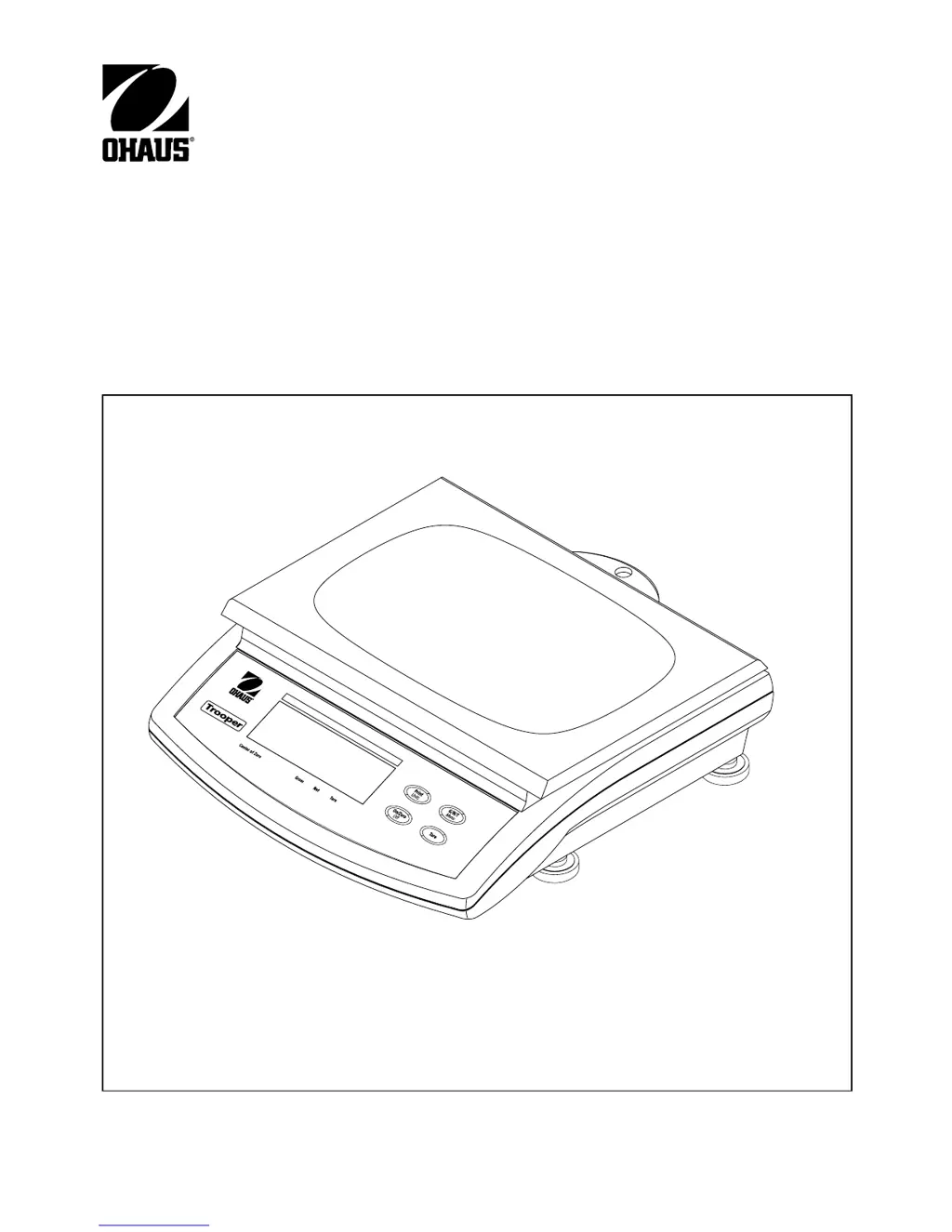
OHAUS TROOPER SCALE - User Manual

OHAUS TROOPER SCALE
40 pages
Print Icon
To Next Page IconTo Next Page
Loading...
Ohaus Corporation
19A Chapin Road
P.O. Box 2033
Pine Brook, NJ 07058-2033 USA
www.ohaus.com
INSTRUCTION MANUAL
Trooper Scale

Other manuals for OHAUS TROOPER SCALE

Questions and Answers

  • E
    elizabethrivasSep 12, 2025
    Why is RS232 not working on my OHAUS TROOPER SCALE?
    • K
      Kevin WrightSep 12, 2025
      If the RS232 function isn't working on your OHAUS scale, the communication parameters may be set up incorrectly, or the cable connections might be loose or improper. Verify the communication parameters and check the cable connections.
  • C
    Cindy SteeleSep 14, 2025
    What does 'LoBat Error' mean on OHAUS Scales?
    • J
      Jennifer SheltonSep 14, 2025
      The 'LoBat Error' on your OHAUS scale indicates weak batteries. Replace the batteries as soon as possible. Other errors may indicate an overload or underload condition, or incorrect EEPROM data. Check scale settings, ensure the zero doesn't exceed ZERO%, and verify calibration data matches current full scale, Grad, and Cal Point settings.

Summary

Installation

Unpacking and Checking

Details the steps for unpacking the scale, checking for completeness, and inspecting for transport damage.

Leveling the Scale

Describes how to level the scale using the built-in level indicator for accurate and repeatable results.

Selecting the Location

Provides guidance on choosing an optimal environment for the scale, considering factors like corrosives, vibration, and surface stability.

Connecting Power

Explains how to connect the scale to a power source, including options for battery installation and AC power.

Operation

Turning On Scale

Explains the procedure for turning the scale on using the ON/ZERO/OFF button and what to expect on the display.

Zero Operation

Describes how to perform a zero operation on the scale using a short press of the ON/ZERO/OFF button.

Tare Operation

Explains how to use the TARE function to store the weight of a container, allowing for net weight measurement.

Setup

Setup Menu

Details the procedure for setting up the scale for the first time, including legal for trade and zero settings.

Readout Menu

Print Menu

Lockout Switch Menu

Calibration and Sealing

Span Calibration Choices and Procedure

Lists span calibration options and details the procedure for performing span calibration.

Span Calibration (Continued)

Continues the span calibration procedure, detailing saving data and checking accuracy after calibration.

Linearity Calibration Procedure

Detailed steps for performing linearity calibration, including mid-point and full-capacity checks.

Legal for Trade (LFT) Operation and Sealing

Care and Maintenance

Troubleshooting

Lists common symptoms, probable causes, and remedies for issues encountered with the scale's operation.

Troubleshooting (Continued)

Continues the troubleshooting guide, covering issues like unit display, RS232, and calibration problems.

Error Codes List

OHAUS TROOPER SCALE Specifications

General IconGeneral
BrandOHAUS
ModelTROOPER SCALE
CategoryScales
LanguageEnglish

Related product manuals