5
Trooper Scale
3. OPERATION (Cont.)
3.4 Tare Operation
When weighing material or objects that must be held in a
container, taring stores the container weight in the Indicator’s
memory. To store the container weight, proceed as fol-
lows:
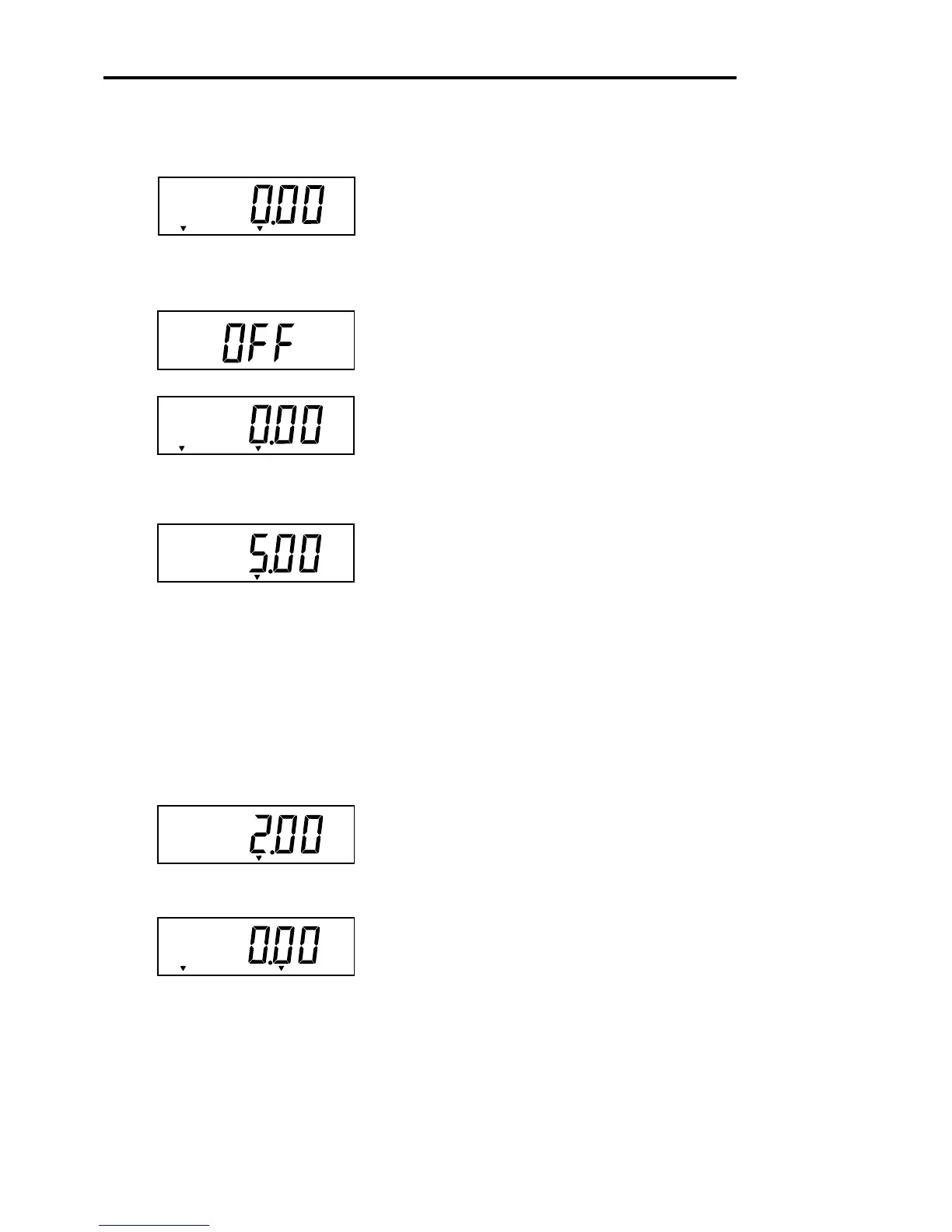
Place the container on the scale. Sample shown is 2kg.
Press TARE button. Scale is tared andshows Net
weight.
3.1 Turning On Scale
Press and hold ON/ZERO/
OFF
button until the LCD dis-
play appears, then release ON/ZERO/
OFF
button. The
display momentarily displays segment check, the soft-
ware revision of the Scale and then goes into a weighing
mode.
3.2 Turning Off Scale
To turn the Scale off, press the ON/ZERO/
OFF
button until
OFF is displayed.
3.3 Zero Operation
Using a
short
duration press, press ON/ZERO/
OFF
but-
ton to zero the Scale. The display acknowledges by indi-
cating the selected measuring unit followed by a zeroed
display.
NOTE: Stable cursor must be lit to accept zero operation.
Place item to be weighed on the scale platform. The dis-
play indicates a sample of 5kg, gross weight.
Gross
Net
kg
*
kg
*
Center
of Zero
Gross
kg
*
*
kg
Gross
Gross
Center
of Zero
kg
*
Center
of Zero








 To Next Page