12
Trooper Scale
4.4.4 Readout Menu
The Readout menu is used to adapt the Scale to environmental conditions, set measuring units on/off, auto zero
tracking, timer on/off, retain zero data and backlighting. Review all of the settings available before proceeding.
Procedure
To select any of the items in the Readout menu, proceed
as follows: NOTE: If you have entered from the preceeding
menu, disregard the first step.
With the Scale ON, press and hold the G/N/T/
MENU
but-
ton until MENU is displayed. When you releasethe G/N/
T/
MENU
button, CAL is displayed, then press PRINT/
UNITS
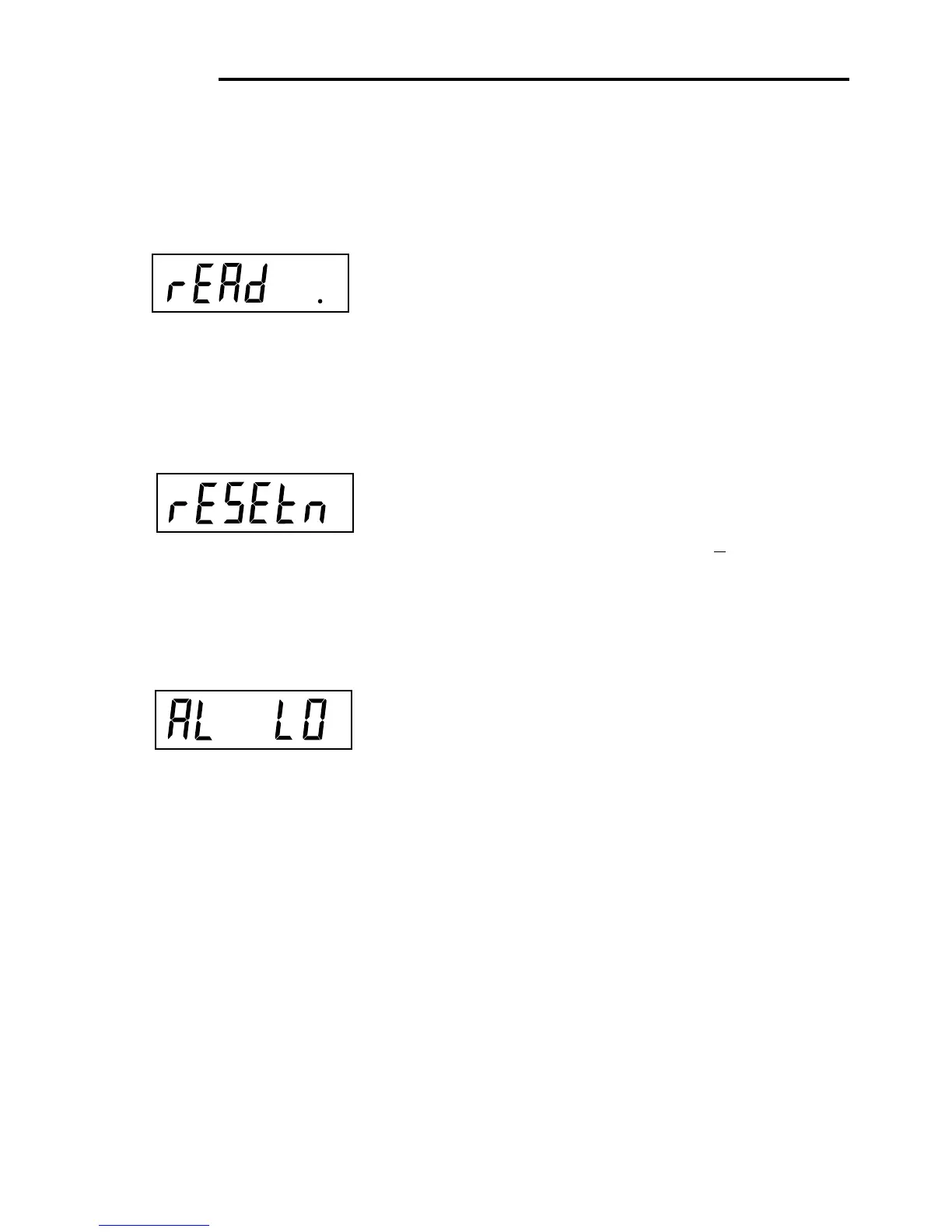
button, until rEAd is displayed.
Press G/N/T/
MENU
button, rESETn is displayed. This al-
lows resetting the readout menu to factory defaults.
rESETn = no and does not reset settings. rESETy= yes
and will reset the entire readout menu as follows: AL Lo,
StAb 1, Un Off g, Un On kg, Un On
lb, Un Off oz, AZt 0.5,
Aot Off, rZd Off and Backlight Off.
Press PRINT/
UNITS
button,and select N or Y.
AVERAGING LEVEL
Averaging level compensates for vibration or excessive air
currents on the scale platform. During operation, the Scale
continually takes weight readings from the load cell. Suc-
cessive readings are then digitally processed to achieve a
stabilized display. Using this feature, you specify how much
processing you need.
HI and LO settings are available.
HI setting:
More processing, greater stability and
slower stabilization time.
LO setting:
Less processing, less stability and faster
stabilization time.








 To Next Page