11
Trooper Scale
Press PRINT/
UNITS
button until desired capacity value
is reached.
Press G/N/T/
MENU
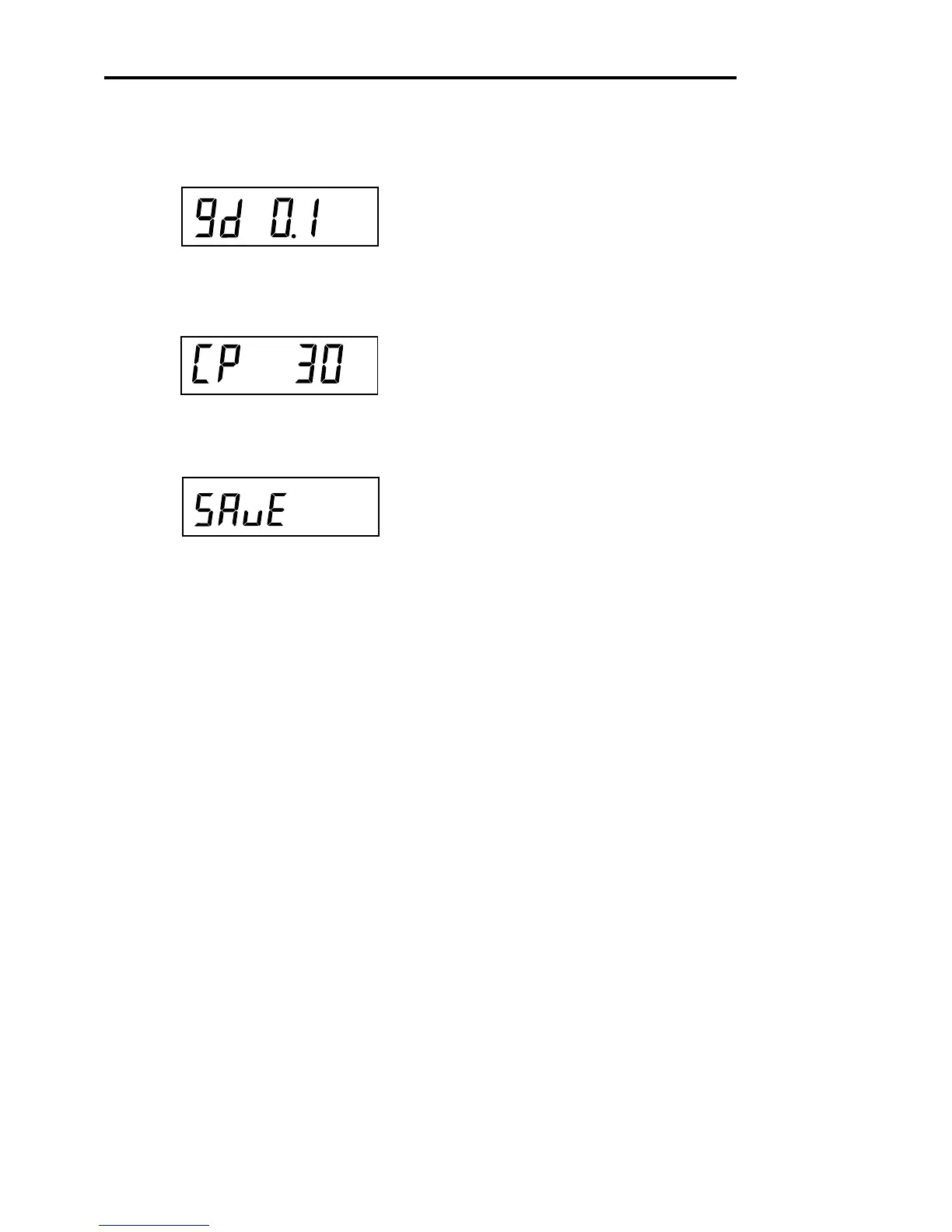
button, Gd 0.1 is displayed. This is
the graduation size. For available selections, press PRINT/
UNITS
button until desired graduation value is reached.
Press G/N/T/
MENU
button, CP 30 kg is displayed. This
is the full scale calibration point setting. Default is ap-
proximately 2/3 full scale capacity and can be selected
depending upon the model.
Press PRINT/
UNITS
button until desired calibration value
is reached.
Press G/N/T/
MENU
button to end this block, SAVE is
displayed.
Press G/N/T/
MENU
button, rEAD is displayed which is
the next menu or press PRINT/
UNITS
button to return to
Setup menu.
4.4.3 Setup Menu (Cont.)
kg
kg








 To Next Page