13
Trooper Scale
4.4.4 Readout Menu (Cont.)
Procedure
AVERAGING LEVEL (Cont.)
Press G/N/T/
MENU
button, AL LO is displayed. This is
averaging level settings. Selections are:
'Lo' - Averaging level is low
'Hi' - Averaging level is high.
Press PRINT/
UNITS
button,and select LO or HI.
STABILITY
The stability range specifies the weighing results and must
be within a preset tolerance limit for a certain time to turn
the stability indicator ON. When a displayed weight changes
beyond the allowable range, the stability indicator turns
OFF, indicating an unstable condition. Factory default set-
ting is shown in bold type.
.5d Smallest range: stability indicator is
ON only when displayed weight is
within .5 divisions.
1d Normal setting. - Fixed for LFT
3d More stable course
Press G/N/T/
MENU
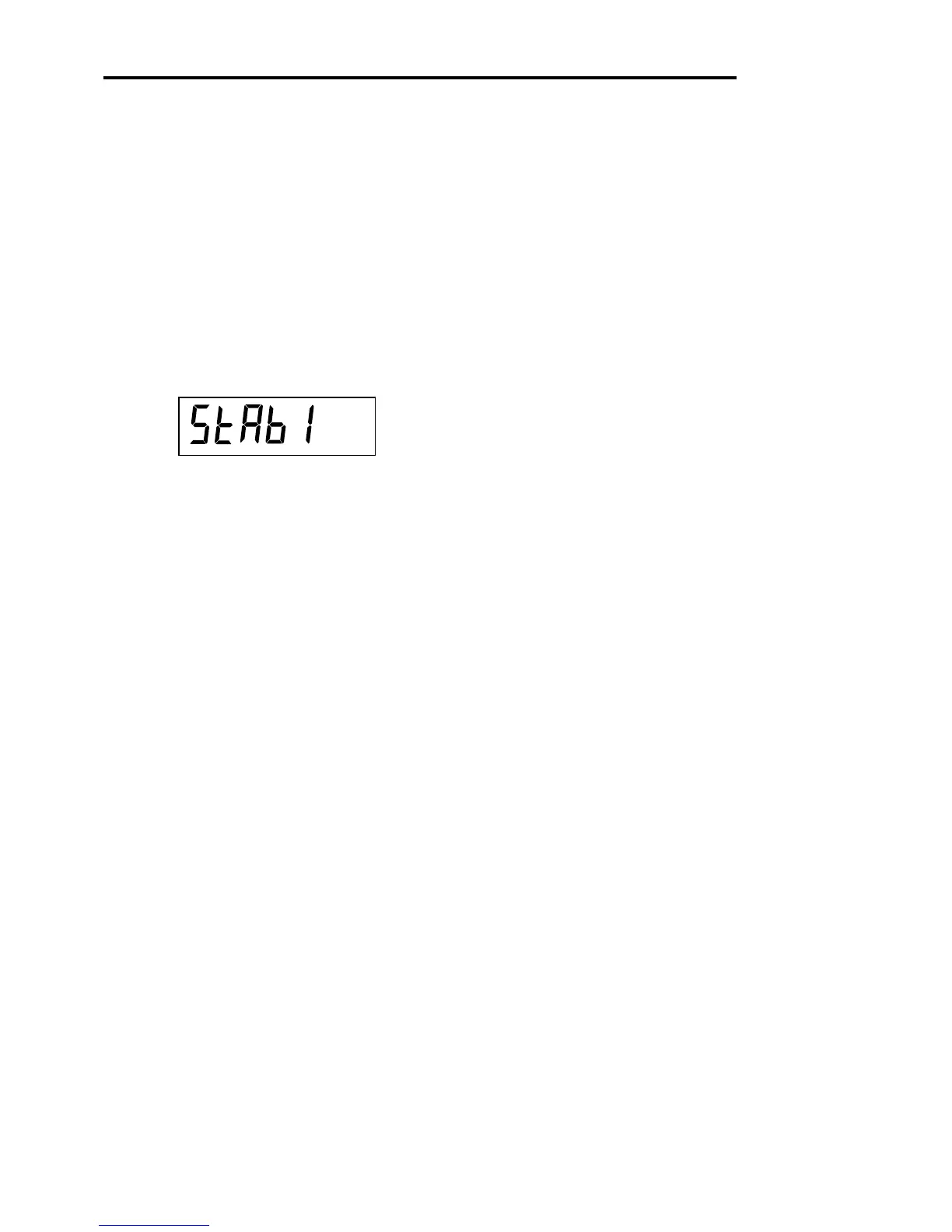
button, StAb1 is displayed.The sta-
bility range specifies the weighing results and must b e
within a preset tolerance limit for a certain time to turn
the stability indicator ON. When a displayed weight
changes beyond the allowable range, the stability indi-
cator turns OFF, indicating an unstable condition. 0.5 d
smallest range, stability indicator is ON only when dis-
played weight is stable within 0.5 divisions. 1 d-stable
within 1 division. 3 d-largest range, stability indicator is
ON even though displayed weight changes 3 divisions.
Factory default setting is 1.
Press PRINT/
UNITS
button,and select 0.5, 1, or 3.Nor-
mal 1d stability is default/recommended.








 To Next Page