14
Trooper Scale
UNITS SELECTION
Press G/N/T/
MENU
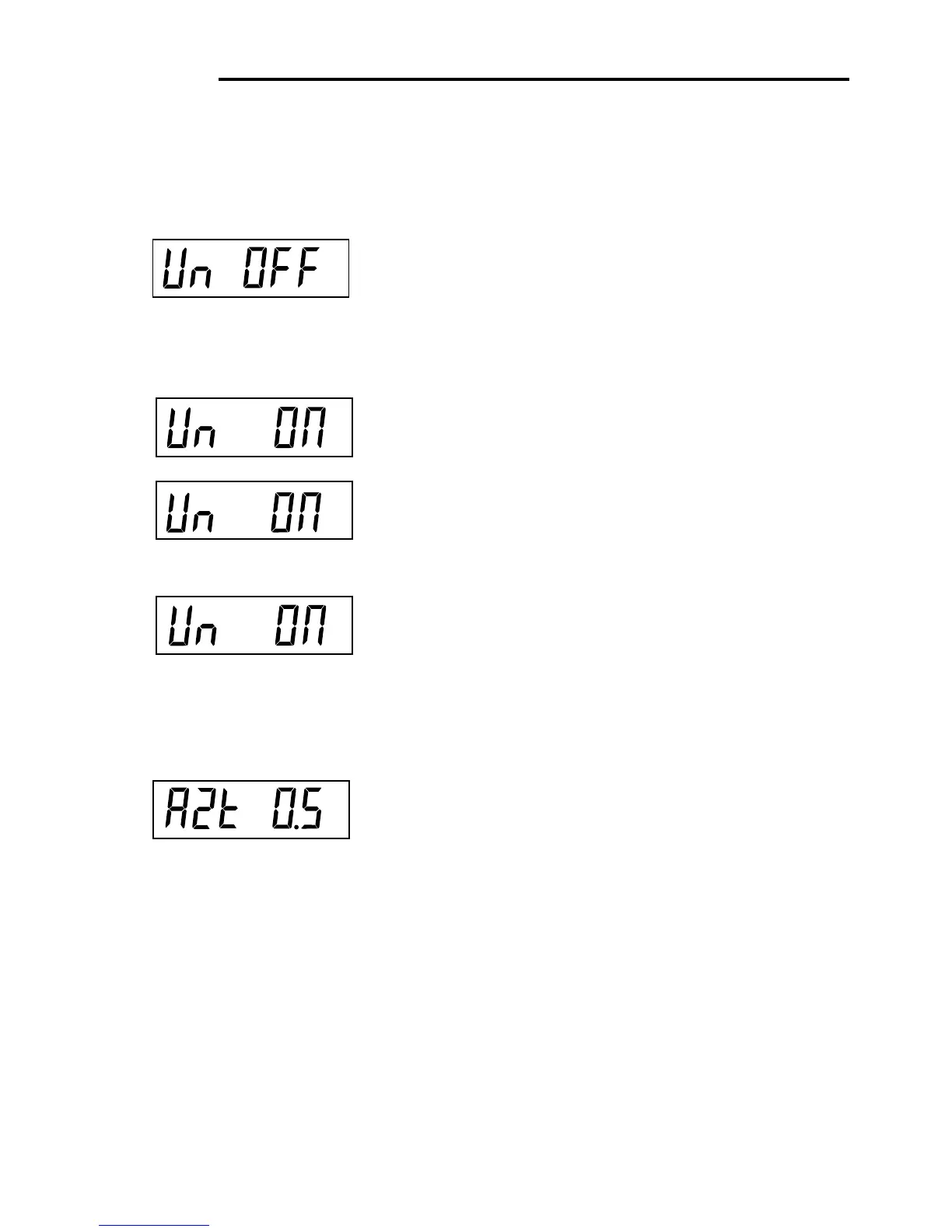
button, Un OFF g is displayed.
Press PRINT/
UNITS
button, and select ON or OFF. OFF is
the default setting.
Press G/N/T/
MENU
button, Un ON lb is displayed. This
is unit pounds which can be turned ON or OFF. This will
be displayed when CAL UNIT kg was selected. When lb
was selected as calibration unit, kg will display.
Press PRINT/
UNITS
button,and select ON or OFF. ON is
the default setting.
Press G/N/T/
MENU
button, Un OFF oz is displayed.
This unit is ounces which can be turned ON or OFF.
Default setting is OFF.
Press PRINT/
UNITS
button,and select ON or OFF.
NOTE: If CAL Unit is kg, then UNIT kg is fixed to ON menu
not shown. The same if CAL Unit is set to lb.
4.4.4 Readout Menu (Cont.)
Procedure
g
lb
oz
kg
AUTO ZERO
Press G/N/T/
MENU
button, AZt 0.5 is displayed. This is
the Auto Zero Threshold setting. Auto Zero minimizes the
effects of temperature changes and small disturbances
on the zero reading. The Scale maintains the zero dis-
play until the threshold is exceeded. Settings are shown
as follows:
OFF
0.5d Sets threshold to 0.5 divisions. - Fixed in LFT
1d Sets threshold to 1 division.
3d Sets threshold to 3 divisions.
Factory default setting is 0.5d.
Press PRINT/
UNITS
button,and select either 0.5, 1 or 3.








 To Next Page