21
Trooper Scale
Cal in kg: Span cal choices Linearity cal (fixed)
TR3RS 1, 2, 3kg 2 & 3 kg
TR6RS 2, 4, 6kg 4 & 6 kg
TR15RS 5, 10, 15kg 10 & 15 kg
TR30RS 10, 20, 30kg 20 & 30 kg
Cal in lb: Span cal choices Linearity cal (fixed)
TR3RS 2, 4, 6 lb 4 & 6 lb
TR6RS 5, 10, 15 lb 10 & 15 lb
TR15RS 10, 20, 30 lb 20 & 30 lb
TR30RS 20, 40, 60 lb 40 & 60 lb
5. CALIBRATION AND SEALING (Cont.)
Procedure (Cont.)
TURNING SOFTWARE LOCK OFF
For span calibration, there are a number of choices for
calibration. The highlighted number is the default.
To change the span calibration value read the setup sec-
tion of the menu on page 10. In the Setup menu, change
the CP selection to the desired value.
When the desired selection has been chosen and the
masses are available, you are ready to begin the calibra-
tion routine.
Procedure
SPAN CALIBRATION
With the Scale ON, press and hold the G/N/T/
MENU
button until MENU is displayed. When you release t h e
G/N/T/
MENU
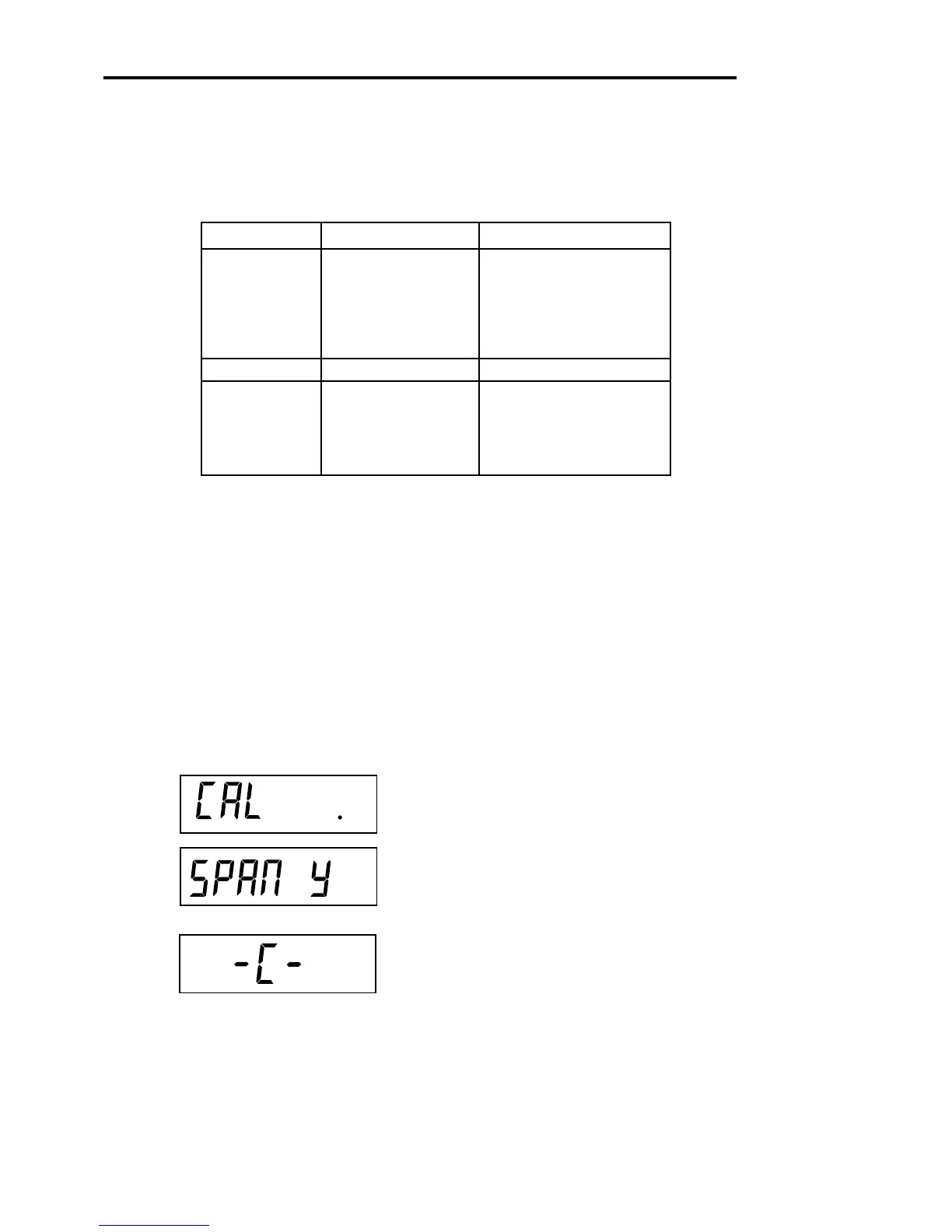
button, CAL is displayed. If the display
shows SETuP, read the section on turning off the Calibra-
tion Lock Switch or check the settings for legal for trade.
Press G/N/T/
MENU
button, SPAN Y is displayed.
Press G/N/T/
MENU
button, -C- is displayed. The scale
MUST be stable during this period and is establishing a
zero point. After a few seconds, the requested weight
value is displayed.








 To Next Page