47
MENU LOCK-OUT PROTECTIONMENU LOCK-OUT PROTECTION
MENU LOCK-OUT PROTECTIONMENU LOCK-OUT PROTECTION
MENU LOCK-OUT PROTECTION
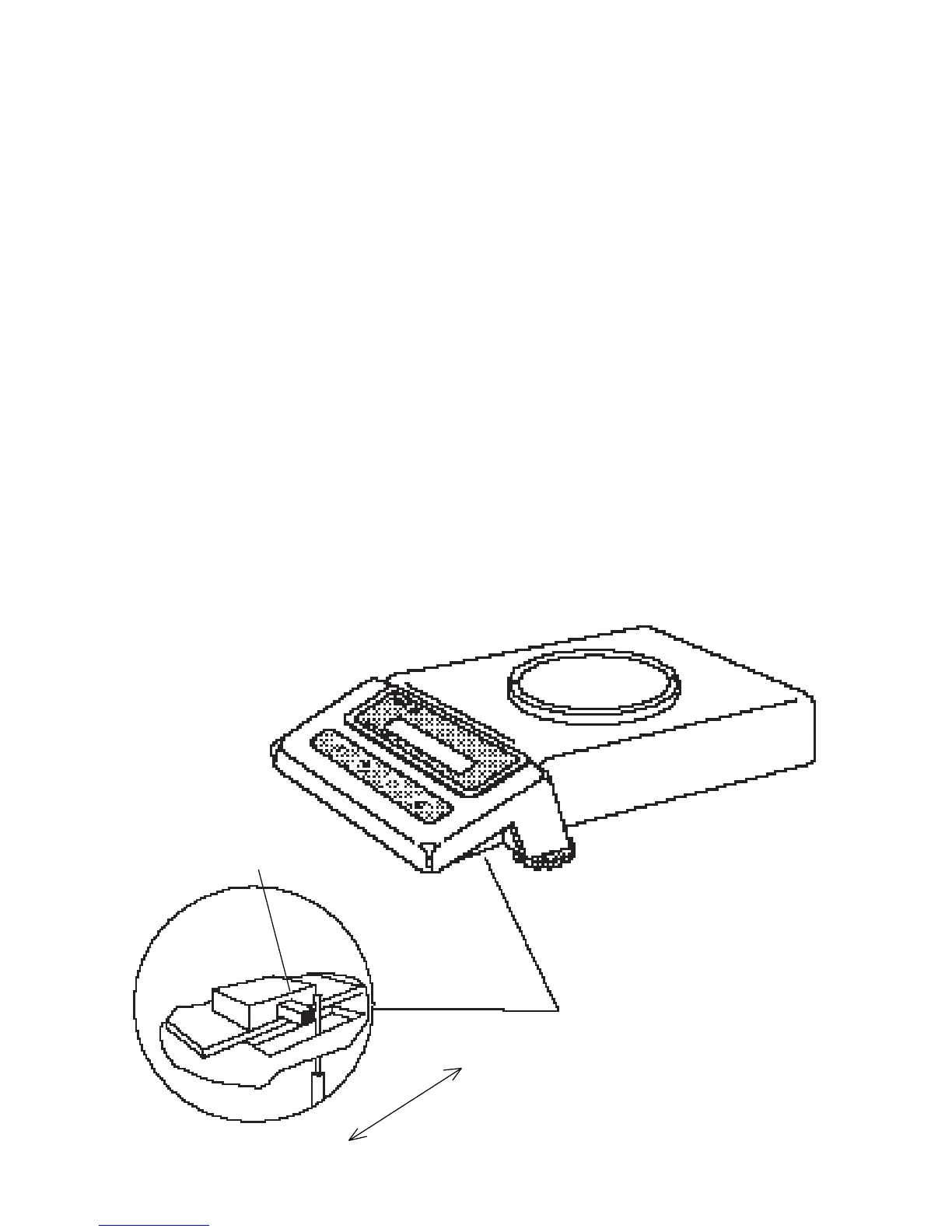
Access to the Calibration, User, Setup
and Print menus, can be disabled using
the lock out switch located under the right
side of the balance, near the display.
1. Turn the display off and unplug the
power cord.
2. Slide the balance toward you, with
the front over the edge of a table.
(You can also turn the balance on its
left side, but if you do, you MUST
remove the pan and spill ring first!)
3. Locate hole under display where
switch is located.
4. Using a small screwdriver, slide the
switch forward for LOCKED or back
for UNLOCKED.
5. Plug in the power cord and turn on the
balance.
LOCK OUT
SWITCH
UNLOCK
LOCK








 To Next Page