41
Data BitsData Bits
Data BitsData Bits
Data Bits
The total number of bits for Data, Parity
and Stop must equal 9 or 10. (see ex-
amples). The balance will not permit you
to select a combination that does not equal
9 or 10.
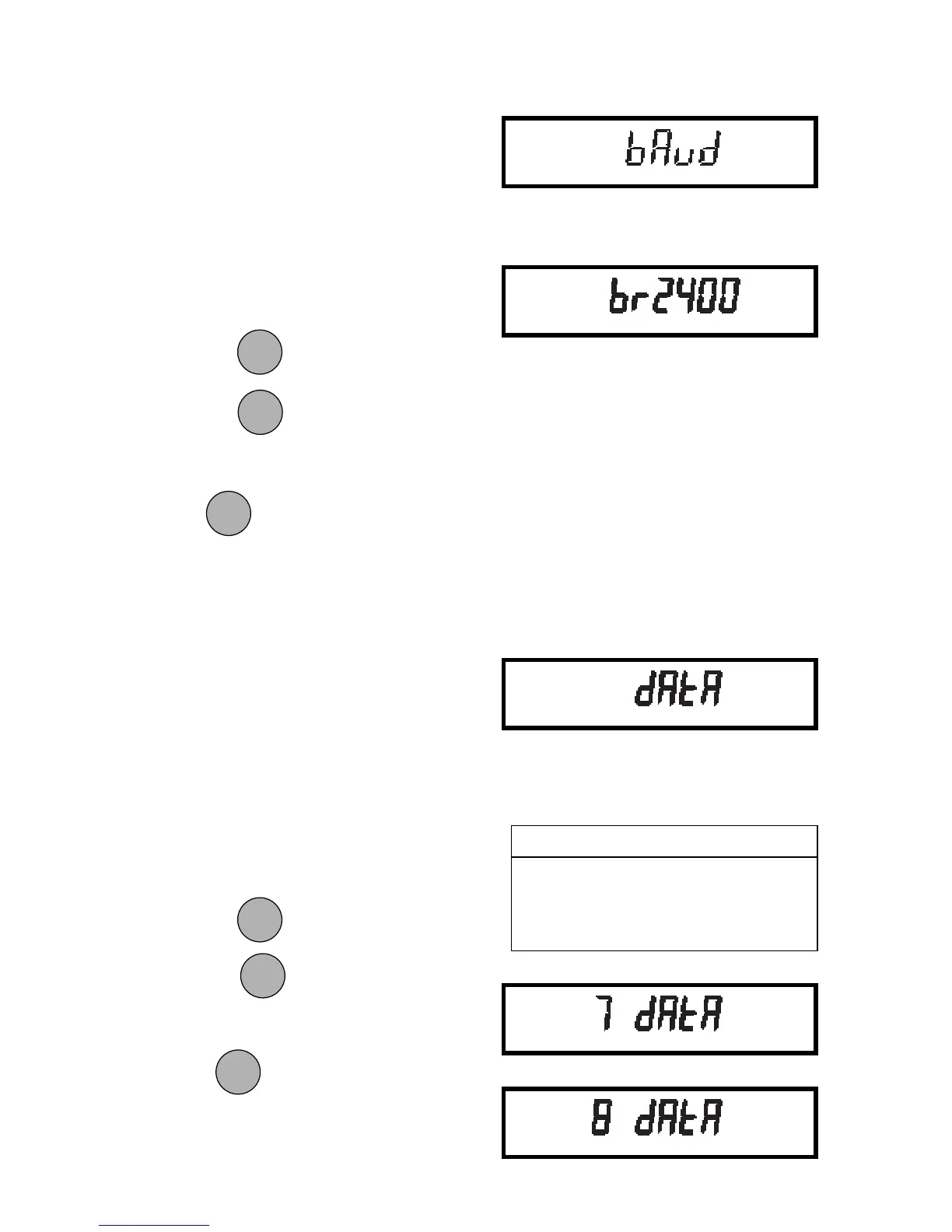
To set the number of data bits to 7 or 8:
1. Access the Data submenu to display
the current setting.
2. Press
to change the setting.
Press
to accept the displayed
setting.
When
is released, DATA will be
displayed again and the Print menu will be
returned.
Baud RateBaud Rate
Baud RateBaud Rate
Baud Rate
This submenu is used to select the de-
sired baud rate. There are five available
baud rates to choose from: 300, 1200,
2400, 4800 and 9600.
To view or change the baud rate:
1. Access the Baud submenu to display
the current setting.
2. Press
to change the setting.
Press
to accept the displayed
setting.
When
is released, BAUD will be
displayed again and the Print menu will be
returned.
ONON
ONON
ON
TARETARE
TARETARE
TARE
MODEMODE
MODEMODE
MODE
EXAMPLESEXAMPLES
EXAMPLESEXAMPLES
EXAMPLES
8 Data + 2 Stop + No Parity = 10
8 Data + 1 Stop + Odd Parity = 10
7 Data + 1 Stop + Odd Parity = 9
ONON
ONON
ON
TARETARE
TARETARE
TARE
MODEMODE
MODEMODE
MODE
ONON
ONON
ON
TARETARE
TARETARE
TARE
ONON
ONON
ON
TARETARE
TARETARE
TARE








 To Next Page