PAGE 26
© 2022 OJ Electronics A/S
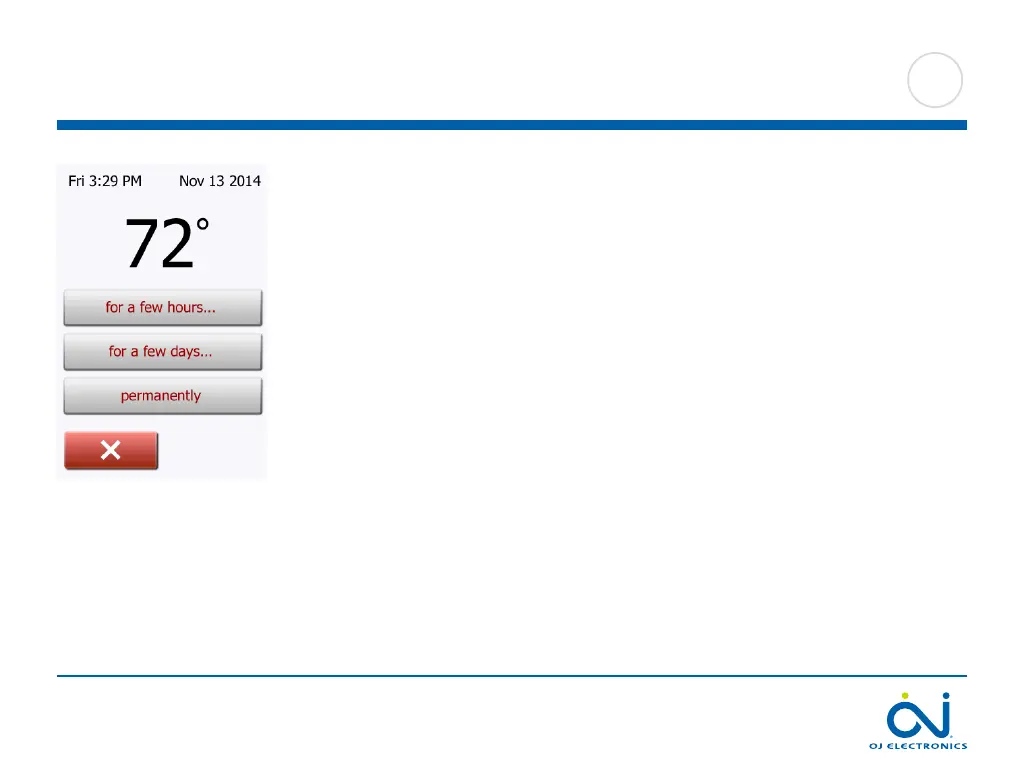
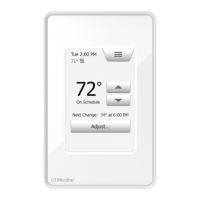
Allows you to maintain the displayed target temperature/setpoint or a Manual
Override for longer than just to the next event change or for a specific time period.
You can use the “Adjust…” options to specify the length of time the displayed
target temperature/setpoint should last. When the set time period has elapsed, the
thermostat will automatically revert to Scheduled Operation.
• Adjust… for a few hours
• Adjust… for a few days
• Adjust… permanently
9.2.1 Manual Operation Adjust





 To Next Page