PAGE 61
© 2022 OJ Electronics A/S
12. Troubleshooting 2/2
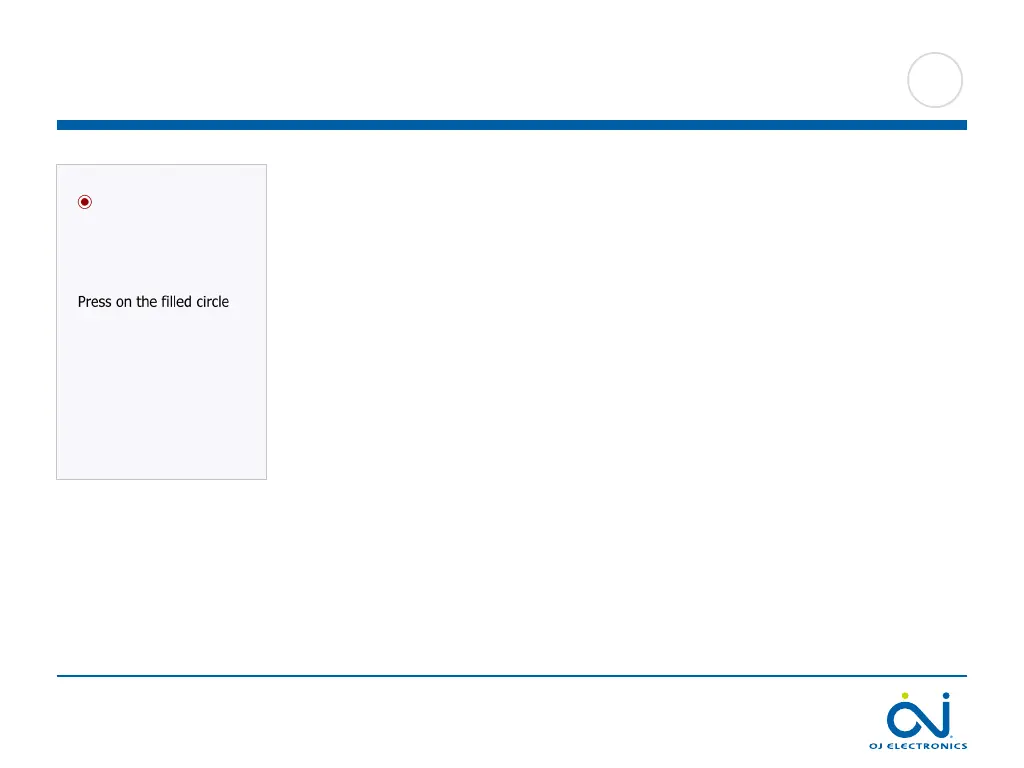
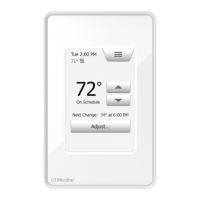
• A circle containing a dot is displayed in the upper left corner of the screen and the
following text is displayed:
“Press on the filled circle”.
Pressure has probably been applied to the screen while power was connected or
the thermostat was turned on. Restart the thermostat in the following way to con-
tinue using it:
1. Hold the power/reset button on the right side of the thermostat to switch it o.
2. Press the power/reset button on the right side of the thermostat to turn it back
on.
The thermostat will then boot normally.
• The floor is warming up, but more slowly than expected.
- Floor protection might be set to “Laminate”, which prevents rapid heating of the
floor.
- The heating element might have insucient capacity to heat the floor.





 To Next Page