PAGE 46
© 2022 OJ Electronics A/S
10.3.11 User Reset
“User Reset” is intended for use in case of change of ownership.
All your personal settings will be erased, but technical data such as “Floor Load”,
“Sensor Type” and “Floor Protection” will be stored in the thermostat for the next
owner.
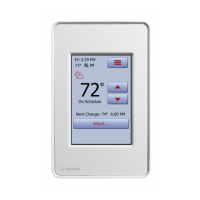
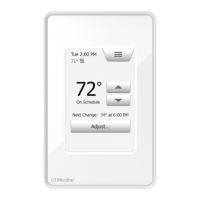
1. Tap the “Menu” button on the home screen.
2. Then tap the “User Settings” button to access the various user settings.
3. Tap the “Arrow Right” button to access the second page of User Settings.
4. Tap the “User Reset” button.
5. Tap the “Back” button to return to “User Settings”.
6. Tap “Reset Thermostat” to reset all user settings to factory default.
A confirmation screen is displayed briefly before the thermostat reverts to “User
Settings”.
All user and WiFi settings are now reset.





 To Next Page