PAGE 29
© 2022 OJ Electronics A/S
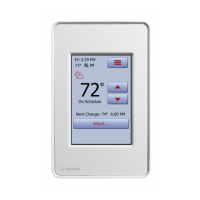
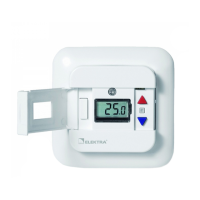
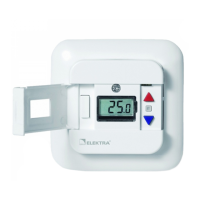
The “permanently” option allows you to maintain the displayed target temperature/
setpoint indefinitely, until you manually change the settings.
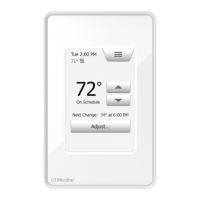
1. On the home screen, adjust the temperature to the preferred level using the
“Arrow Up” and “Arrow Down” buttons.
2. Tap the “Adjust…” button.
3. Then tap the “permanently” button.
The thermostat will automatically return to the home screen.
9.2.1.3 Adjust... permanently





 To Next Page