PAGE 57
© 2022 OJ Electronics A/S
10.4.7 Floor Protection 2/2
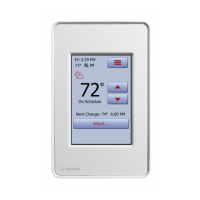
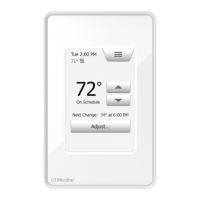
1. Tap the “Menu” button on the home screen.
2. Then tap the “Installer Settings” button to access the various installer settings.
3. Tap the “Arrow Right” button to access the second page of Installer Settings.
4. Tap the “Floor Protection” button.
5. Choose the floor protection which is relevant for your floor.
If Tile, Laminate, or Disabled is selected, proceed to step 8.
6. If Custom is chosen, you must define minimum and maximum temperatures for
the floor.
7. Use the “Arrow Up” or “Arrow Down” buttons to set the minimum and
maximum temperatures.
8. Confirm your choice with “√” or discard it with “X”.
The thermostat will automatically return to “Installer Settings”.
NOTE: If the maximum floor temperature is set too high, temperature sensitive floor
types may be permanently damaged.
For precise information, please ask your flooring supplier.





 To Next Page