PAGE 51
© 2022 OJ Electronics A/S
Maximum temperature depends on the floor type and temperature unit.
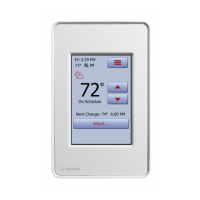
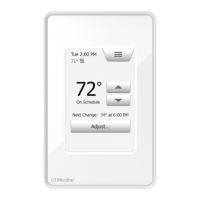
1. Tap the “Menu” button on the home screen.
2. Then tap the “Installer Settings” button to access the various installer settings.
3. Tap the “Sensor Application” button.
4. Tap the application that you want to use.
• Floor
• Room/Floor Protection
• Room
• Regulator
5. Confirm your choice with “√” or discard it with “X”.
The thermostat will automatically return to “Installer Settings”.
Note that, when changing Sensor Application, certain menu options may be grayed
out and inaccessible as they are not applicable with the current settings.
10.4.3 Sensor Application 2/2





 To Next Page