1_OCS SMART APP OJMAR 15
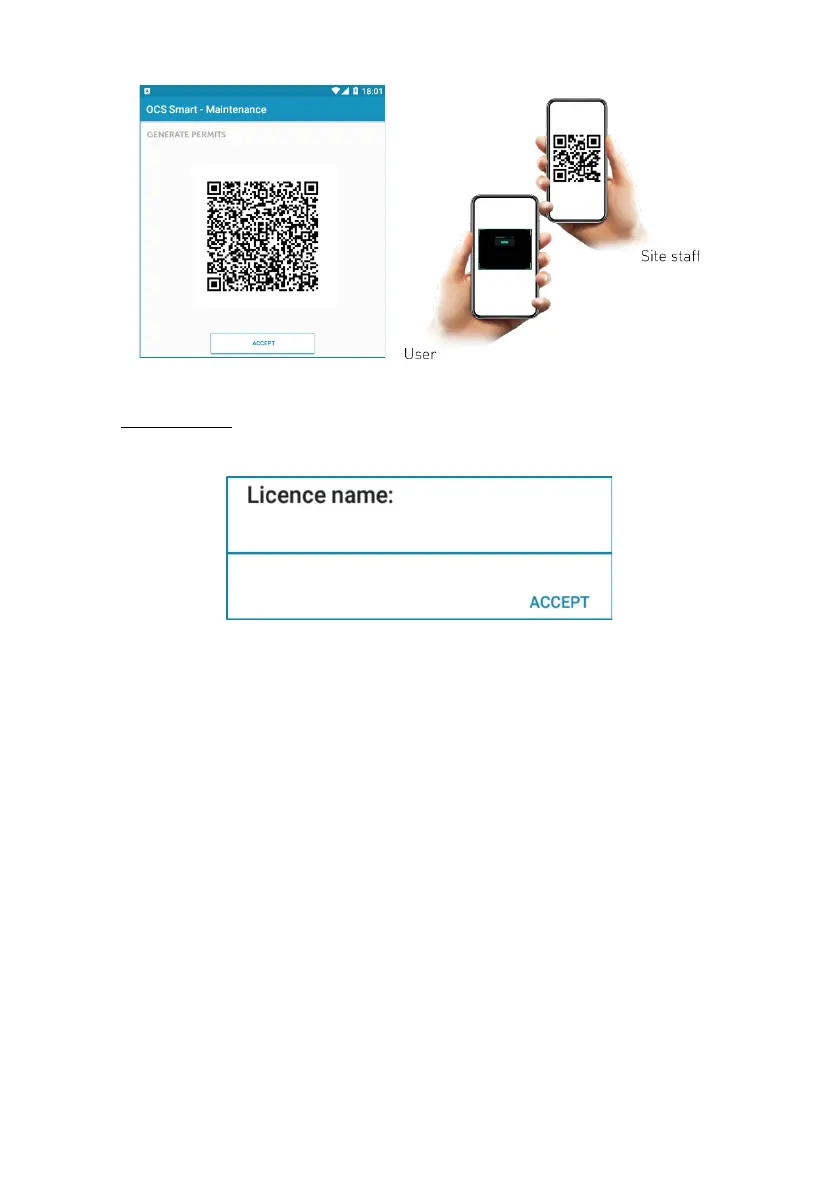
6. Generate File: Once the parameters have been set, tapping GENERATE FILE will
create a license file. Enter a name and tap ACCEPT.
• NOTE: On Android the User Permit is saved in the following path: ‘‘OCS
Smart/Licences’’.
• NOTE: On iOS the User Permit is saved in the Files app under Recent.
This file must be e-mailed to the user so that they can upload it to their mobile.



 To Next Page