- 126 -
Printing from a Computer
5
Printing
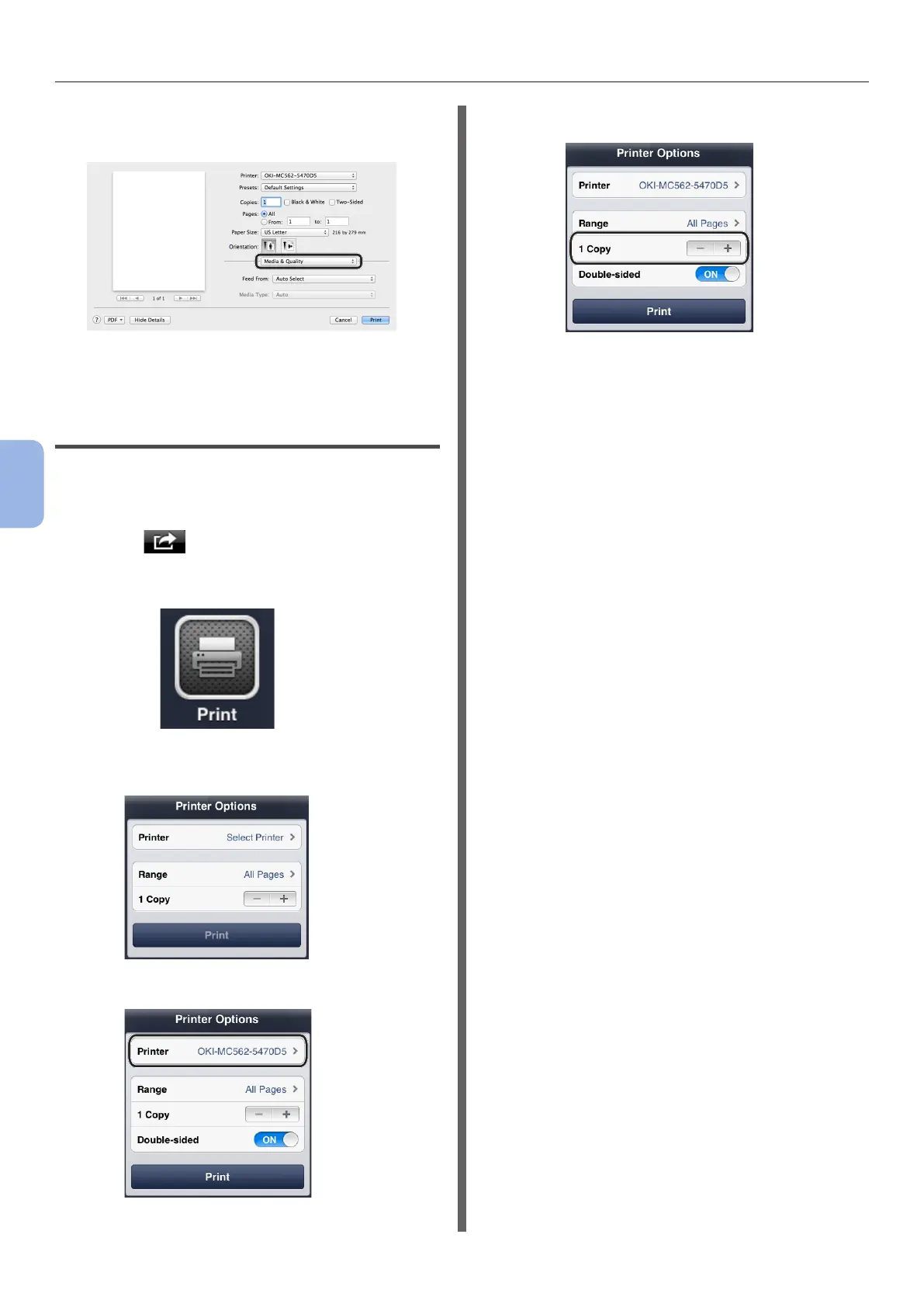
5 Select [Media & Quality] from the
panel.
6 Select a tray on the [Feed from] panel.
7 Click [Print].
For iOS AirPrint
1
Open the le you want to print from an
application.
2 Select in the upper right corner.
3 Select [Print] icon.
4 [Printer Options] is displayed.
5 Select Printer.
6 Set [Copies] input copy number.
7 Tap [Print].


 To Next Page