Paper handling > 23
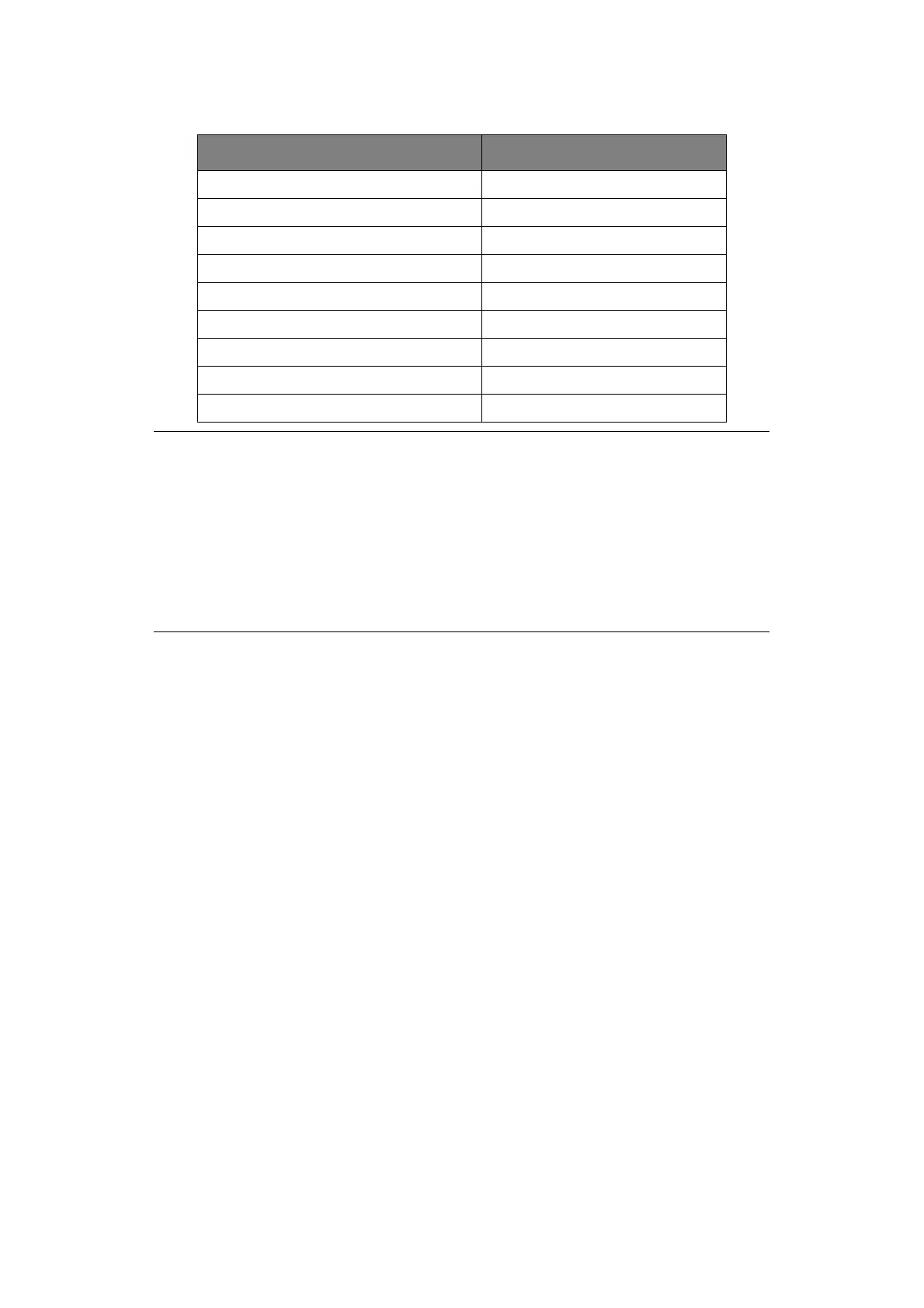
Set the Paper Thickness lever for overall paper thickness as follows:
OVERALL PAPER THICKNESS LEVER POSITION
0.06 – 0.12 mm 1
0.13 – 0.21 mm 2
0.22 – 0.30 mm 3
0.31 – 0.39 mm 4
0.40 – 0.48 mm 5
0.49 – 0.57 mm 6
0.58 – 0.66 mm 7
0.67 – 0.75 mm 8
0.76 – 0.84 mm 9
NOTE
> Printing with lever positions 5 – 9 is not guaranteed.
> If the lever position does not suit the paper thickness, paper feeding and
printing may not work properly.
> Do not print bankbooks to avoid possible pin breakage/ribbon snagging.
> Printing can be carried out with the lever position set to 4 for paper
thickness up to 0.325mm.
> When lever positions 5 - 9 are selected, printing quality for carbon paper
may decline resulting in illegible characters for example.



 To Next Page