Operating modes 35
After the scan has been given a name, you may also add the field dimensions of the scan area by clicking the
“More” button, as shown in figure 7.9. After that you click on the “OK” buttons to save the scan to memory.
7.3.4 Scan Analysis
Regardless of whether the scan was saved or not, you are still in the view mode, able to see the recently
performed scan. Here you can still control the analysis by zooming in and out, rotating the graphic and
repositioning it.
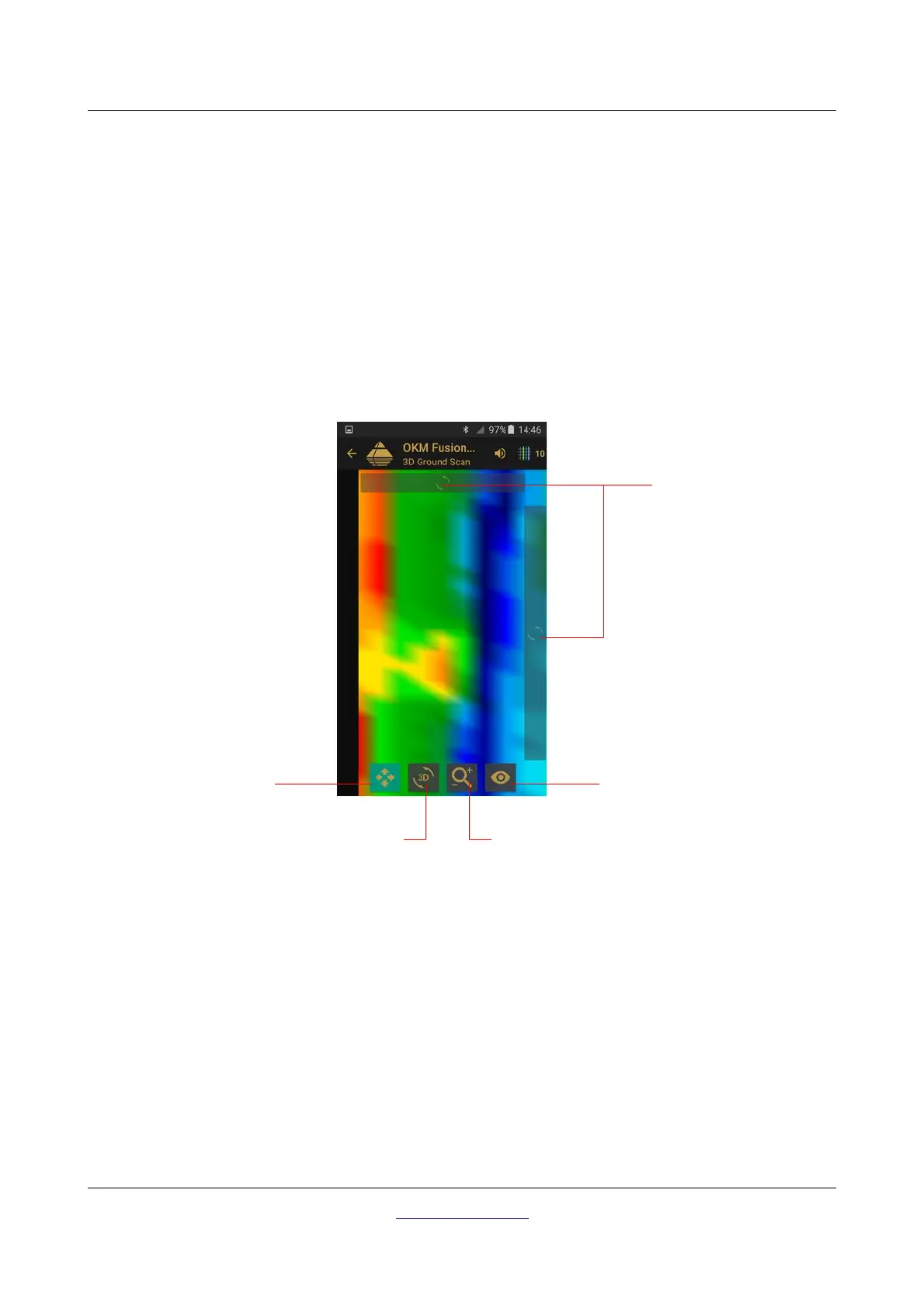
In figure 7.10 you can see the available controls. Press on any of the icons to activate it. When you have
selected an icon and it is available, it will illuminate in a greenish/highlighted color. As in the example below,
that is the position scan button which is highlighted.
To end the scan analysis, push the back button of your phone to get back into the main menu.
OKM GmbH
www.okmdetectors.com



 To Next Page