Operating modes 37
7.4 Open Scan
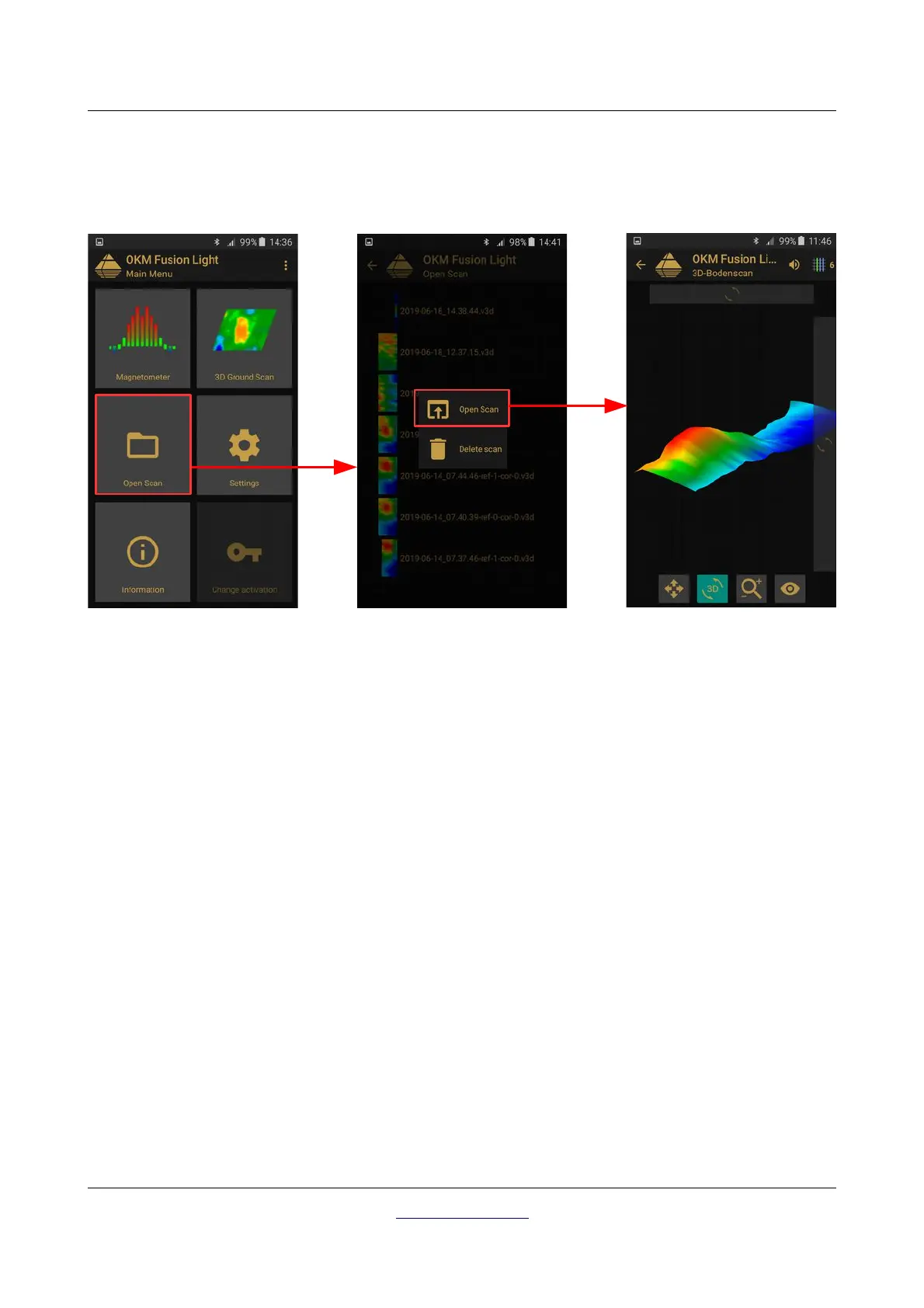
You can view scans at any moment from the main menu. Simply start the application and select “Open Scan”.
Afterward the memory will open up all of the available scans. Push on the desired scan to open it!
Shown above is the scan selection screen. Click on any of the files to open a popup menu with following
items:
• Open Scan
Select this item if you like to open the scan image for graphical display and analysis.
• Delete Scan
Select this item if you like to delete the scan image from your smartphone.
To return to the previous screen press on the back button of your smartphone or use the arrow .
OKM GmbH
www.okmdetectors.com
Figure 7.12: Browse scans in memory



 To Next Page