38 Operating modes
7.5 Settings
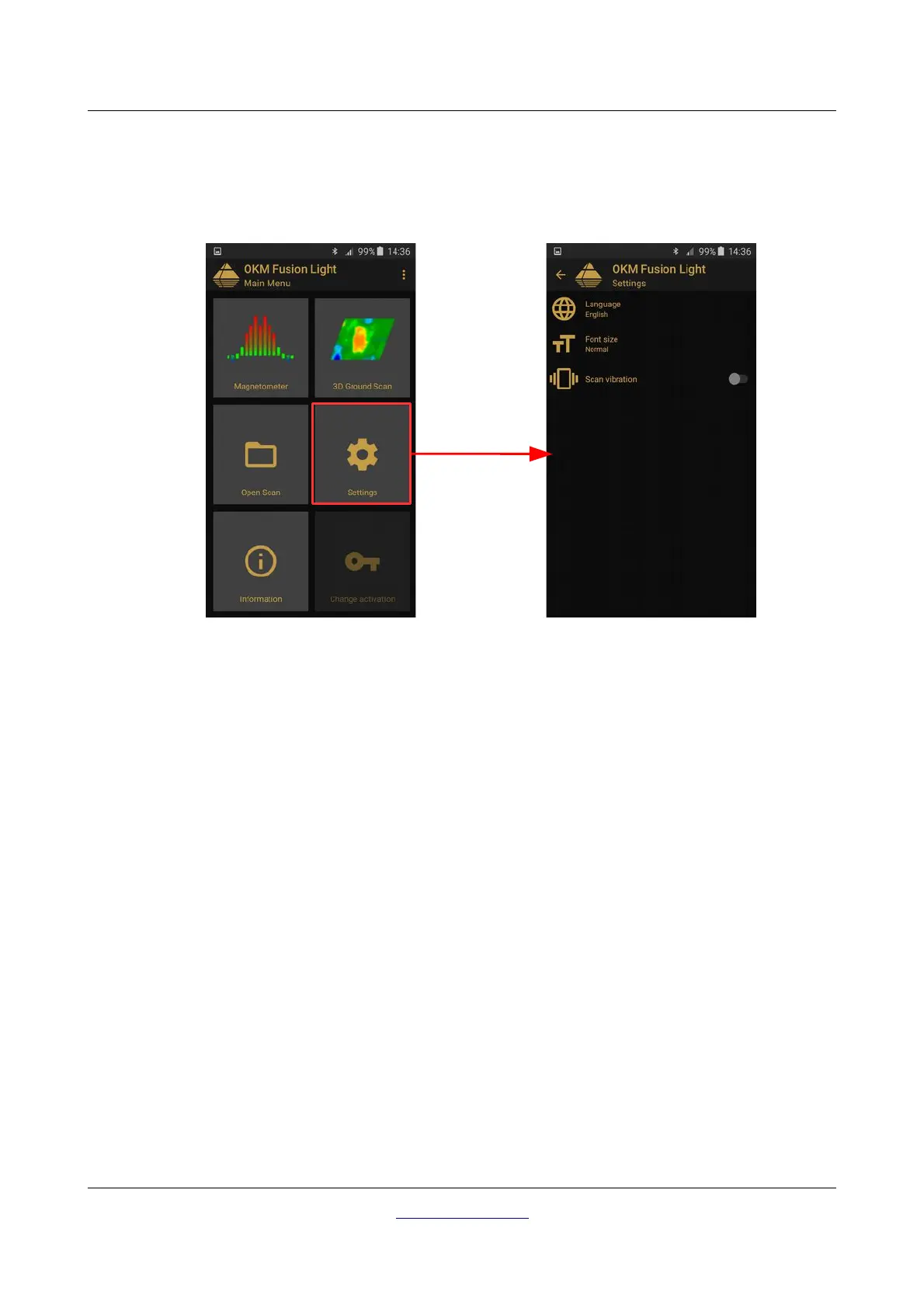
There are several configuration settings that can be changed individually while working with the Fusion Light
application. In figure 7.13 all options are shown.
Following options can be adjusted:
• Language
You may select a language of your choice. This will ease the operation of the application.
• Font size
You can also change the size of the font, that is used within the application. There are three sizes
available: Normal, Large and Huge.
• Scan vibration
If this option is enabled, the smartphone will vibrate to indicate specific progress. Thus you can turn
off the sound and will instead “feel” the scanning process.
7.6 Information
When selecting “Information” from the main menu, a new screen will appear showing the software version
as well as the device's serial number, that is necessary for any support requests.
OKM GmbH
www.okmdetectors.com



 To Next Page