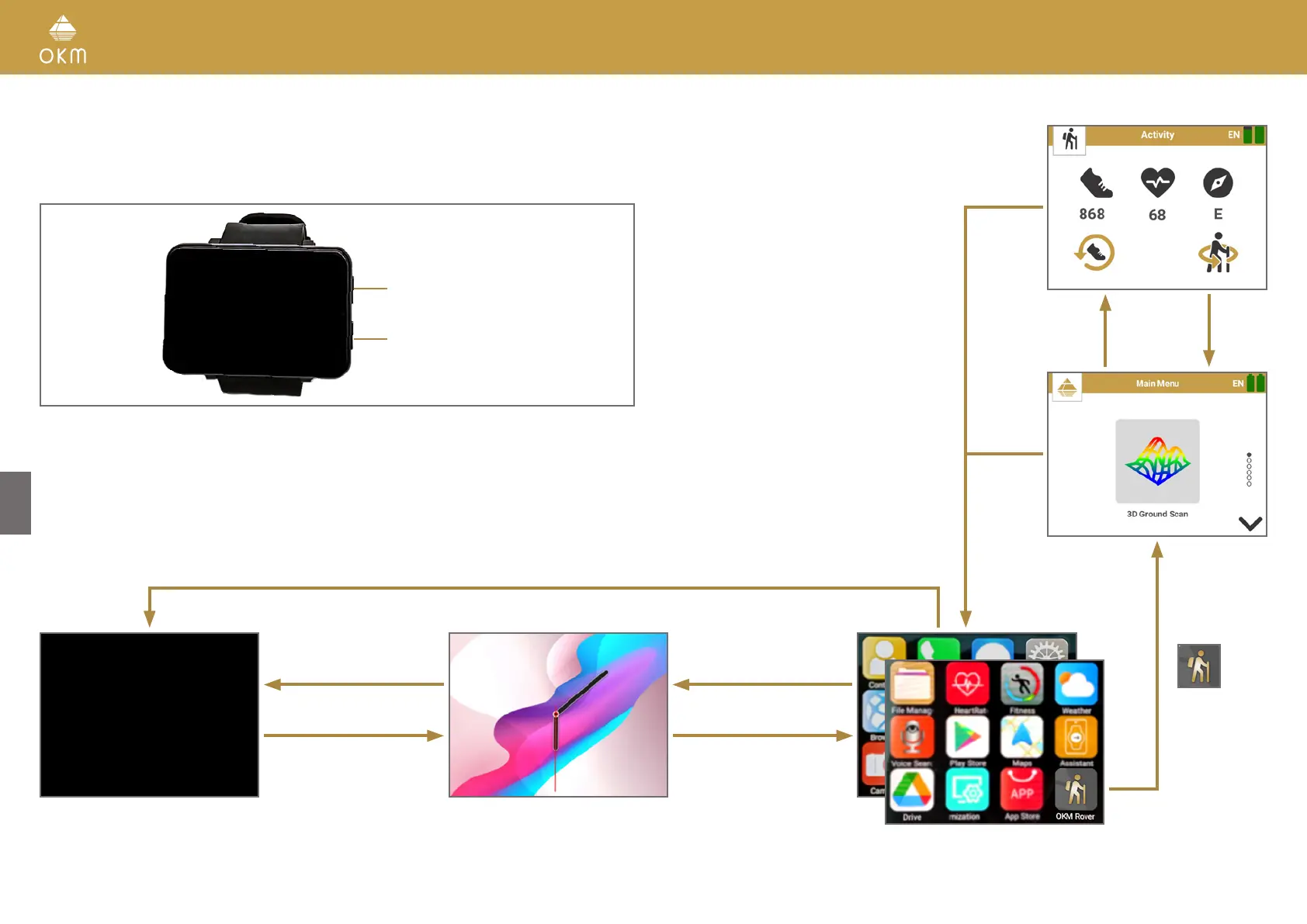
3.2 ANDROID SMARTWATCH
The Rover UC must be operated with an Android device by using the OKM Rover UC App. The
standard delivery scope of the Rover UC already includes a pre-configured Android Smartwatch.
Button A
Button B
Long press Button B (min. 2 s) to power on the Smartwatch or, if Smartwatch is switched on, to
enter the Shutdown screen. From here you can choose between Power off, Reboot, Power Save
or Recent Task.
For additional information please read the Smartwatch User Manual.
Button A
or
Swipe right
Swipe left
Button B
Button B
Button A
or
swipe right
Swipe up/down to browse App List
Standby
(Screen off)
Button B
Button B
10 / 34



 To Next Page