3.3 ROVER UC APP SCREEN OVERVIEW
Toggle Activity Screen /
Return to Main Menu
Selected
menu
Selected
language
Smartwatch battery status
Detector battery status
Available
options
View next option
Selectable
option
View previous option
Return to
previous screen
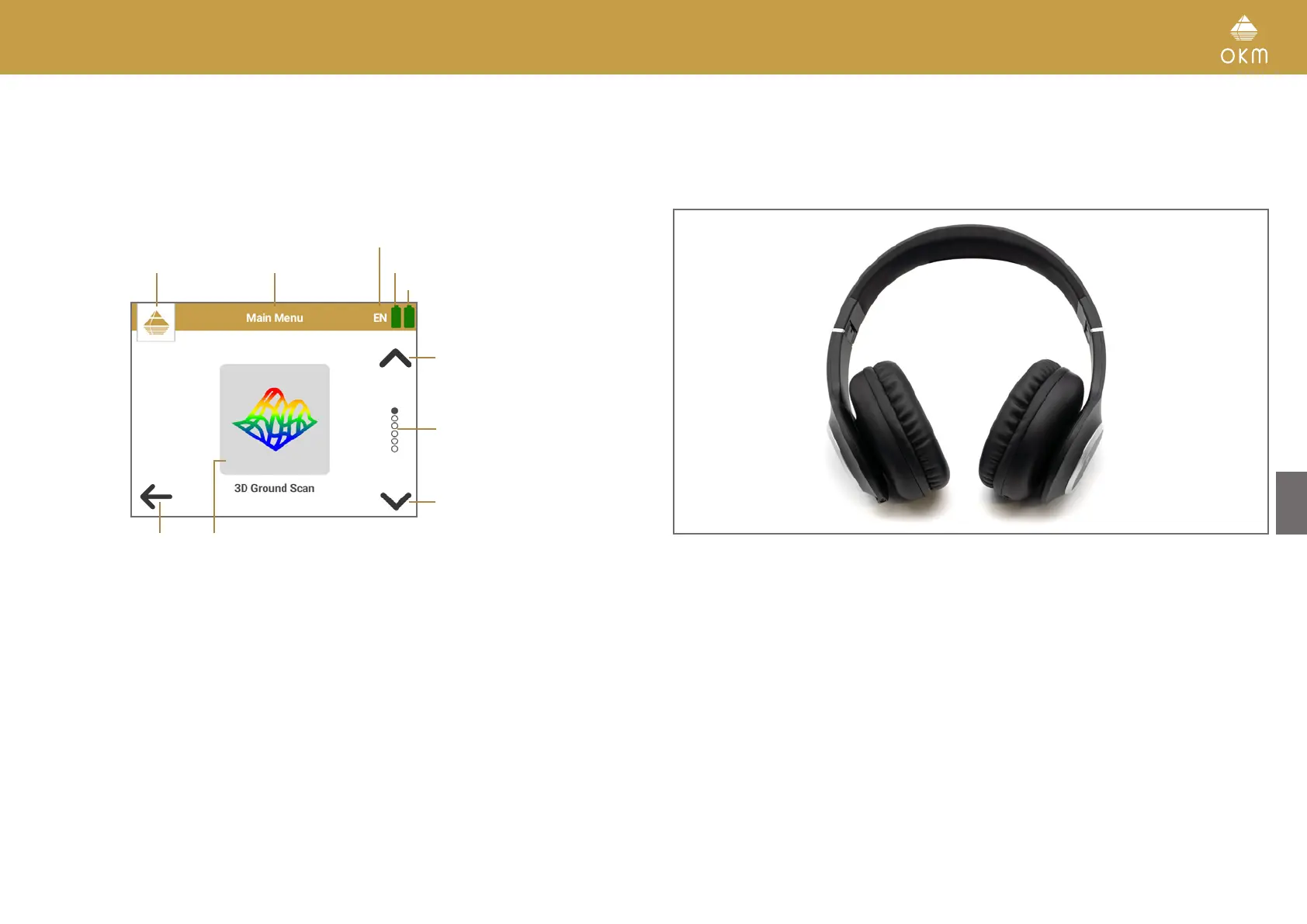
3.3 BLUETOOTH HEADPHONES
The Rover UC can be operated with any Bluetooth headphones available on the market. Your Rover
UC already includes Bluetooth headphones.
To use the headphones with your detector, they must be paired with the Android device that you
use to operate your detector via OKM Rover UC App. Connect your headphones according to the
following steps:
1. Power on your headphones (Baseline HS).
2. From the App List select Settings > Connect > Bluetooth.
3. Enable Bluetooth.
4. Scroll down to section Available devices and click on button Search.
5. The entry Baseline HS will appear in the list. Select it to start pairing.
6. After the headphones are paired, the entry Baseline HS will appear in Paired devices and is
ready to use.
For further information, please refer to the user manuals of your Android device as well as your
headphones!
11 / 34



 To Next Page