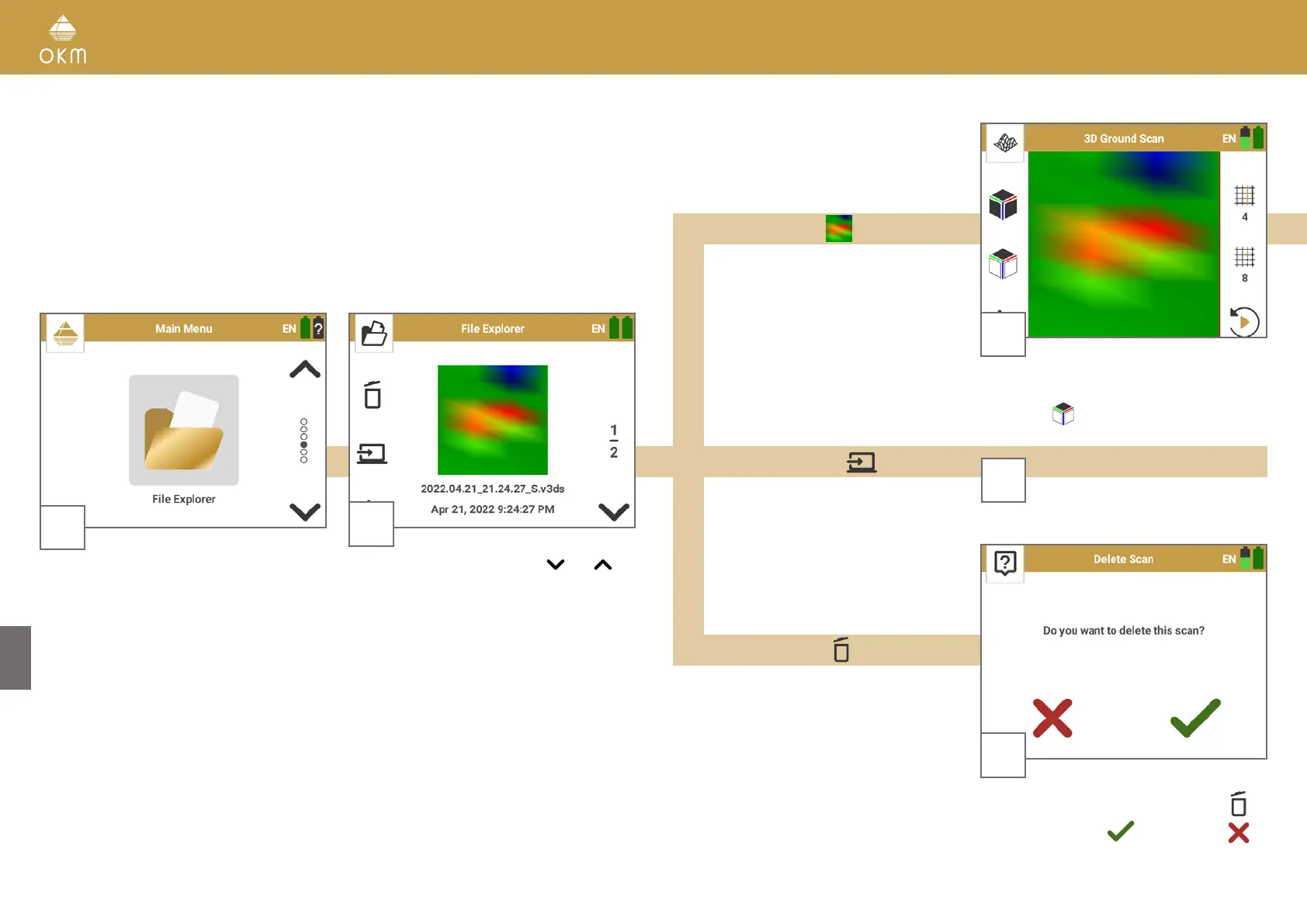
5.5 FILE EXPLORER
2
Browse all saved scan files with and .
The number of available scan files is indicated
on the right.
3
Delete the selected scan file by pressing
Confirm by pressing
or cancel with
1
Power on the detector and the Smartwatch. Start
the Rover UC App and select File Explorer.
3
Open your scan for further analysis by tapping
on the desired scan file. The file will be opened
in Top View
Open Scan File
Delete Scan File
Transfer Scan File
3
Continue with chapter
6 FILE TRANSFER on page 30
24 / 34



 To Next Page