7
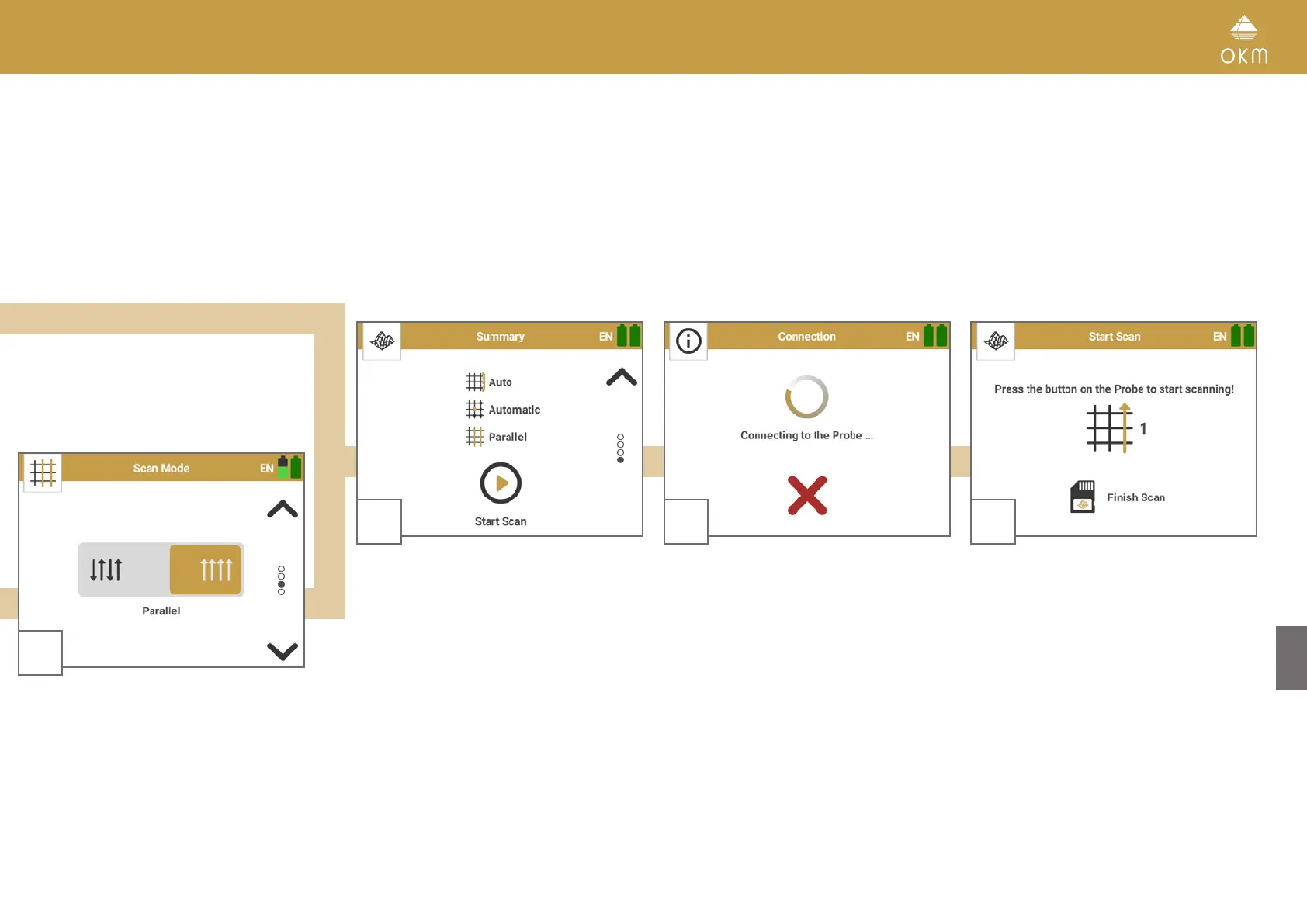
The Bluetooth connection to the detector will
be established automatically.
As soon as the Bluetooth connection is
established successfully, the Trigger LED
turns blue.
6
Confirm your settings by pressing Start Scan.
5
Select the Scan Mode to determine how to
walk over the scan field while scanning:
Parallel: Scan all lines in the same direction.
Zigzag: Scan all scan lines in zigzag style.
For further information please continue with
section 5.2.2 Performing a 3D Ground Scan on
page 18
8
As soon as the Bluetooth connection is
established, the App is ready to record the first
scan line.
Continue with section 5.2.2 Performing a 3D
Ground Scan on page 18
17 / 34



 To Next Page