Using the Operation Panel
4-84
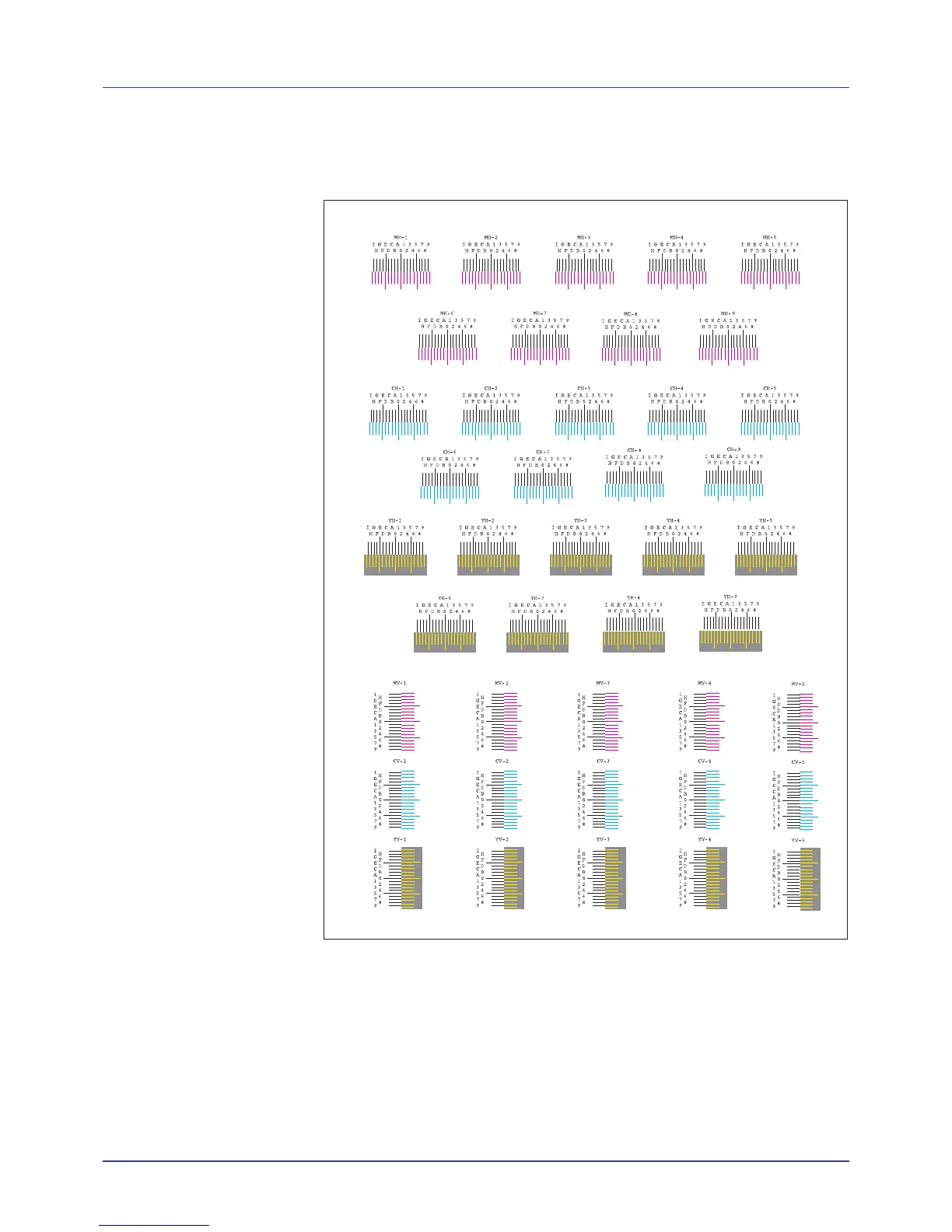
6 Press [OK]. Processing appears and a color registration correction
chart is printed out. There are horizontal (H) and vertical (V)
registration charts for each color (magenta, cyan and yellow) included
on the color registration correction chart.
7 When printing ends, the display returns to Ready.
M 12345 3 (Adjust magenta)
Makes detailed corrections to the registration for magenta (red).
1 Press Z while Adjust/Maintenance > is displayed.
2 Press U or V repeatedly until >Registration Details >
appears.
3 Press Z.














 To Next Page